Why Do Hotels Actually Consider Leaving Clock PMS+?
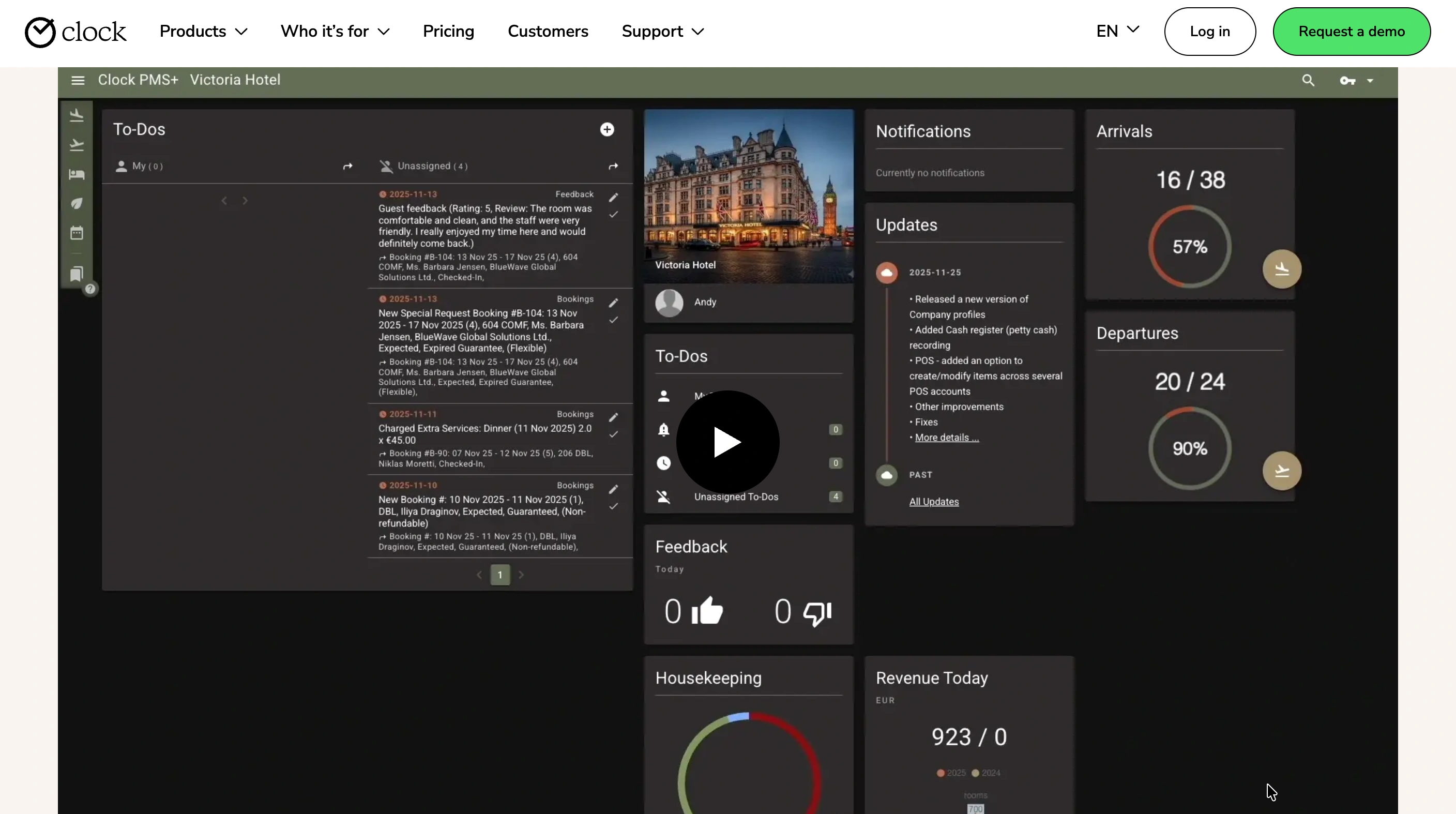
Clock PMS+ is a well-regarded platform. It holds a 4.7 out of 5 rating on Capterra across 85 reviews and a combined 4.6 out of 5 across 176 reviews on G2, Capterra, and Software Advice. Reviewers consistently praise its all-in-one workflow, OTA synchronization, and reduction in overbookings and manual work. This article is not built on a false premise that Clock PMS+ fails its customers.
The genuine friction sits in two places. First, the platform's breadth, front desk, housekeeping, restaurant POS, events, activity bookings, and guest self-service tools all built into one system, creates a real learning curve for new staff, with reviewers describing "clunky workflows or extra clicks" in some flows. Second, advanced reporting and formatting are consistently flagged as weaker than the core PMS experience, which matters more as a property scales and needs sharper financial visibility.
Neither point is a reason to leave in isolation. Together, they describe a property that has grown past the setup Clock PMS+ was configured for years earlier, not a platform that has failed.
What Happens to Your Kiosk Hardware and Guest Self-Service Portal?
Clock PMS+ is not purely software. It includes online check-in and kiosk hardware, plus a guest portal where guests manage their own stay details, requests, and payments directly. This is the part no existing comparison content addresses.
Migrating away means answering three questions before cutover, not during it. What happens to the physical kiosk device once Clock PMS+ is decommissioned? Where do guests who are used to self-service check-in and payment through Clock's guest portal get redirected? And does your restaurant POS, if you use Clock's built-in module, need a separate transition plan from the core PMS switch?
Treat hardware decommissioning and guest-portal redirection as their own line item in your migration plan, with a named owner, the same way payment data deserves its own verification step in any PMS migration. A guest arriving expecting a familiar self-service kiosk that no longer works is a worse first impression than almost any back-office data issue.
What Must Be Verified Before You Migrate Your Data?
Beyond the hardware question, three categories of data need explicit confirmation before you sign with a new vendor.
Reservation and guest profile data. Confirm the exact export format and field list from Clock PMS+ in writing, including any custom fields tied to guest self-service preferences.
Restaurant POS transaction history, if the module was in use. This data often sits in a separate reporting stream from core PMS reservations and is easy to overlook during a standard migration checklist.
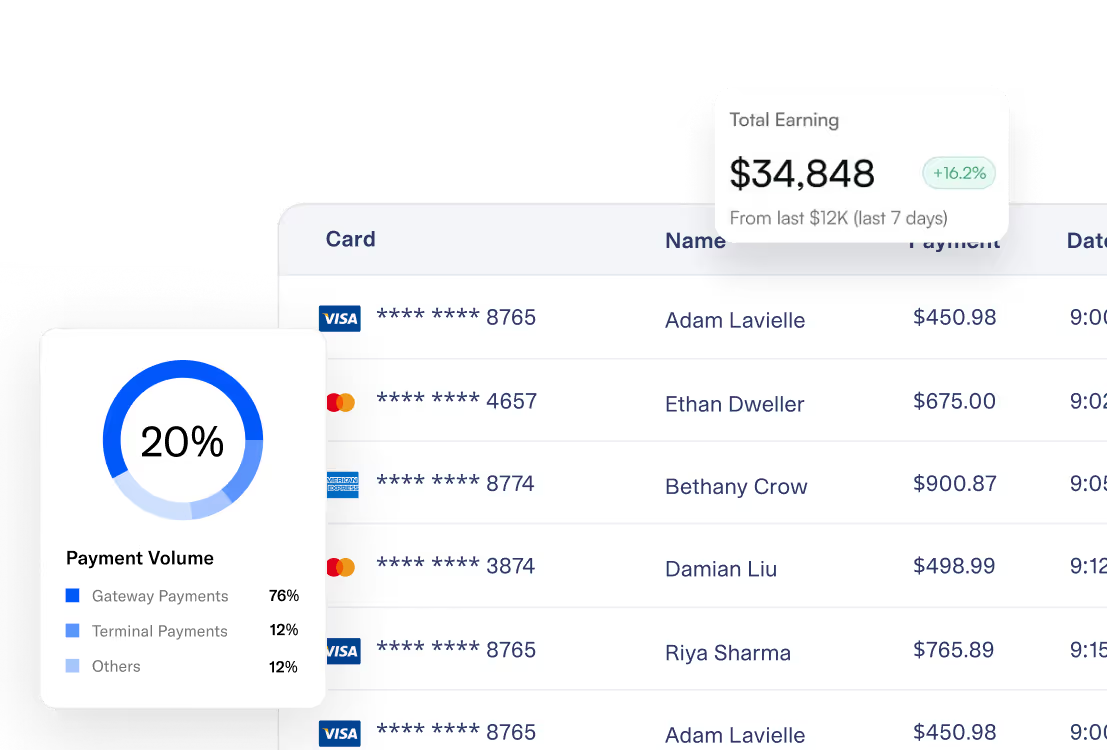
Payment processing continuity. Card payment automation runs through Clock's own integration. Confirm whether your new payments provider supports a direct handoff or whether guests with stored payment details will need to re-enter them.
{{payments-cta}}
What Is a Realistic Timeline From Decision to Go-Live?
Three to four weeks is realistic, provided hardware and guest-portal decommissioning are planned from the start rather than addressed at the end.
Week 1: Assessment. Your new vendor reviews your room count, modules in active use (restaurant POS, kiosk, guest portal), and rate structure. You confirm your Clock PMS+ export format in writing.
Week 2: Data export and mapping. Reservations, guest profiles, and POS transaction history export from Clock PMS+. You finalize the plan for kiosk hardware and guest-portal redirection here, not later.
Week 3: Configuration and training. Your new property management system is built out with your actual room types and rates while Clock PMS+ continues running live operations. Staff train on the real setup.
Week 4: Cutover and verification. The new system becomes your system of record. The kiosk and guest portal transition happens on the same day as the core PMS cutover, not separately. Your team checks the verification numbers below before Clock PMS+ is decommissioned.
For broader PMS-switching mechanics, see the roommaster guide to migrating to a new property management system.
Where Does Clock PMS+ Perform Well, and Where Does roommaster Differ?
| Area | Clock PMS+ | roommaster |
|---|
| Core PMS workflow and OTA sync | Strong, well-rated by reviewers | Strong, native channel manager built in |
| Reporting and analytics depth | Reviewers flag this as weaker than core PMS functions | Configurable exports built for audit and compliance depth |
| Onboarding complexity | Feature breadth creates a real learning curve for new staff | Familiar front desk workflows, positioned for faster staff adoption |
| Guest self-service hardware | Kiosk and guest portal included natively | Requires an explicit handoff plan during migration, addressed above |
| Regional support base | Primarily Europe-based support and integration ecosystem | 24/7 phone, chat, and email support, with a North America-based operational footprint |
This comparison is not a case for Clock PMS+ being worse. It is a case where a hotel's specific situation, particularly reporting needs or a North America-based support expectation, may point toward a different fit.
What Are the Strongest Alternatives to Clock PMS+?
| Platform | What it provides well | Where it may not fit |
|---|
| roommaster | Front desk, channel management, and payments on one platform, with 24/7 human phone support and over 30 years running hotel software, built for the 30-150 room independent hotel range | Pricing is quote-based, and does not include kiosk hardware or a restaurant POS module natively |
| Cloudbeds | Unified PMS, booking engine, and channel manager stack with strong marketplace breadth for small-to-midsize properties | Revenue management scores only 3.8 out of 5 on G2, reporting depth narrows at scale |
| Mews | Large, automation-forward marketplace and one of the most extensive integration ecosystems in hotel tech | Marketplace apps carry separate fees that stack, and configuration depth built for power users can become overhead for a lean front desk team |
How Does the Migration From Clock PMS+ to roommaster Work?
Step 1: Assess and plan the full handoff. A roommaster implementation specialist reviews your current Clock PMS+ setup, including which modules are active, restaurant POS, kiosk, guest portal, and agrees on a plan for each before any data moves.
Step 2: Migrate and configure. Reservations, guest profiles, and folio balances transfer while Clock PMS+ continues running live operations. Your new system is configured with your actual room types and rates.
Step 3: Cut over and verify. On the agreed date, roommaster becomes your system of record. Kiosk and guest-portal redirection happens the same day. Your team confirms the verification numbers below before Clock PMS+ is decommissioned.
If Clock PMS+'s support hours have felt tuned to a European clock rather than yours, roommaster 24/7 phone support puts a person on the line regardless of time zone.
{{pms-one}}
What Verification Checklist Confirms the Migration Worked?
Check every item below before Clock PMS+ is decommissioned, not after.
- Reservation count. Future reservations in the new system must match your final Clock PMS+ report exactly.
- Revenue on the books. Total future booking revenue must match, with any mismatch traced back to a rate mapping error.
- Guest profile count. Total profiles must match, with several records spot-checked for missing preferences.
- Outstanding balances. Deposits held and balances owed must reconcile to the cent against your Clock PMS+ closing figure.
- Kiosk and guest portal redirection confirmed live. Walk through the guest self-service flow yourself on cutover day, as a guest would, before assuming it works.
If any of these diverge, hold the go-live date and resolve the gap first.
Bottom Line
Migrating from Clock PMS+ is not a story about a failing platform. It is a story about matching your property's current needs, reporting depth, support time zone, and hardware requirements, to the right system. Plan the kiosk and guest-portal handoff as its own step, verify the numbers before you decommission the old system, and the switch goes cleanly.
If reporting depth or support hours have become the actual friction with Clock PMS+, the roommaster implementation team can walk through your specific module usage, including hardware, on a call.
{{cta-strip}}
Frequently Asked Questions
1. Is Clock PMS+ a bad PMS?
No. It rates 4.6 out of 5 across 176 reviews and is well-regarded for its all-in-one workflow. The friction in this article is about specific structural fit, feature-breadth onboarding and reporting depth, not overall quality.
2. Does my kiosk hardware still work after I migrate?
Not automatically. Clock PMS+'s kiosk and guest self-service portal are tied to its own platform. Plan a specific redirection or replacement path before cutover, not after.
3. How long does migrating from Clock PMS+ take?
Three to four weeks is realistic, provided hardware and guest-portal decommissioning are planned from week one.
4. Does my restaurant POS data transfer automatically?
If you use Clock's built-in restaurant POS module, confirm the transaction history export separately from your core reservation data export, since it often sits in a different reporting stream.
5. Is roommaster a direct swap for every Clock PMS+ feature?
Not entirely. roommaster does not include kiosk hardware or a restaurant POS module natively. Confirm your specific module usage during the assessment call before assuming full feature parity.

.png)
.png)
.png)