What Is Hostelworld and How Does Listing Work?
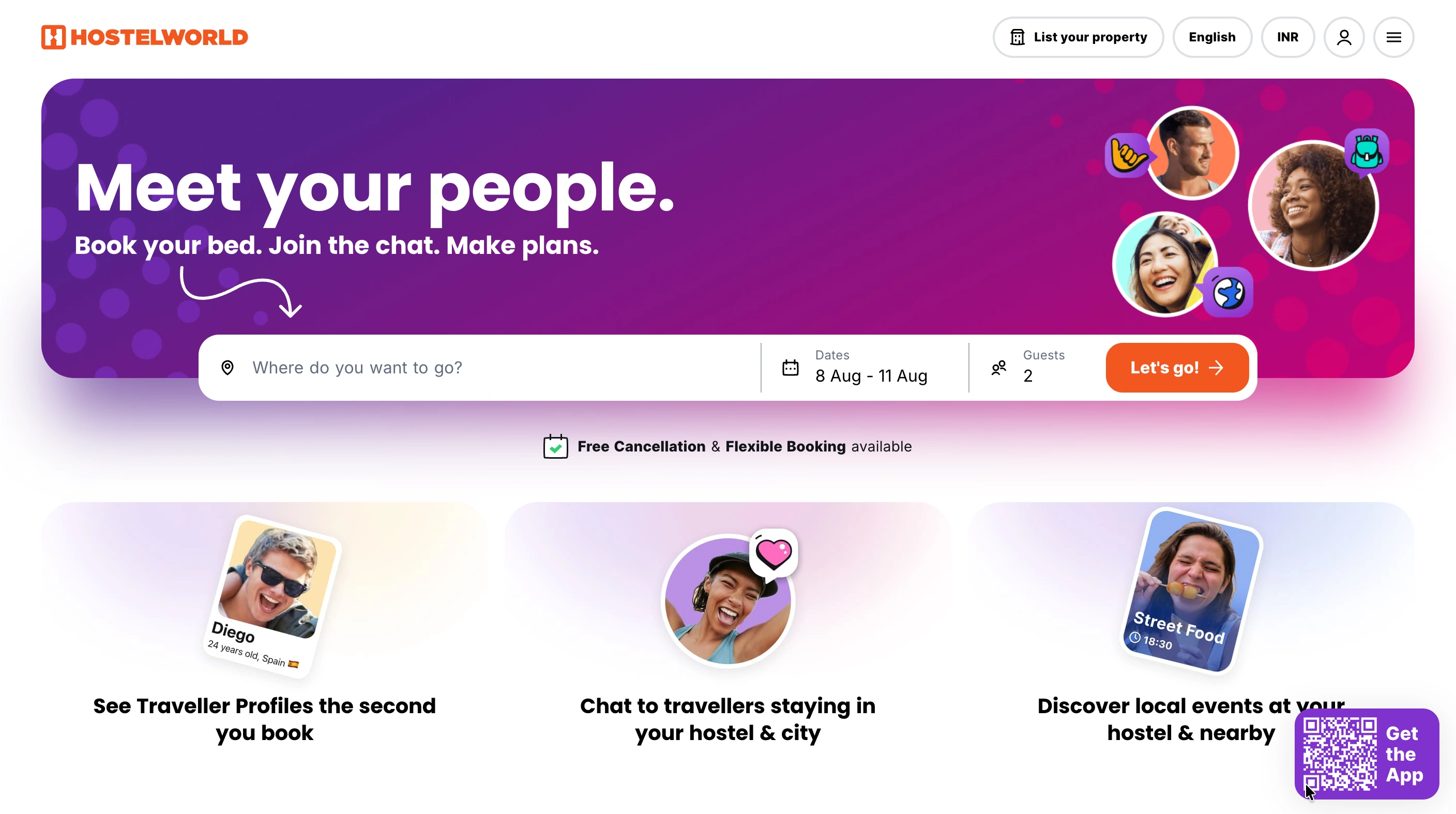
Hostelworld is an OTA built for backpacker and budget travel, primarily hostels. Its own signup flow also asks about B&Bs and campsites. Listing isn't limited to traditional hostels.
Listing works in two stages. First, you sign up and get verified by Hostelworld's team. Second, you build out your listing details in their Extranet dashboard before publishing. Our hostel vs. hotel guide covers how hostel operations differ more broadly.
What All Is Required to List Your Property on Hostelworld?
A few things need to be ready before you start.
- Basic property details ready to submit. Property name, address, phone number, and email for the initial signup.
- Room types and bed configurations. Dorms, private rooms, and bed counts, since pricing depends on the setup.
- Local tax and pricing info. Rates and applicable taxes need to be ready before you can publish.
- Clear, well-lit photos. Rooms, bathrooms, and common areas all need current images.
- Someone available to manage rates and availability. Extranet dashboards need regular upkeep, not a one-time setup.
Step by Step Process to List Your Property on Hostelworld
This runs through two stages: verification first, then building the listing itself.
Sign Up and Verify
Start on Hostelworld's property signup page. Enter your property name, address, phone number, and email. Their market support team then reviews your details and contacts you to confirm your business. This step can take some time, so submit accurate details the first time.
Access Your Extranet
Once approved, log into the Hostelworld Extranet. This is where you manage inventory, pricing, and reservations going forward, not just during setup.
Build Out Your Listing
Add your room types, bed configurations, and pricing inside the dashboard. Upload clear, bright photos of dorms, private rooms, bathrooms, and common areas. Write a property description and list your check-in times, amenities, and house rules.
Publish and Go Live
Double-check your rates and room details before publishing. Once live, your property becomes visible to travelers searching Hostelworld directly.
How Do You Sync Rates and Beds Across Channels?
Running rates and availability by hand doesn't scale past a couple of properties. That's true across any platform, not just Hostelworld.
A hotel channel manager syncs rates, inventory, and bookings automatically, so nothing needs updating twice. roommaster's Hostelworld integration connects directly, keeping your beds and pricing consistent everywhere you list.
{{channel-manager-one}}
What Should You Know Before Listing?
A few things are worth knowing before you commit.
- Hostelworld skews toward budget and social travelers. Compare it to standard OTAs if your property targets a different guest type.
- Commission applies per booking. Confirm the exact rate during signup, since it varies by market.
- Verification isn't instant. Plan for a review period before your listing can go live.
- Reviews matter heavily here. Hostelworld's audience relies on guest reviews more than most booking sites.
Common Mistakes to Avoid
- Submitting incomplete property details and delaying the verification step.
- Skipping bright, clear photos that influence booking decisions on this platform.
- Updating rates on Hostelworld but forgetting to sync them elsewhere.
- Underestimating how much reviews influence bookings on this platform.
- Treating verification as instant instead of building in review time.
Bottom Line
Listing on Hostelworld is a two-step process: get verified, then build out your listing.
It works well for reaching budget and social travelers, especially backpackers. Sync your rates across every channel you list on, not just Hostelworld. That keeps pricing consistent without extra manual work.
{{cta-strip}}
Frequently Asked Questions
1. How long does Hostelworld verification take?
Hostelworld doesn't publish a fixed timeline. Plan for the review to take some time before your account is approved.
2. Do I need a channel manager to list on Hostelworld?
Not strictly, but it helps. A channel manager keeps rates and beds in sync automatically across every platform.
3. Does Hostelworld only accept hostels?
Mostly, but its signup flow also asks about B&Bs and campsites. Listing isn't limited to traditional hostel properties.
4. Is Hostelworld worth it for a small independent hostel?
Yes, particularly for reaching backpackers and budget travelers. It's one of the more recognized platforms in that specific market.
5. What's the difference between Hostelworld and a standard OTA?
Hostelworld focuses specifically on budget and social travelers, mostly hostels. Standard OTAs cover a broader range of property types and traveler segments.

.png)
.png)
.png)