What Do You Need Before You Start?
- Official property name, full physical address, and property type (independent hotel, boutique bed and breakfast, franchise property, or vacation rental)
- Business and tax details, plus banking information for payouts
- Total count of bookable rooms and local currency
- Amenities list (Wi-Fi, parking, pool, breakfast, and similar)
- High-resolution photos: individual room tiers, exterior, and main lobby
- House guidelines: standardized check-in and check-out hours, cancellation restrictions
Gathering these first keeps you from stopping mid-signup to track something down.
How Do You List Your Hotel on Hotwire? (Step-by-Step Process)
1. Submit Initial Property Details
Visit the Expedia Group sign-up page and enter your core business information: official property name, full physical address, property type, and total count of bookable rooms. This first submission is what Expedia Group uses to open your file.
2. Complete Account Creation
Check your inbox for a vetting verification email from Expedia containing a registration link. Follow it to create your login credentials for the Expedia Partner Central dashboard, the same dashboard you will use to manage Hotwire, Hotels.com, and Orbitz together going forward.
3. Input Property Specifics
- Property type classification: hotel, boutique bed and breakfast, franchise, or vacation rental
- Contact details: a name, email address, and primary phone number for the person managing the account
- A link to your existing company website, if you have one
These details feed directly into how your listing displays and how it is filtered in guest search, so pick the property type based on your actual business structure, not convenience.
4. Build the Profile Storefront
- Upload high-resolution, professional photos capturing individual room tiers, the exterior, and main lobby spaces
- Select all verified property amenities, such as Wi-Fi, pool access, parking, or accessibility features
- Publish your operational house guidelines: check-in and check-out hours, and baseline cancellation restrictions
Thin photo sets and vague policies are common reasons an otherwise-solid profile underperforms once it is live.
5. Configure Rates and Live Connectivity
- Link your property management system or channel manager to synchronize real-time room availability
- Load your baseline rate matrix
- Choose your payment model: paid online through Expedia, or paid directly at the property
Whether you connect a channel manager or enter rates manually determines how much ongoing admin work the listing creates once it is live.
6. Submit for Final Review
Navigate to the summary page, where Expedia Group's internal system scans your documentation for blank fields or errors. Once every validation check clears, click publish. The live profile usually activates across the network within 24 hours.
How Does Hotwire's Hot Rates Opaque Pricing Work?
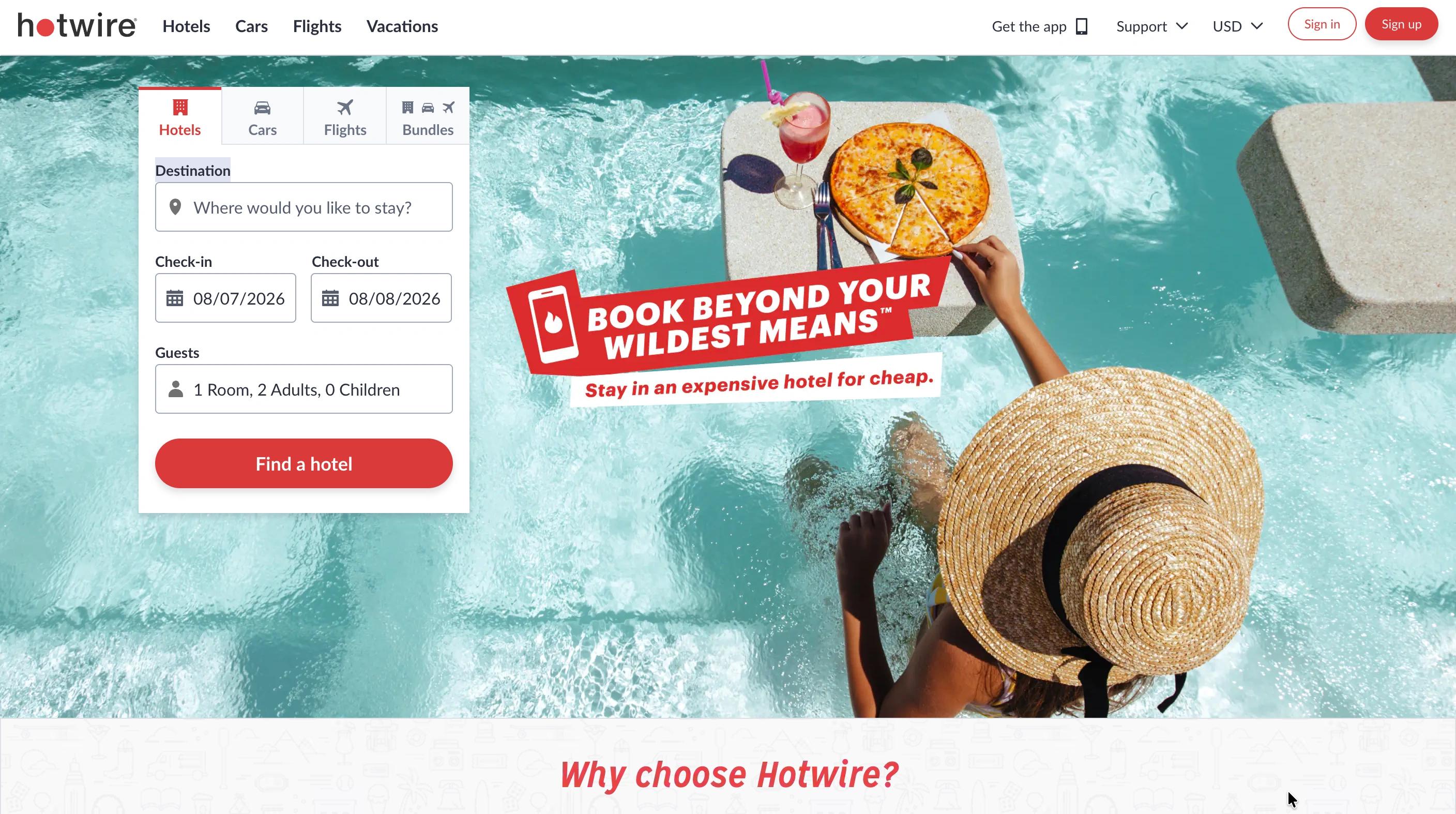
Hot Rates is what actually sets Hotwire apart from its Expedia Group sister sites. Once your property profile is live, you can opt specific rooms into Hotwire's opaque inventory model from the same dashboard.
- How it looks to guests: Hotwire hides your exact property name and street address until after the booking and payment are completed
- What guests see instead: your general neighborhood zone, star tier, verified guest satisfaction scores, and basic amenity tags
- How you opt in: log into your dashboard, locate the inventory channels panel, and designate a subset of rooms to be distributed at a discounted, opaque rate
Hotels typically use Hot Rates to move unsold rooms close to the date of stay without publicly undercutting the retail rate shown on their own website or other channels.
What Mistakes Should You Avoid After Going Live?
- Inconsistent room counts versus your PMS, causing overbookings
- Opting too much inventory into Hot Rates, which can undercut your retail rate visibility elsewhere
- Missed rate parity across channels, risking a compliance review or reduced placement
- Stale photos or amenity details after a renovation
- Leaving availability blocks unmanaged during high-demand periods, since Hotwire and its sister sites pull from the same synced inventory
How Do You Keep Hotwire in Sync With Your Other Channels?
Once live across Expedia Group's network plus Booking.com, direct bookings, and whatever else you run, manually keeping rates matched across all of them is the real ongoing burden, not the signup.
If you are managing Hotwire alongside Booking.com, Expedia, and direct bookings, and rates are starting to drift, roommaster Channel Manager syncs rates and availability two-way across hundreds of OTAs, including Hotwire by name. Update once in your PMS, and every connected channel updates with it. That is the takeaway that matters more than the registration steps themselves.
{{cta-strip}}
Frequently Asked Questions
1. Is Hotwire the same as Expedia?
Hotwire is a separate consumer brand owned and operated as a subsidiary of Expedia Group. There is no separate Hotwire signup; you register once through Expedia Partner Central.
2. How does Hotwire work for hotels?
Hotels list through Expedia Partner Central, then optionally opt specific rooms into Hotwire's opaque Hot Rates model to sell unsold inventory at a discount without revealing the property name until after booking.
3. How long does Hotwire approval take?
Approval and activation across the network typically completes within 24 hours of submitting your property details.
4. Do I need a channel manager to list on Hotwire?
No. You can enter rates and availability manually through the Expedia Partner Central dashboard, but a channel manager keeps availability synced automatically as you add more OTAs.
5. Can guests see my hotel's name before booking on Hotwire?
Only for rooms you opt into Hot Rates. Guests see your neighborhood, star tier, and amenities, but not your exact name or address, until the booking is confirmed.

.png)
.png)
.png)