What Do You Need Before You Start?
- Property name, exact street address, city, and zip code, matching your business registration rather than a marketing name
- Business and tax details
- Banking information for payouts
- Amenities list (Wi-Fi, parking, pool, breakfast, and similar)
- High-resolution photos: rooms, lobby, exterior
- Policies: check-in times, cancellation rules, security deposits
Gathering these first keeps you from stopping mid-signup to track something down.
How Do You List Your Hotel on CheapTickets? (Step-by-Step Process)
1. Visit the Registration Portal
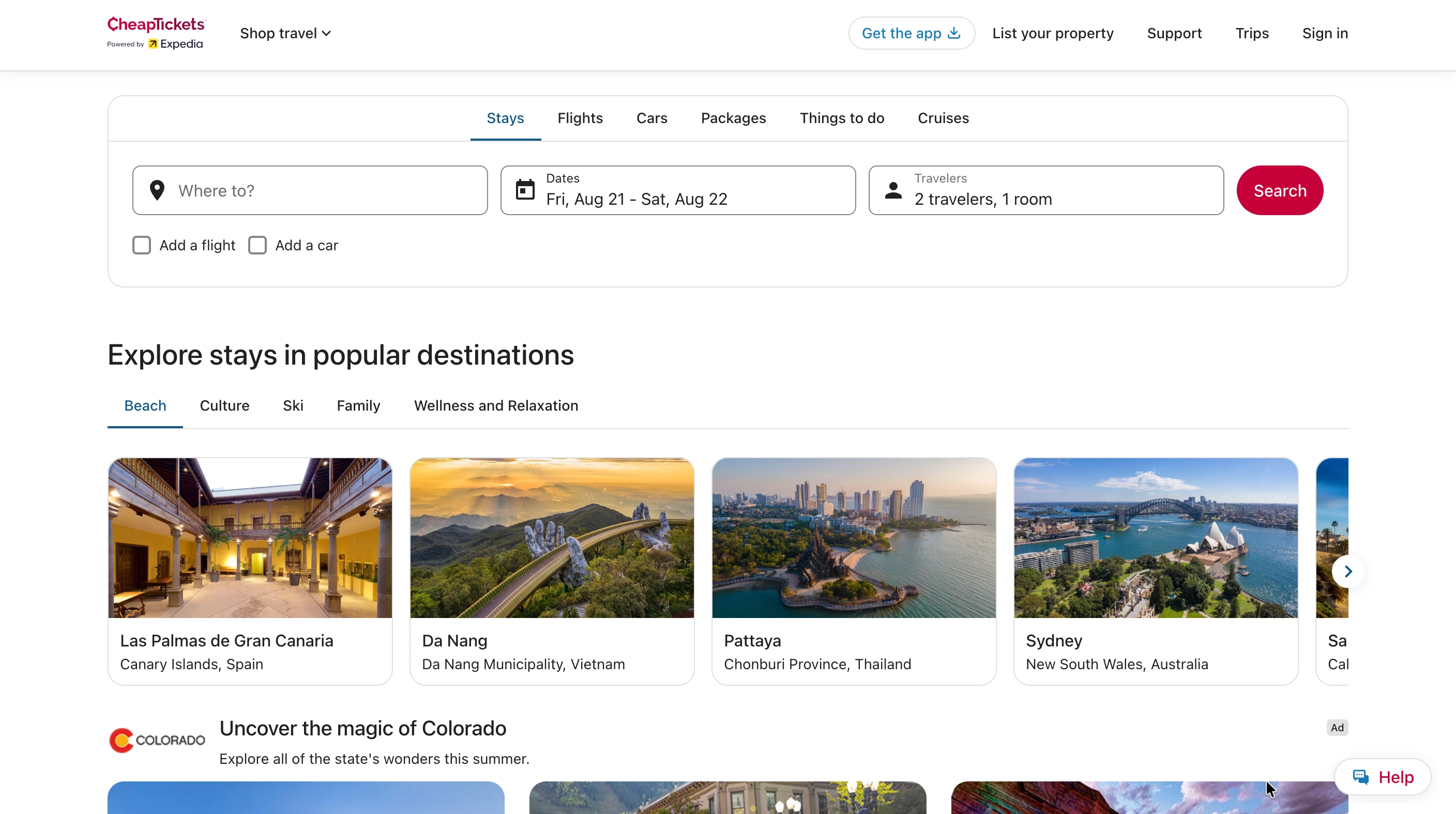
Go directly to the Expedia Group Partner Central registration page and click "List your property" to start a new profile. Bookmark this page for your team, since it is also where you will log back in for ongoing rate and availability management.
2. Provide Property Basics
Enter your official hotel name, matching your business registration rather than a marketing name. Add your corporate or physical address, and contact information: a name, email address, and primary phone number for the person managing the account.
3. Input Property Specifics
- Property type: "Lodging" for hotels, motels, resorts, and bed and breakfasts; "Private Residence" for vacation rentals; "Apartment" for serviced apartment stays
- Total room count and local currency
- Star rating
- A link to your existing company website, if you have one
These details feed directly into how your listing displays and how it is filtered in guest search, so pick the property type based on your actual business structure, not convenience.
4. Upload High-Quality Content
- Comprehensive descriptions of your general policies, check-in rules, and available amenities
- High-resolution photos of the exterior and common areas
- High-resolution photos of each individual room type
Thin photo sets are one of the most common reasons an otherwise-solid listing underperforms, especially on a comparison-driven channel like CheapTickets.
5. Set Rates and Inventory
- Room categories and maximum guest occupancy per room
- Cancellation policies
- Base nightly pricing
- Channel manager connection for automatic syncing, or manual rate and availability entry
Expedia Group's own onboarding flow asks new partners directly whether they are linking a channel manager, since it determines how much ongoing manual work the listing creates.
6. Sign the Partnership Agreement
Review Expedia Group's commission structure and standard distribution terms before signing. Commission rates vary by market and property type, so confirm the exact figures shown in your own partner agreement rather than assuming a flat rate.
This single agreement covers CheapTickets and every sister brand under Expedia Group, so you are not negotiating or signing separately per site. Submit for final review once you have confirmed the terms.
How Do You Configure Rooms, Rates, and Payment?
- Set room types, bed configurations, and base nightly rates
- Choose your payment model: paid online through Expedia, or paid directly at the property
- Submit for verification
The payment model is a real decision most hoteliers do not expect to make: online payment simplifies reconciliation but delays payout; paid-at-property keeps cash flow immediate but runs through your front desk like any other arrival. Match whichever model you already use for other OTAs.
How Long Does It Take to Go Live?
Approval typically completes within 24 hours, after which the property is live on CheapTickets, Expedia, Hotels.com, Orbitz, and Travelocity simultaneously: one approval, five brands, no repeat submissions.
What Mistakes Should You Avoid After Going Live?
- Inconsistent room counts versus your PMS, causing overbookings
- Missed rate parity across channels, risking a compliance review or reduced placement
- Stale photos or amenity details after a renovation
- Ignoring guest reviews on the Partner Central dashboard, since they affect visibility across all five brands, not just CheapTickets
How Do You Keep CheapTickets in Sync With Your Other Channels?
Once live on five Expedia-network brands plus Booking.com, direct bookings, and whatever else you run, manually keeping rates matched across all of them is the real ongoing burden, not the signup.
If you are managing CheapTickets alongside Booking.com, Expedia, and direct bookings, and rates are starting to drift, roommaster Channel Manager syncs rates and availability two-way across hundreds of OTAs, including Expedia, Orbitz, and CheapTickets by name. Update once in your PMS, and every connected channel updates with it. That is the takeaway that matters more than the registration steps themselves.
{{cta-strip}}
Frequently Asked Questions
1. Is CheapTickets the same as Expedia?
They are separate consumer-facing brands under the same parent, Expedia Group. For hoteliers it works as one channel: same Partner Central registration, same listing, no separate CheapTickets account.
2. How long does CheapTickets approval take?
Typically 24 hours from submitting your property details.
3. How do I promote my hotel across the Expedia network?
Keep photos and amenities current and hold rate parity across channels. That drives placement more than price alone.

.png)
.png)
.png)