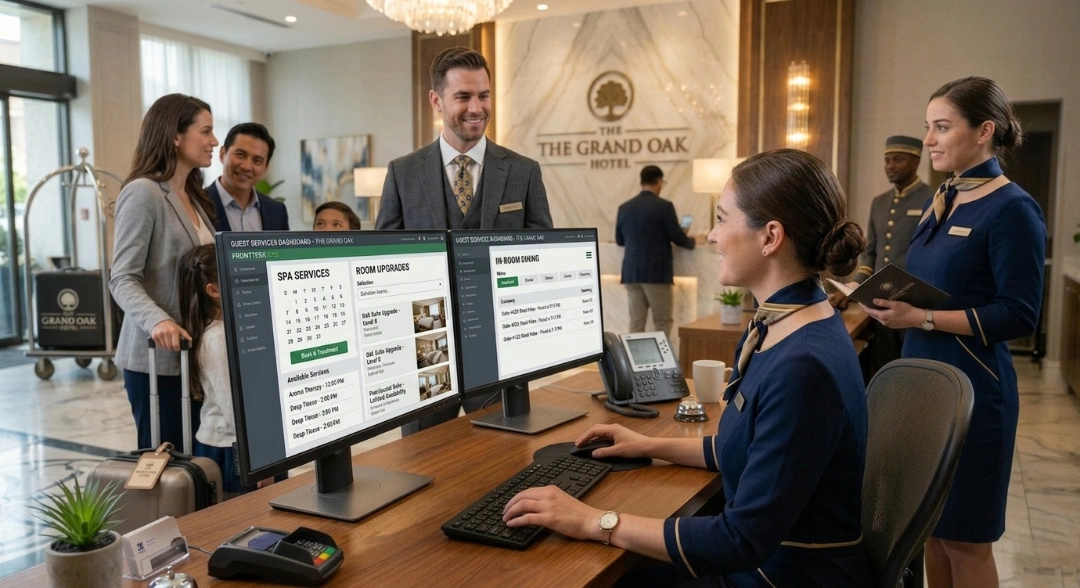
Hospitality Till Systems: How To Choose The Right EPOS For Your Venue
“From the start of the booking process to arrival and departure to post-visit, the process is all automated, the staff appreciates its functionality and ease of use.” - Alex Moore, President & CEO, Seaboard Hotels
A hospitality EPOS system centralizes bar, restaurant, spa, and retail operations into one platform.
To make that unified experience work in a hotel environment, PMS integration is key for real-time room charging, reducing checkout delays and billing errors.
Its effectiveness depends on features like tab management, split billing, KDS support, and multi-outlet reporting, though priorities vary by venue type (e.g., boutique hotel vs. resort vs. spa).
This is why choosing between leading EPOS systems in 2026 depends largely on scale and use case, and total cost of ownership, including licences, hardware, integrations, and support.
If you own or run a venue, or you’re in the middle of opening one, you’ve already got enough on your plate: cost control, licensing, menu planning, staffing, the whole lot.
So the last thing you probably want to think about is your point-of-sale (POS) system.
However, the right POS doesn’t add to your workload. From orders and payments to sales reporting and inventory, it quietly automates the stuff that usually eats up your time and attention.
So instead of treating it as just another decision on an already overwhelming list, we’re here to offer our two cents and help you choose the right hospitality EPOS system.
What Is a Hospitality Till System (EPOS)?
EPOS stands for an electronic point of sale. Put simply, it is the combination of software and hardware that processes transactions at your venue. But in hospitality, that definition expands considerably.
A hospitality EPOS system, also known as a hospitality till system, handles orders, payments, table management, and stock tracking across every revenue-generating outlet on your property. It records every transaction digitally, feeds that data into your reporting suite, and, when properly integrated, syncs directly with your hotel's property management system (PMS).
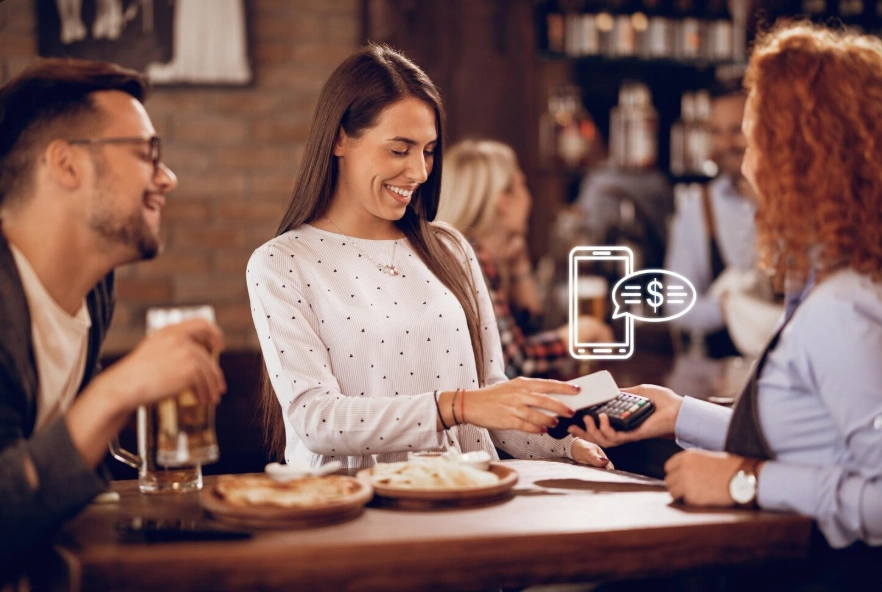
{{pms-one}}
In a hotel setup, the PMS acts as the central front-desk system, managing reservations, guest check-in/check-out, room assignments, and billing, and accurately linking EPOS transactions to guest folios in real time. This is what separates a hospitality EPOS from a general-purpose till.
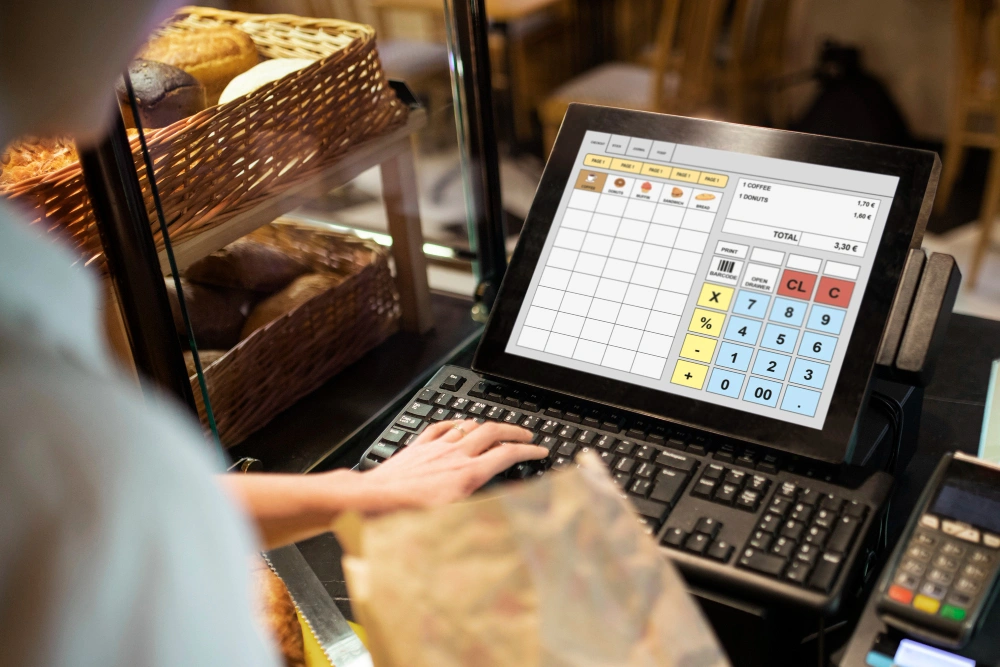
The hardware side typically includes a touchscreen terminal, a card payment device, a receipt printer, and sometimes a kitchen display screen.
The software side is where the real work happens. It manages your menu, tracks inventory levels, handles tab management, and provides back-office reporting that shows which outlets are performing and which are not.
Think of it as the backbone that keeps your front-of-house and back-of-house teams aligned.
EPOS vs. Standard POS: What's the Difference?
Hoteliers often use "POS" and "EPOS" interchangeably, and in practice, most modern systems are electronic by default. But when people draw a distinction, it usually comes down to capability and context.
Here’s how it compares:
Feature/Capability
Standard POS
Hospitality EPOS
Core function
Processes sales and payments
Manages end-to-end venue operations
Transaction handling
Payment and receipt only
Payment and complex workflows (tabs, splits, room charges)
Typical use case
Single-site retail or café
Hotels, restaurants, multi-outlet venues
Tab management
Not supported or manual
Built-in
Split billing
Limited
Fully supported
Room charge posting
Not supported
Integrated with PMS
Kitchen integration (KDS)
Rare
Standard in hospitality setups
Reporting
Basic sales reports
Multi-outlet operational reporting
System design
Standalone
Integrated ecosystem
Why Hospitality Venues Need a Dedicated EPOS
As a hotelier, your property’s operational cost shows up in places that are easy to miss:
End-of-night reconciliation errors
Checkout disputes
Manually transferred charges
Lost revenue because nobody captured it correctly at the point of sale
The numbers back this up. In 2024, 85% of restaurant operators said integration with other systems was a top priority for their POS, highlighting how critical connected, real-time data has become to daily operations. 73% of operators increased technology investment in 2024, largely to reduce inefficiencies, automate workflows, and improve visibility across their business.
Beyond billing accuracy, a dedicated hospitality EPOS system gives you real operational visibility across your property. For instance, your bar manager sees stock levels in real time. Your restaurant team receives orders directly on a kitchen display without handwritten tickets. Your GM can pull outlet-level revenue reports instantly rather than waiting for a manual end-of-day summary.
Key Features to Look For
Not every hospitality EPOS system delivers on every front. When evaluating your options, prioritize these features:
Tab management and room charge posting: Guests expect to charge meals, drinks, and spa treatments to their room and settle everything at checkout. Your EPOS needs to support this natively, with real-time posting to the PMS guest folio rather than a batch sync at the end of the day.
Split billing: Your team should split bills by item, cover, or custom amounts without slowing down service. As POS systems evolve beyond simple payment tools into “transaction engines,” operators rely on them to streamline transactions and reduce front-of-house friction during high-volume service.
Table and floor plan management: In any seated-service environment, the ability to map your floor plan digitally, assign covers, track table status, and transfer tabs between tables without losing data is fundamental.
KDS compatibility: A KDS replaces printed kitchen tickets with a live digital display that updates in real time as orders are modified or canceled. It reduces errors and speeds up service considerably.
Offline mode: Hospitality operations increasingly depend on always-on transaction systems, as downtime directly impacts revenue capture and guest experience in real time. Look for a hotel EPOS system that continues processing transactions locally and automatically syncs when connectivity is restored.
Multi-outlet reporting: If you operate more than one revenue center, including restaurant, bar, room service, spa, you need a system that consolidates reporting across all of them. Outlet-level P&L visibility is a meaningful management tool.
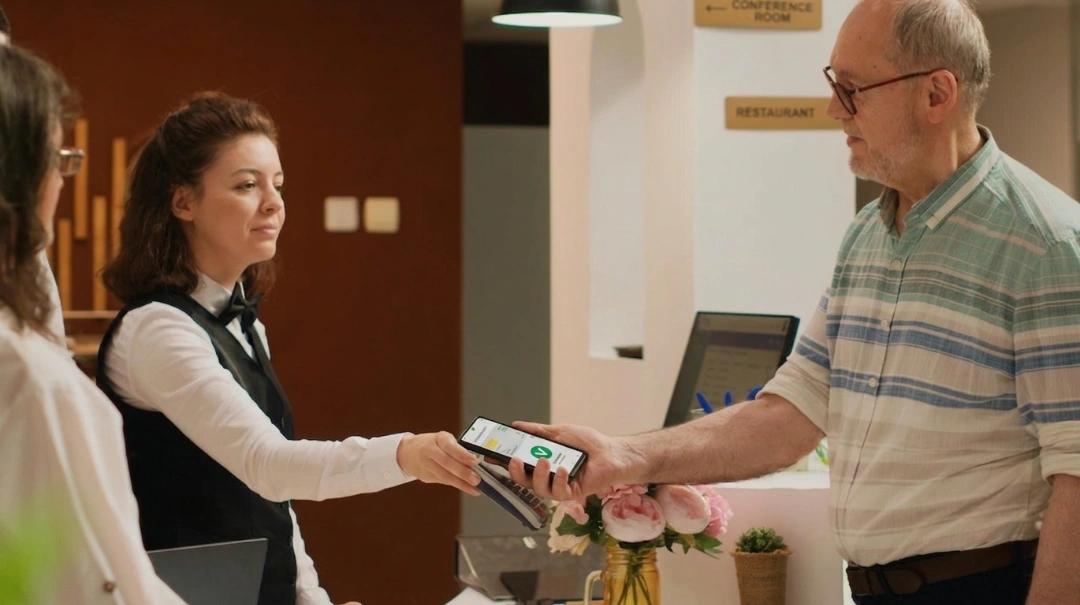
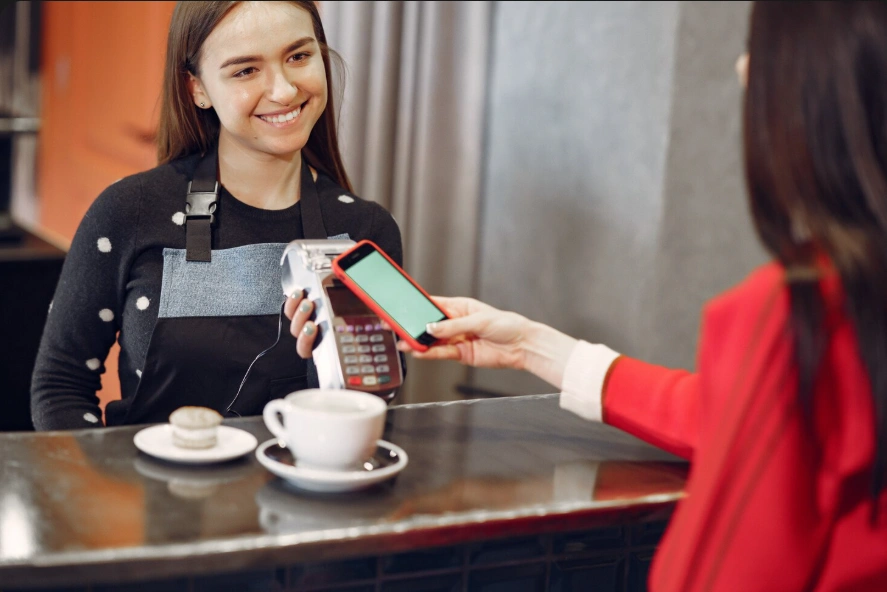
Payment flexibility: Your EPOS must handle cash, card, contactless payments, mobile wallets, vouchers, and room charges without issues. The shift toward contactless and digital payments continues to reshape hospitality, with operators adopting flexible payment ecosystems to meet rising guest expectations and speed up transactions.
How an EPOS Integrates With Your Hotel PMS
While the PMS manages reservations, room assignments, guest profiles, housekeeping, and payments, the EPOS handles all outlet-level transactions. When you properly integrate both systems, they create a single, unified source of truth across the property.
Here’s a clear, step-by-step breakdown of how an EPOS integrates with your hotel PMS:
Step 1: System connection via API or middleware
The hotel first establishes a direct integration between the EPOS and PMS through certified connectors or APIs.
In roommaster, the PMS already includes built-in modules for payments, front desk operations, housekeeping, and billing, so these are handled natively within the system rather than through external integrations.
The integration focus is therefore on connecting external systems such as EPOS/POS platforms, enabling:
Guest and reservation data to flow from PMS → EPOS
Outlet transactions to flow from EPOS → PMS
This creates a two-way link between the hotel’s operational POS environment and roommaster’s core PMS data.
Step 2: Guest profile and room data synchronization
Once the connection is in place, the PMS shares live guest and room data with the EPOS. This includes:
Guest name, room number, stay dates
Billing preferences (pay now vs charge to room)
Occupancy status (checked-in, checked-out)
The EPOS uses this information to identify guests at different outlets across the property. When a staff member selects a room number, the system immediately matches it to an active guest profile, linking every transaction to the correct guest.
Step 3: Transaction capture at the EPOS
When a guest makes a purchase at a restaurant, bar, or spa, the EPOS records the transaction at the point of sale. The staff member processes the order and selects the payment method.
If the guest chooses to charge the expense to their room, the EPOS prepares the transaction data and sends it to the PMS for validation.
Step 4: Real-time validation by the PMS
The PMS then receives the transaction request and verifies the guest and room details. It checks whether the guest is currently checked in, confirms that the room is active, and applies any configured billing rules.
If the request meets all conditions, the PMS approves the transaction and allows it to be posted to the guest’s account.
Step 5: Automatic posting to the guest folio
After validation, the PMS posts the transaction directly to the guest’s folio.
Because roommaster includes a built-in hotel payment gateway, payments such as card transactions, pre-authorizations, and refunds are processed natively within the PMS. All outlet and room charges are then consolidated into a single guest folio.
This process happens instantly, eliminating the need for manual entry and ensuring the guest’s account always reflects the latest charges.
Step 6: Continuous two-way synchronization
The EPOS and PMS continue to exchange updates throughout the guest’s stay. For example:
PMS → EPOS: Sends changes such as room transfers, stay extensions, or check-out status.
EPOS → PMS: Uses this updated information to control whether room charges are allowed.
This ongoing synchronization keeps both systems aligned and prevents inconsistencies.
Step 7: Consolidated billing at checkout
At checkout, the PMS compiles all charges associated with the guest’s folio. This includes room charges and transactions captured through the EPOS.
The front desk can then present a single, consolidated bill that reflects the guest’s complete stay, without requiring any manual reconciliation between departments.
Step 8: Financial reconciliation and reporting
After transactions are finalized, the PMS and EPOS data feed into the hotel’s reporting and accounting systems. The integration then guarantees that all revenue from outlets and rooms is accurately categorized and recorded.
Revenue managers can generate reports without cross-checking across multiple systems, thereby improving accuracy and reducing operational effort.
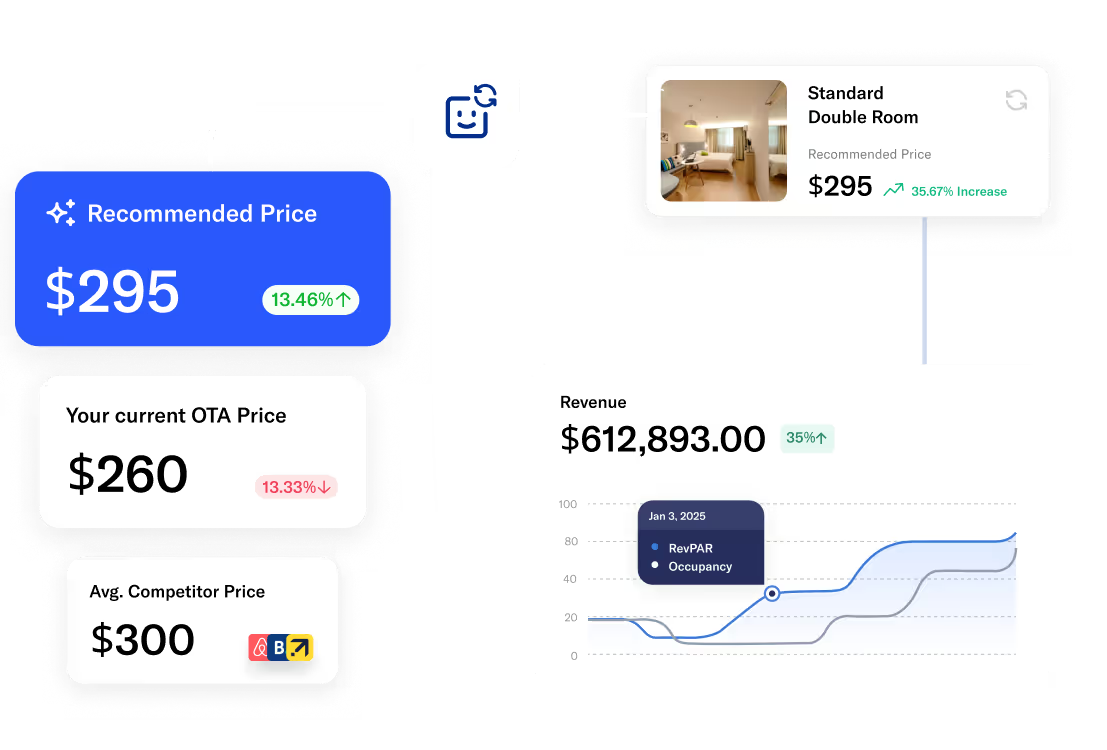
{{revenue-management-one}}
EPOS Needs by Venue Type
Different outlets within a hotel have genuinely different operational requirements. A system that works well in your restaurant may be the wrong fit for your spa.
1. Hotel bar
In a bar environment, everything revolves around speed and fluidity of service. The EPOS must let bartenders open and close tabs instantly, move between guests without friction, and apply happy-hour or time-based pricing without manual overrides.
During peak hours, even small delays compound into lost revenue and slower table turnover. Simultaneously, room charge posting needs to happen just as quickly as cash or card payments, so guests can move freely between outlets without repeated verification. Where possible, stock tracking and dispense integration should add another layer of control, helping operators monitor high-consumption items in real time.
2. Restaurant
In a restaurant setting, the EPOS shifts from speed-first to coordination-first. It needs to manage table allocation, accurately track covers, and maintain smooth communication between front-of-house and kitchen operations.
The system must also support complex ordering flows such as starters, mains, and desserts, including modifications and pacing instructions. If the venue operates across multiple meal periods, the EPOS should switch menus automatically between breakfast, lunch, and dinner service so that staff do not manually reconfigure items throughout the day.
3. Spa
Spa operations are fundamentally appointment-driven, which changes how the EPOS functions. Instead of managing tables or tabs, the system needs to align directly with treatment schedules and service durations. It should handle bundled treatment packages, split payments, and automatic gratuity calculation where applicable.
Retail product sales, such as oils or skincare items, also form part of the transaction flow and must integrate cleanly into the same billing experience.
4. Hotel retail (gift shop or lobby store)
Retail outlets within hotels behave much more like traditional stores, so the EPOS must prioritize classic retail functionality. Barcode scanning, product variants (sizes, colors, SKUs), promotional pricing, and real-time stock management become core requirements.
However, unlike standalone retail environments, hotel stores still operate within a guest ecosystem, which means room charge posting allows guests to add purchases directly to their folio. Loyalty integration can also improve spend by linking retail activity back to the guest’s overall stay profile, especially in higher-end properties like hotel groups.
Top 5 Hospitality EPOS Systems Compared
There are several types of EPOS systems designed for different hospitality environments.
Each system serves a distinct operational model depending on service speed, mobility needs, integration complexity, and business scale.
1. Cloud-based EPOS systems
Best for: Multi-location restaurants, fine-dining venues, high-volume cafés, and pubs that require real-time data access, centralized control, and operational flexibility.
A cloud-based EPOS stores all transaction and operational data on secure cloud servers rather than on local hardware. This allows operators to access real-time business data from anywhere, whether on-site or remotely, and manage updates centrally across multiple locations.
Because these systems rely on internet connectivity for full functionality, they can experience temporary disruption during network outages unless they support offline mode. However, modern cloud architectures increasingly include local failover capabilities and encrypted synchronization to reduce the risk of downtime and improve resilience.
2. Mobile EPOS systems
Best for: Casual dining restaurants, food trucks, outdoor seating venues, beer gardens, and mobile or event-based catering operations.
A mobile EPOS runs on handheld devices such as smartphones or tablets, allowing staff to take orders, process payments, and manage tables directly from the floor. This removes dependency on fixed terminals and enables continuous service during peak demand.
These systems also improve service speed and operational flexibility by allowing staff to complete transactions without returning to fixed stations, which directly improves guest experience during high-volume service periods.
3. Self-service EPOS kiosks
Best for: Quick-service restaurants, takeaway outlets, hotel lobbies, cafés, and high-traffic hospitality environments.
Self-service EPOS kiosks allow guests to independently browse menus, place orders, and complete payments without staff assistance. These systems are typically installed in high-footfall environments to reduce queues and streamline order intake during peak hours.
By shifting order placement directly to customers, kiosks reduce staffing pressure while improving order accuracy and operational efficiency. Staff can then focus on fulfillment, service quality, and exception handling rather than manual order entry.
4. Multichannel POS systems
Best for: Hybrid hospitality businesses that operate across multiple service channels, alongside digital ordering and retail.
A multichannel EPOS system consolidates all sales channels, such as dine-in, delivery, takeaway, and online ordering, into a single unified platform. This way, operators gain a centralized view of all transactions, inventory, and customer interactions.
It also helps synchronize inventory and pricing across every customer touchpoint in real time.
5. Legacy POS systems
Best for: Businesses that want stable, on-premise control with minimal reliance on internet connectivity.
A legacy EPOS system is an on-premises solution where all data is stored locally on fixed hardware rather than in the cloud. These systems operate within closed networks and typically require dedicated infrastructure, installation, and ongoing on-site maintenance.
While they offer strong control over local data and can operate without internet connectivity, they lack the flexibility, scalability, and real-time capabilities of modern cloud-based systems.
How to Choose the Right One for Your Venue
Ultimately, choosing the right hospitality EPOS system comes down to four honest questions.
What is your PMS, and what does it integrate with? Start here. If your property runs on a specific PMS like roommaster, you need an EPOS that connects to it reliably. Check the integration documentation, ask for references from venues running the same combination, and confirm whether room charge posting is real-time or batch.
How many outlets do you operate? A single hotel bar has different requirements than a property with a restaurant, spa, bar, and room service all running simultaneously. Multi-outlet operations need consolidated reporting, cross-outlet billing, and a system that does not require separate logins for each venue.
What scale are you operating at? Enterprise systems deliver extraordinary depth, but they come with corresponding implementation complexity and cost. A boutique hotel with a bar and small restaurant is likely better served by a hospitality POS system at a more accessible price point.
What is the true total cost? When choosing your system, consider monthly software fees, hardware costs, transaction fees, integration costs, and support contracts. Some systems appear affordable up front, but become expensive once you add the features you actually need. Get a full cost breakdown before you sign anything.
If you are still uncertain, pilot the shortlisted system in one outlet before rolling it across the property. Real-world testing with your staff and your PMS is worth far more than any demo.
Making the Right Call for Your Property
What actually makes one hospitality EPOS system the right fit while another becomes a long-term operational constraint?
The answer rarely comes down to price alone. The right system is the one that fits your PMS, such as roommaster, scales with your outlets, and gives your team the tools to deliver a consistent guest experience without adding administrative overhead. With over 30 years in hospitality software, roommaster is designed to reduce operational friction, including a reported 30% reduction in administrative workload through integrated workflows.
The hospitality EPOS market continues to expand rapidly, with global hospitality POS software projected to reach $29.44 billion by 2030, driven by the adoption of cloud platforms, AI-assisted ordering, and mobile-first service models. As these technologies mature, the gap between well-integrated systems and poorly aligned ones increasingly shows up in day-to-day operations rather than in technical specifications.
Take the time to map your operational requirements venue by venue, confirm your PMS integrations, and test before you commit. The right hotel EPOS system pays for itself not just in operational efficiency, but in the guest experience that keeps people coming back.
What is the difference between a POS and an EPOS system?
A POS system processes transactions at the point of purchase. An EPOS system does the same thing digitally and adds features like real-time reporting, inventory tracking, and integration with other business software.
Can a hospitality EPOS integrate with my hotel PMS?
Yes, most dedicated hospitality EPOS systems are built to integrate with major PMS platforms. The integration allows charges from your bar, restaurant, or spa to post directly to a guest's room folio in real time. Always confirm compatibility with your specific PMS before choosing a system.
What is the best till system for a small hotel?
A cloud-based EPOS system is usually the best choice for small hotels because it offers real-time sales tracking, PMS integration, and minimal on-premise setup. Mobile EPOS systems can also suit smaller venues with flexible service needs. However, cloud-based systems usually offer a better balance of control, reporting, and scalability.
How much does a hospitality EPOS system cost?
A hospitality EPOS system typically uses a mix of monthly software fees, hardware costs, and transaction charges, so pricing varies by size and complexity. For most small- to mid-sized hospitality businesses, the software usually costs $40–$300 per terminal per month, with advanced multi-site or enterprise systems costing $500+ per month. Hardware is a one-time cost of $300–$2,500 per setup, depending on devices such as tablets, printers, and kitchen displays. On top of this, payment processing fees typically range from 1.5% to 3.5% per transaction, depending on the provider and payment method.
Mayela Lozano is a content strategist with a passion for hospitality and technology. She collaborates with roommaster on content creation, highlighting how technology can streamline hotel operations and enhance guest satisfaction. When she’s not creating content, Mayela loves to travel and spend time with her two little ones, discovering new adventures and making memories along the way.
Join Thousands of Hotels Thriving with roommaster
The transition to roommaster is straightforward and efficient. Our implementation team handles data migration including reservations, guest profiles, and historical information.
The transition to roommaster is straightforward and efficient. Our implementation team handles data migration including reservations, guest profiles, and historical information.
How Hotels Can Use AI Assistants In Daily Operations
October 19, 2026
Hotel Management
Connect Your Hotel PMS To AI platforms: ChatGPT, Claude, Copilot & Google Gemini
October 19, 2026
Hospitality Technology
Mark Bloomquist & Steven Burman on Hotel Technology | roommaster
October 16, 2026
Hotel Management
Best Hotel Management Software in 2027: 10 Top-Rated Tools Compared
October 15, 2026
Hospitality Technology
Hospitality Technology 2027
October 14, 2026
Hotel Management
Hospitality Trends
Hotel Check-In Kiosk: Enhance the Guest Experience
October 5, 2026
Hospitality Technology
Hotel Management
Hospitality Trends
Hotel Self Check-In: How It Works, Types, Benefits And Setup
October 1, 2026
Hotel Management
Hospitality Trends
Hotel Check-In & Check-Out Times Explained
October 1, 2026
Hospitality Trends
Hotel Management
Cloud-Based Property Management System: Hotel PMS
October 1, 2026
Hotel Management
Cloud PMS
Hotel Management System (HMS): A Complete Guide
September 23, 2026
Join Thousands of Hotels Thriving with roommaster
See how roommaster's unified platform can work for your property. Our team will walk you through features tailored to your specific needs and operations.


.png)
.png)
.png)