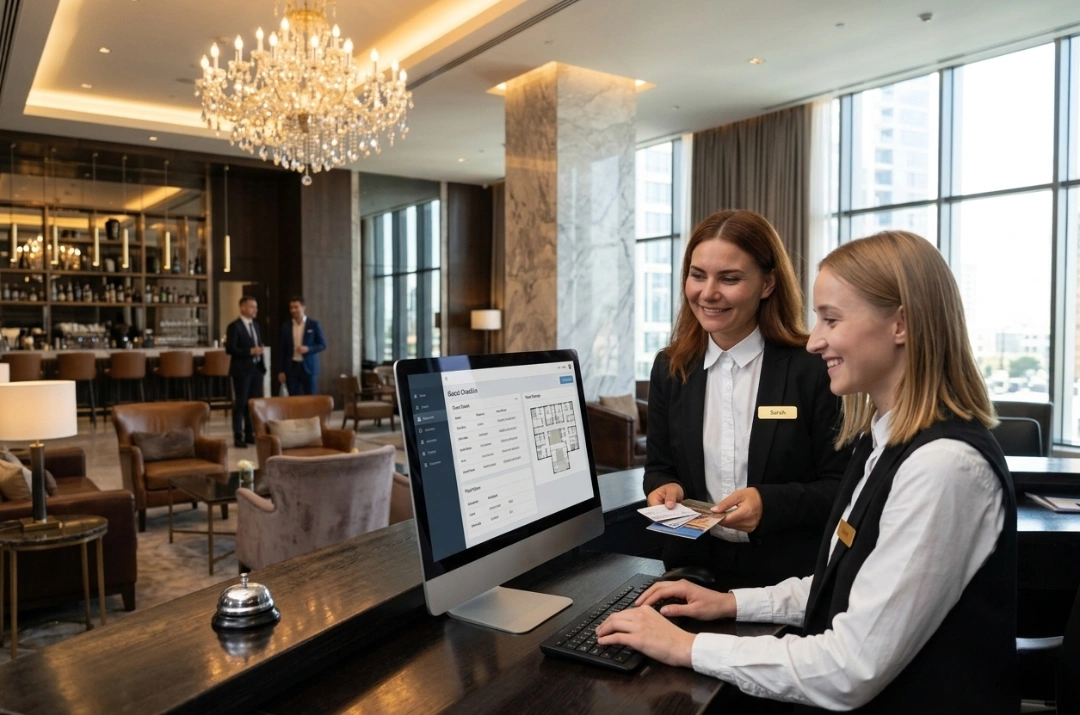
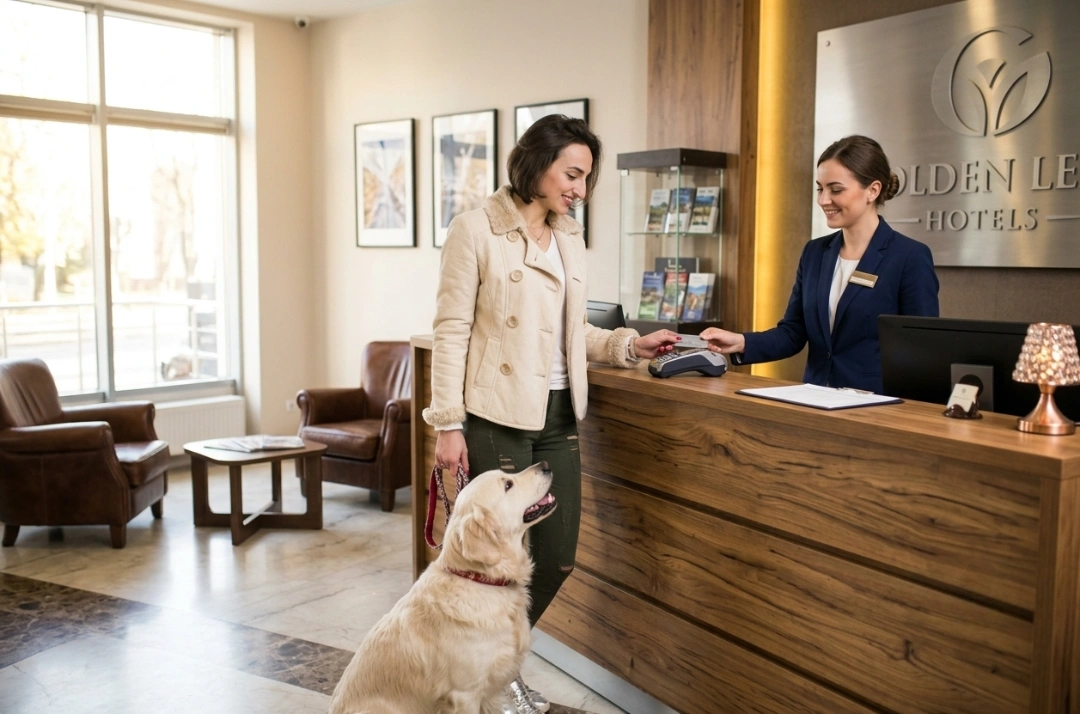
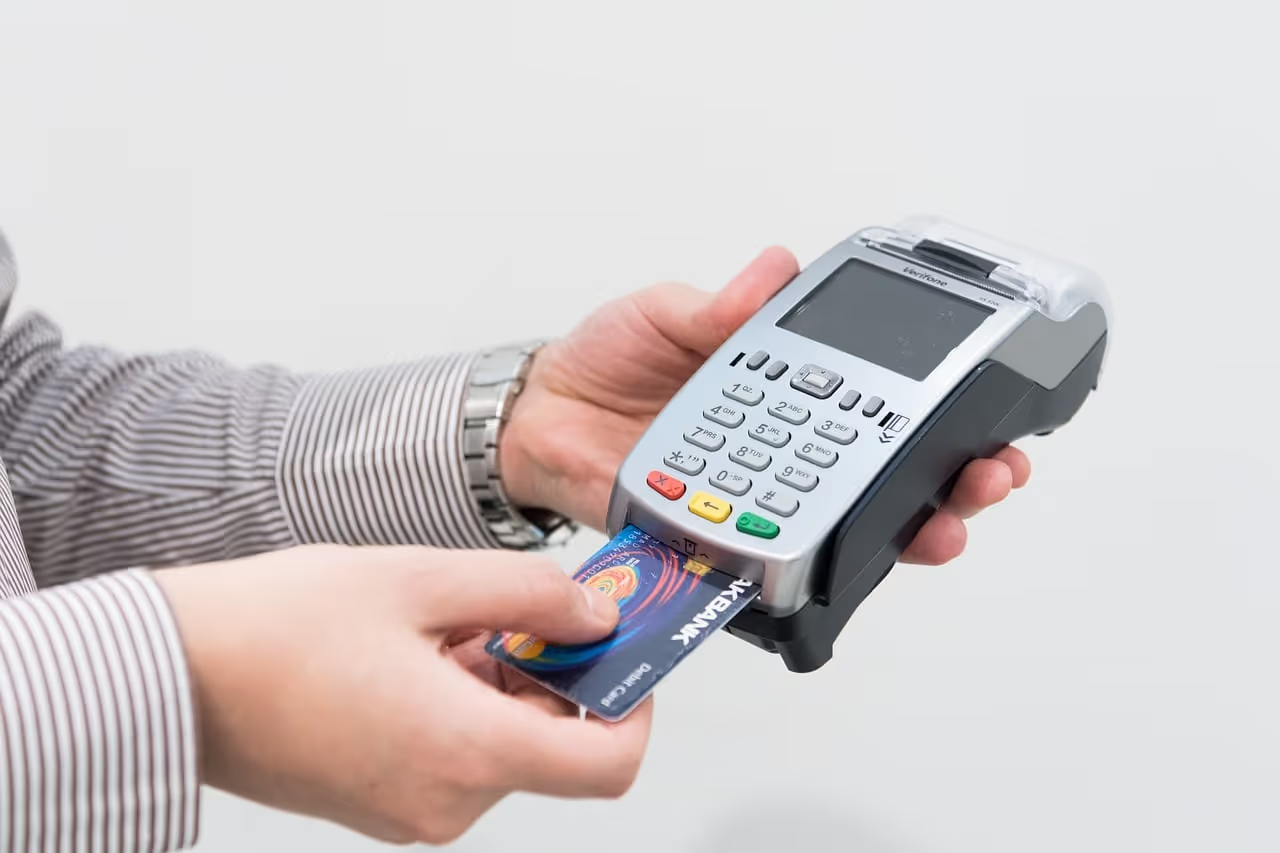
A hotel point-of-sale (POS) system processes payments, manages inventory, and lets guests charge meals, spa treatments, or in-room dining across restaurants, bars, room service, poolside service, spas, and gift shops directly to their room folio for a single, frictionless checkout.
This guide compares 10 hotel POS systems used by real hotels in 2026, grouped by property size and type: 1. roommaster POS, 2. Lightspeed, 3. TouchBistro, 4. Revel Systems, 5. Oracle MICROS Simphony, 6. Toast, 7. Agilysys InfoGenesis, 8. Shiji Infrasys, 9. Square, and 10. Clover.
Independent Hotels & Small Groups (about 30 to 150 rooms): You need a hotel point of sale system that posts charges to the folio automatically and plugs straight into your PMS as one source of truth. Look at roommaster POS, Lightspeed, TouchBistro, and Revel Systems.
Large Hotels, Chains & Enterprise (200+ rooms or multi-property): You need high-volume reliability, multi-outlet control, and kitchen and offline resilience across every property. Oracle MICROS Simphony, Toast, Agilysys InfoGenesis, and Shiji Infrasys lead here.
Small & Boutique Hotels (under about 30 rooms): You want fast setup, low monthly cost, and a simple till a lean team can run across a cafe or gift shop. Look at Square and Clover.
What Is a Hotel POS System?
A hotel POS system is point-of-sale software and hardware that handles purchases, contactless digital ordering, and integrated payments across restaurants, bars, room service, spas, and gift shops. It integrates with your PMS, posting each charge to the guest's room folio in real time and connecting every service point to the guest's account.
{{pms-one}}
How We Choose the Right Hotel POS for Every Property Type and Size
The right hotel POS depends on your property size and how many revenue centers you run. The best ones handle purchases, contactless digital ordering, and integrated payments across every outlet, posting each charge to the guest's room folio in real time, synced with your PMS. Below, each segment is broken down by the roles that own on-property revenue, the KPIs they are judged on, the features that move those numbers, and the software that fits.
Independent Hotels & Small Groups (about 30 to 150 rooms)
Role
Goals and KPIs
Features that deliver those goals
Hotel Owner (independent or small group)
Capture more on-property spend, keep one clean guest bill, and avoid juggling separate systems, measured in revenue per guest, folio accuracy, and total cost of ownership.
PMS and Folio Posting Integration, Integrated Payments, Multi-Outlet Support, Reporting.
F&B / Outlet Manager
Faster table turns, accurate stock counts, and fewer voids, measured in speed of service, inventory variance, and average check.
Mobile POS, Inventory Control, Menu Management, Contactless Digital Ordering.
Front Desk / Finance
Charges that land on the right room with no re-keying and a night audit that reconciles cleanly, measured in posting accuracy and time to close.
Which software is suitable:roommaster, Lightspeed, TouchBistro, and Revel Systems.
{{pms-two}}
Large Hotels, Chains & Enterprise (200+ rooms or multi-property)
Role
Goals and KPIs
Features that deliver those goals
Ownership / Corporate Operations
One consistent POS standard across every outlet and property, with data that rolls up centrally, measured in portfolio revenue, reporting consistency, and compliance.
Enterprise POS, Multi-Property Support, Centralized Menu and Price Control, Advanced Reporting.
F&B Director
High-volume service that never goes down at peak, with kitchen and floor in sync, measured in speed of service, uptime, and labor cost.
Which software is suitable: Oracle MICROS Simphony, Toast, Agilysys InfoGenesis, and Shiji Infrasys.
Small & Boutique Hotels (under about 30 rooms)
Role
Goals and KPIs
Features that deliver those goals
Owner-Operator
Take payments anywhere, keep costs low, and set it up in days not months, measured in cost per month, speed of service, and setup time.
Low Monthly Cost, Mobile POS, Simple Inventory, Card Readers.
Front Desk Lead
One easy till for the cafe, bar, or gift shop that anyone can learn in a shift, measured in training time and transaction speed.
Intuitive Interface, Fast Setup, Integrated Payments.
Which software is suitable: Square and Clover.
{{pms-three}}
Best Hotel POS Systems: At a Glance
Below we compare the best hotel POS systems side by side, how each handles PMS and folio posting, mobile POS, inventory control, and multi-outlet support, alongside best-fit property type, so you can shortlist the two or three worth a demo.
Software
Key Features
What It Solves (and for whom)
Best For (Property Type)
Rating (G2 / Capterra / Software Advice)
roommaster POS
Purpose-built hotel POS, native PMS and folio posting, integrated payments, contactless digital ordering, multi-outlet, inventory
Post every restaurant, bar, room-service, and spa charge to the correct folio automatically, so on-property spend and the room bill share one source of truth.
Run a small hotel cafe, bar, or shop on easy all-in-one hardware.
Small and boutique hotels
Capterra 3.9/5; G2 3.9/5
Top Hotel POS Providers
Below is a closer look at each hotel point of sale system, comparing how it handles PMS and folio posting, mobile POS, inventory, and multi-outlet support, so you can match the system to your property.
Independent Hotels & Small Groups (about 30 to 150 rooms)
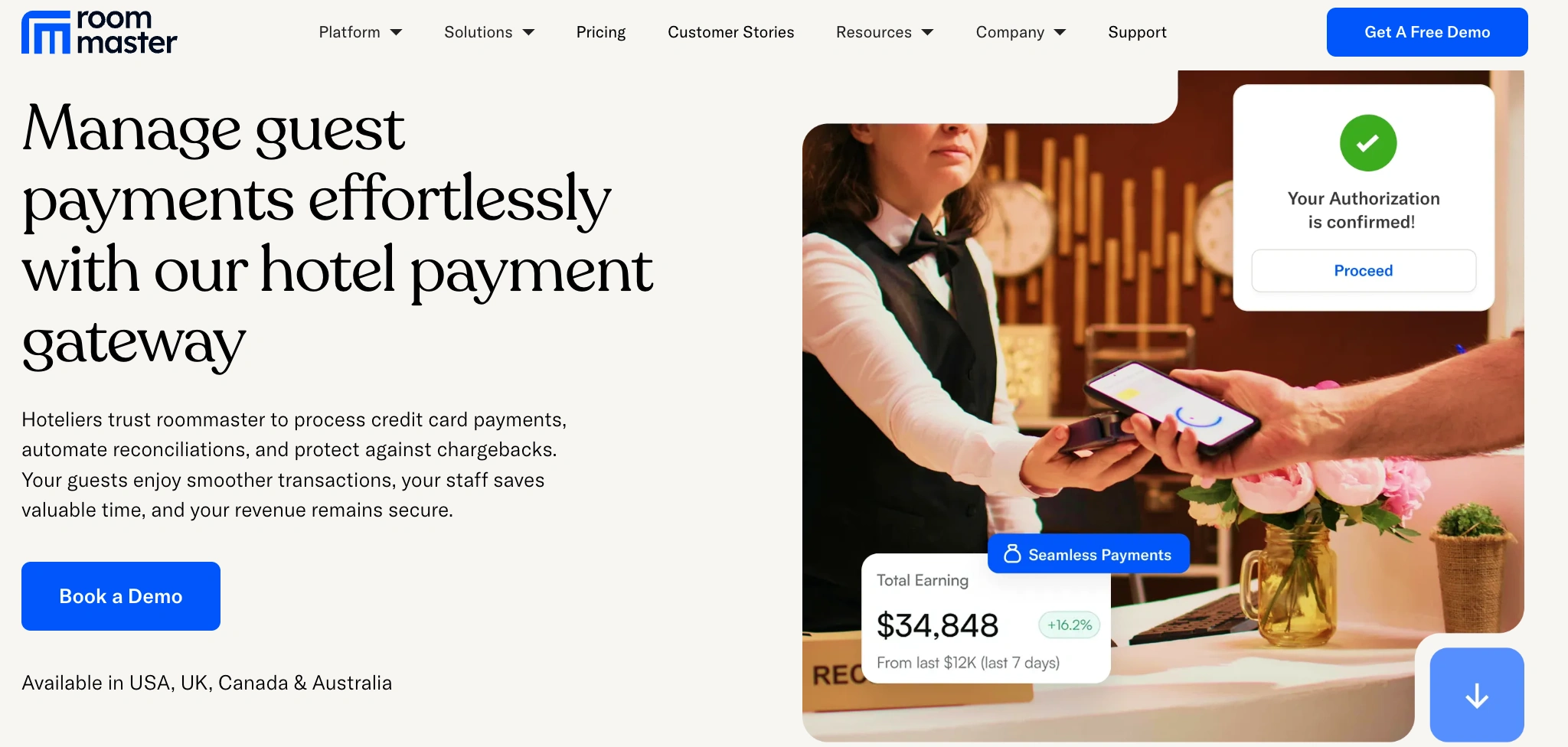
1. roommaster POS: Best for small, independent hotels and groups that want on-property spend on one folio
Independent hotels lose money and guest goodwill to the same small problems every day: a bar tab that never made it to the room, a spa charge keyed in twice, a night audit that will not reconcile. roommaster POS, the purpose-built hotel POS inside the roommaster platform, was built to close that gap. Because it lives alongside your PMS, booking engine, and channel manager, every restaurant, bar, room-service, poolside, and spa transaction posts straight to the correct guest folio in real time, with no re-keying and no separate logins.
What separates roommaster from a generic till is that it comes from a company that has spent 30+ years inside hotel operations. The POS is designed around real front desk and F&B workflows, with contactless digital ordering, integrated payments, and multi-outlet control that a lean team can actually run. When a guest checks out, everything they spent across the property is already on one bill.
Key features: Native PMS and folio posting, integrated payments, contactless digital ordering, mobile POS for tableside and room service, real-time inventory control, multi-outlet management from one dashboard, consolidated reporting.
What it solves: Capture on-property spend and land it on the right room automatically, so owners protect revenue per guest and finance closes a clean night audit. Independents lose money when charges slip through the cracks between outlets. roommaster POS keeps the room bill and on-property spending as one source of truth, which owners see in revenue per guest, folio accuracy, and total cost of ownership.
Best for: Independent hotels and small-to-mid hotel groups, including boutique hotels, motels, inns, resorts, and any property running multiple revenue centers.
Pricing: Custom quote based on property size and outlets; available as part of the wider roommaster platform.
Reviews: Rated 4.3/5 on Capterra from 129 reviews with 84% positive sentiment, and an HT Score of 84 on HotelTechReport, where it leads on ease of use. Backed by roommaster's 30+ years in hospitality, 97% client retention, and 99.95% uptime.
{{pms-four}}
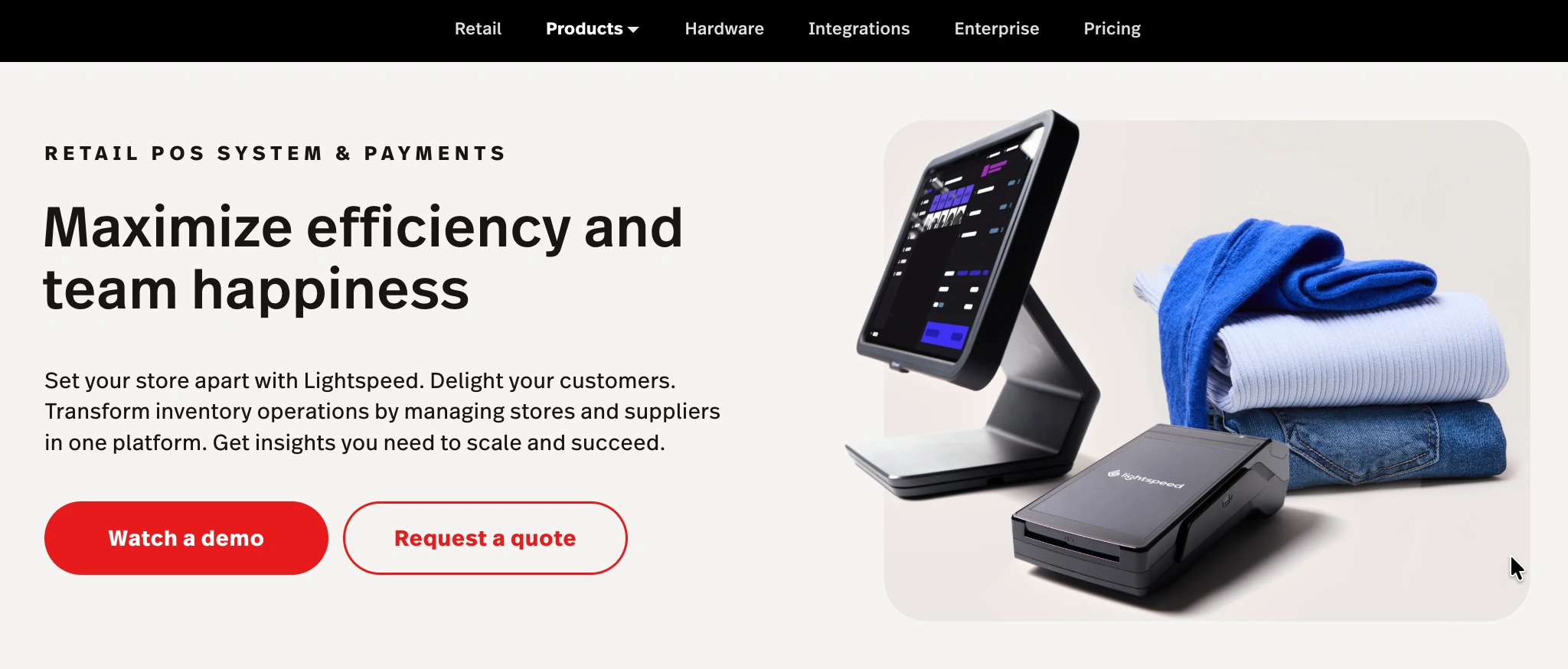
2. Lightspeed: Best for hotels with active restaurants and retail
Lightspeed is a cloud POS with deep roots in both restaurants and retail, which makes it a natural fit for a hotel running a full-service restaurant, a bar, and a gift shop. Its strength is menu and inventory management: staff can build detailed menus, track stock down to the ingredient in the restaurant, and manage retail SKUs in the shop, all from one cloud back office they can reach from anywhere.
For an independent property with serious F&B, Lightspeed handles tableside ordering, floor plans, and coursing well, and its reporting gives owners a clear read on what is selling. It connects to hotel systems through integrations rather than as a native hotel platform, so confirming the PMS and folio-posting connection during your demo matters.
Key features: Cloud restaurant and retail POS, advanced menu and inventory management, tableside and mobile ordering, floor plans and coursing, reporting and analytics, third-party integrations.
What it solves: Run a hotel restaurant, bar, and gift shop on one cloud POS with strong stock control, moving average check, inventory variance, and speed of service. Best suited to properties whose F&B and retail are a real revenue center rather than an afterthought.
Best for: Independent hotels and groups with active restaurants, bars, and retail outlets.
Pricing: Restaurant plans typically start around $189 per month per location, with hardware and add-ons priced separately; confirm current tiers directly.
Reviews: Rated 4.4/5 on Capterra from 210+ reviews and 4.3/5 on G2, praised for its menu and inventory tools and back-office reporting, with limited customization noted as the main watch-out
3. TouchBistro: Best for a full-service hotel restaurant
TouchBistro is an iPad-based POS built specifically for restaurants, which makes it an easy fit for a hotel with a full-service dining room or bar. It is designed around the table and the check, with floor plans, tableside ordering, menu management, and coursing that servers pick up quickly. Because it runs locally on iPads, it keeps taking orders during a network drop, which matters on a busy Friday night.
For an independent property whose restaurant is a real part of the guest experience, TouchBistro gives the F&B team a clean, mobile POS without enterprise complexity. It is a restaurant tool rather than a native hotel platform, so the charge-to-room connection to your PMS runs through integration and should be confirmed up front.
Key features: iPad restaurant POS, tableside and mobile ordering, floor plans and table management, menu management, offline resilience, add-ons for reservations, online ordering, and loyalty.
What it solves: Give a hotel restaurant an intuitive, mobile POS built around service, moving speed of service, table turns, and average check. Best where the dining outlet is the focus and PMS posting is handled via integration.
Best for: Independent and boutique hotels with a full-service restaurant or bar.
Pricing: Starts around $69 per month for the base plan, with paid add-ons for online ordering, reservations, loyalty, and marketing; confirm current pricing directly.
Reviews: Rated 3.9/5 on Capterra from 400+ reviews and 4.05/5 on Software Advice, well liked for its table-service tools and ease of use, with add-on costs the most common critique.
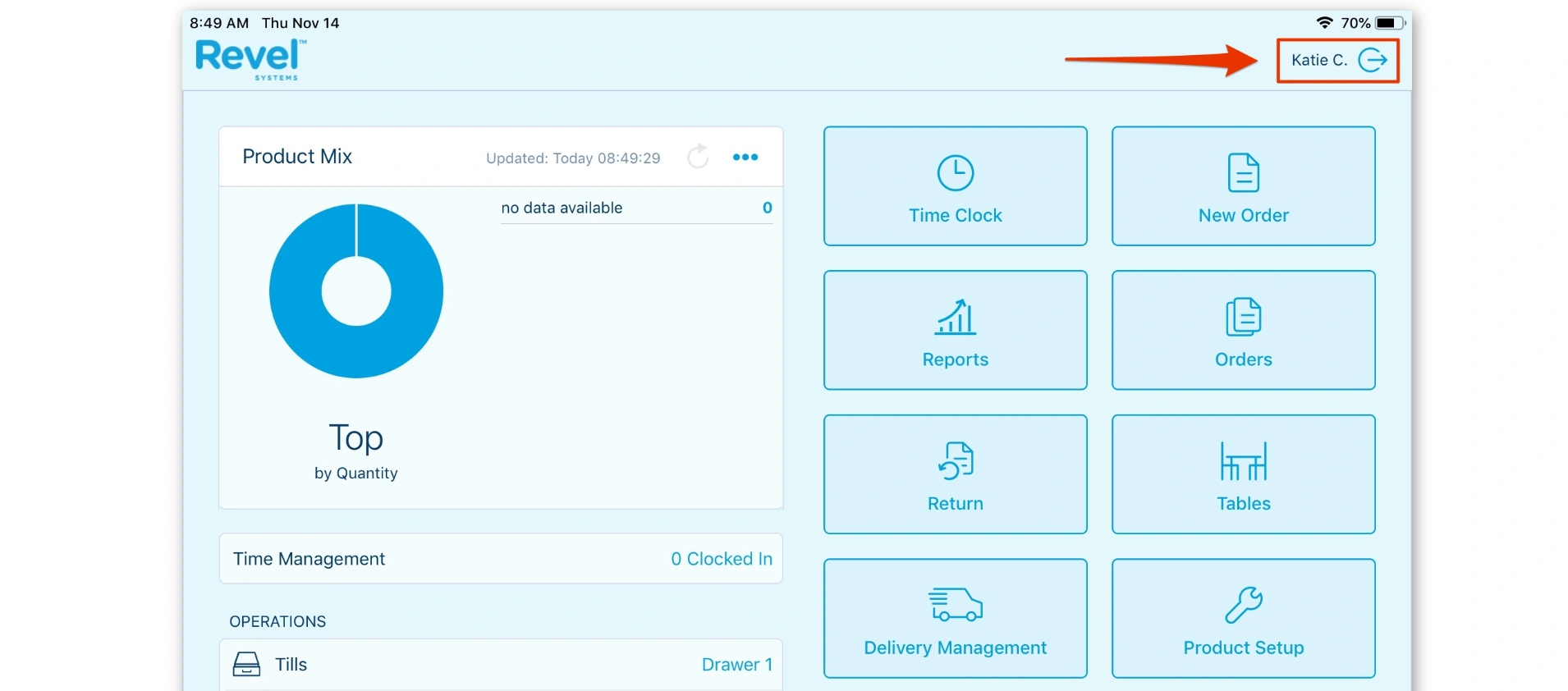
4. Revel Systems: Best for hotels running F&B and retail on iPad
Revel Systems is an iPad-based POS with an enterprise-grade back office, which suits an independent or mid-market hotel that runs both dining and retail outlets and wants deeper management tools. Its hybrid architecture pairs a local server with the cloud, so terminals stay fast and resilient, while the back office handles inventory, employee scheduling, and detailed reporting across locations.
For a property that has outgrown a basic till but is not ready for a full enterprise deployment, Revel offers real depth. That depth comes with cost and contract commitments, so it fits best where the F&B and retail operation is substantial enough to use the features. As with other restaurant-first systems, confirm the PMS and folio-posting integration before you commit.
What it solves: Run dining and retail outlets with enterprise-style back office on iPad hardware, moving inventory variance, labor cost, and reporting depth. Best where the outlet operation is large enough to justify the platform.
Best for: Independent and mid-market hotels with substantial F&B and retail.
Pricing: Commonly quoted from around $99 per terminal per month with a commitment, plus hardware and processing; confirm current terms directly.
Reviews: Rated 4.2/5 on G2 and 3.7/5 on Capterra from 320+ reviews, praised for back-office depth and multi-location tools, with pricing, contract terms, and hidden fees flagged as watch-outs.
Large Hotels, Chains & Enterprise (200+ rooms or multi-property)
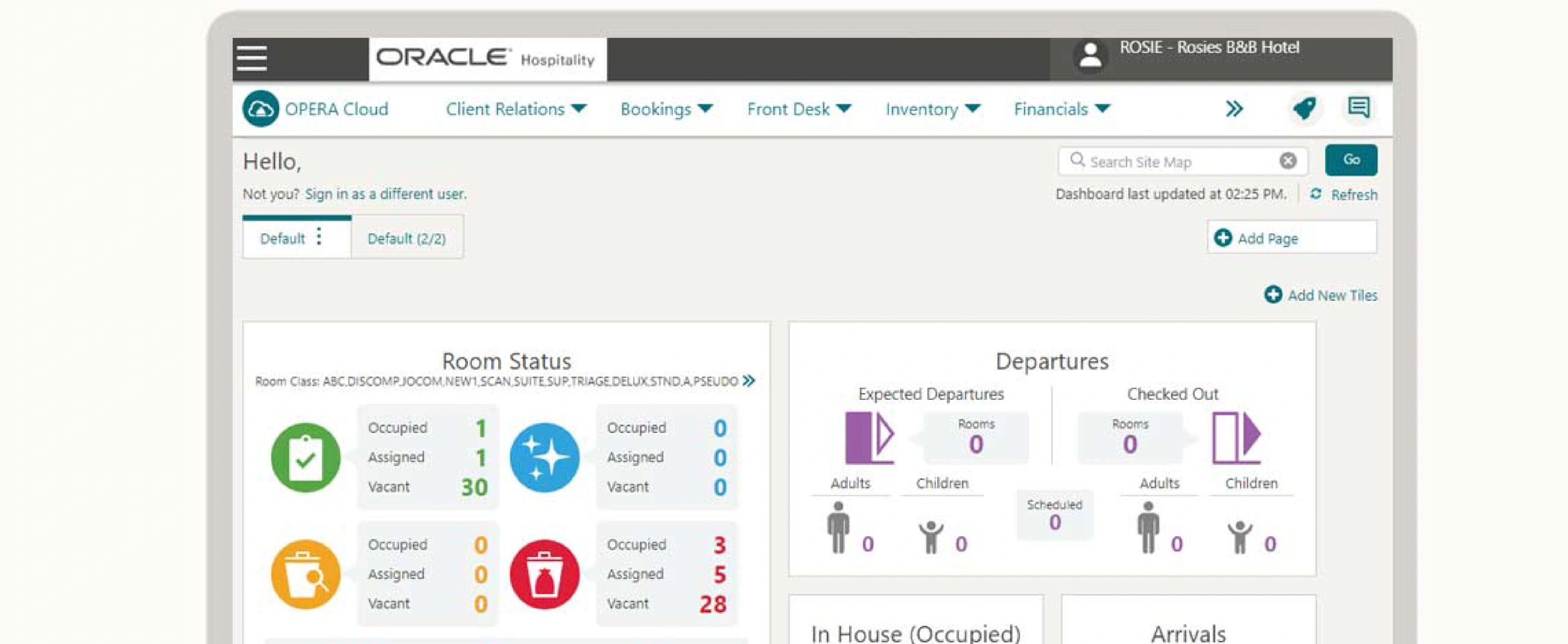
1. Oracle MICROS Simphony: Best for large hotels and chains
Oracle MICROS Simphony is the long-standing enterprise standard for hotel point of sale, and for good reason. It is a cloud POS built to run high-volume, multi-outlet F&B across large hotels and chains, with the kind of reliability, offline resilience, and centralized control that a 300-room property or a portfolio of them depends on. Menus, prices, and promotions can be managed centrally and pushed to every outlet and property, so brand standards hold everywhere.
Beyond the terminal, Simphony pairs with kitchen display systems, handhelds, and kiosks, and integrates deeply with hotel PMS platforms, including Oracle's own OPERA, so charges post to the folio cleanly at scale. It is more complex and more expensive to deploy than a small-property POS, which is exactly why enterprise operators shortlist it first.
Key features: Enterprise cloud POS, multi-outlet and multi-property support, centralized menu and price control, offline mode, kitchen display systems, handheld and kiosk POS, deep PMS integration, advanced reporting.
What it solves: Run high-volume F&B across many outlets and properties with brand-standard consistency and clean folio posting at scale, moving portfolio revenue, uptime, and reporting consistency while holding down complexity for finance. Built for scale, not for a single small outlet.
Best for: Large hotels, resorts, chains, and branded portfolios that need enterprise-grade, multi-outlet POS.
Pricing: Custom, based on outlets, terminals, and modules; enterprise deployment and services are quoted directly.
Reviews: Rated 4.2/5 on Capterra with 85% positive sentiment, and reviewed on TrustRadius, valued as a robust enterprise solution with global reach, with a steep learning curve noted.
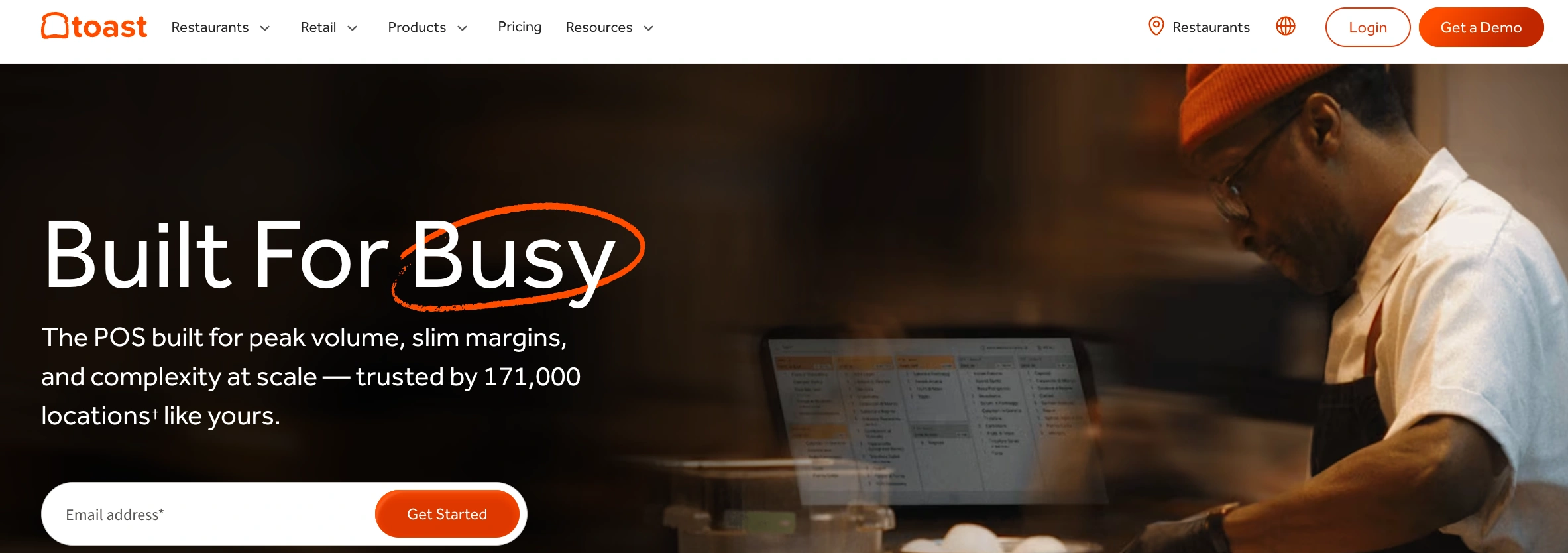
2. Toast: Best for F&B-led hotel restaurants and bars
Toast is a restaurant-first cloud POS that has become a favorite for hotels whose food and beverage program is a destination in its own right. Built on durable Android hardware designed for busy kitchens and floors, Toast brings handhelds for tableside ordering, self-service kiosks, online ordering, and kitchen display systems together in one restaurant-native system. For a hotel restaurant or bar doing real volume, that purpose-built hardware and workflow is the draw.
Toast is engineered around the restaurant rather than the room, so its hotel value shows up most in F&B outlets, and the PMS-to-folio connection is handled through integration. If your property leads with its dining and bar experience, and you want kiosk POS and modern ordering tools, Toast is a strong fit for those outlets.
Key features: Restaurant-first cloud POS, rugged handhelds, self-service kiosks, online and QR ordering, kitchen display systems, menu and labor management, reporting.
What it solves: Power busy hotel restaurants and bars with hardware and ordering tools built for volume, moving speed of service, average check, and labor cost. Strongest as an F&B outlet POS, with folio posting handled via PMS integration.
Best for: Large and F&B-led hotels whose restaurants, bars, and quick-service outlets need restaurant-grade tools.
Pricing: Offers an entry Starter tier, with core plans commonly around $69 per month per outlet plus hardware and payment processing; confirm current pricing directly.
Reviews: Rated 4.2/5 on both G2 (367 reviews) and Capterra (550+ reviews), a Leader on G2, praised for restaurant-specific features and handheld ordering, with processing fees the main consideration.
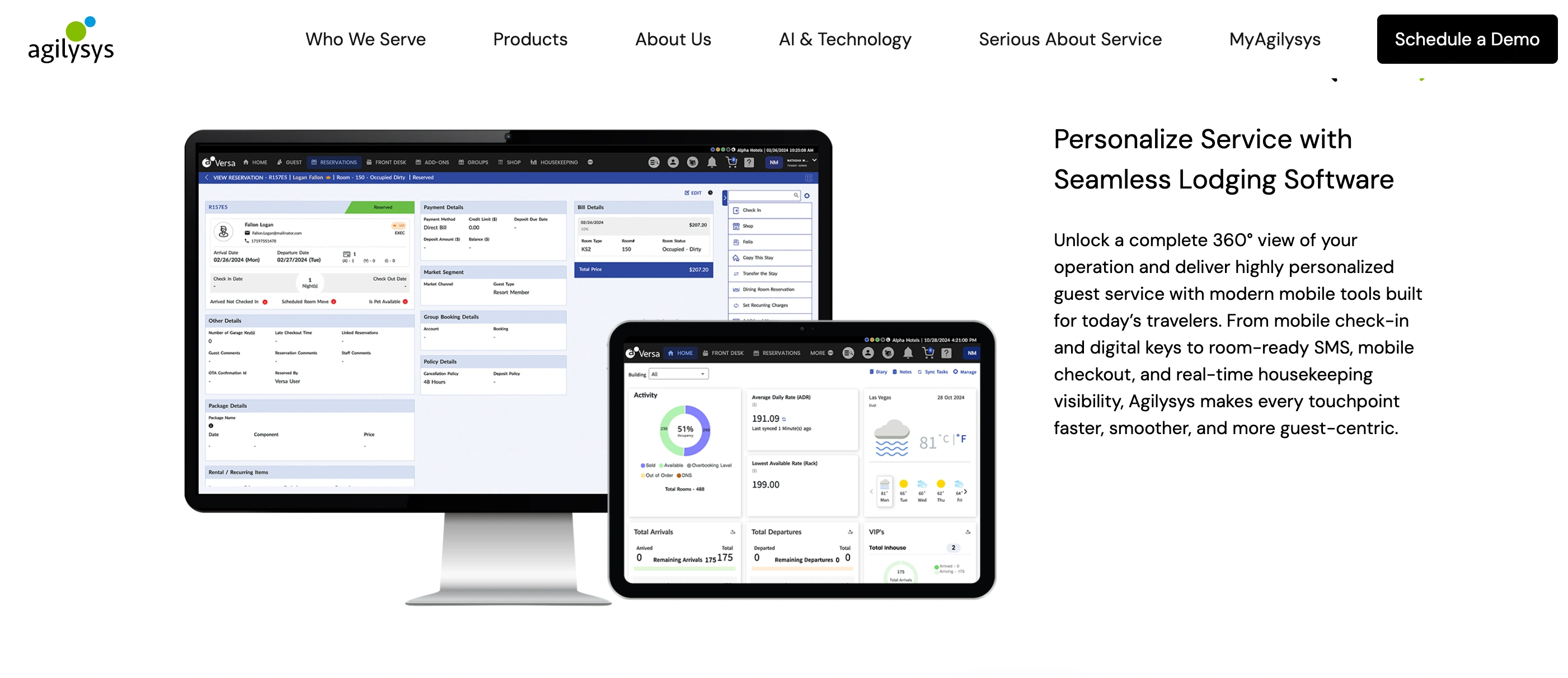
3. Agilysys InfoGenesis: Best for resorts, casinos, and branded portfolios
Agilysys InfoGenesis is a cloud-native hospitality POS built for the demands of resorts, casinos, and large hotels, and it was approved by IHG Hotels & Resorts for use across its global brand portfolio, a strong signal of enterprise trust. It delivers ordering, payment, and reporting across every channel, mobile, kiosk, self-service, tableside, and fixed terminal, on iOS, Windows, and Android devices.
Its standout is resilience: InfoGenesis is engineered for uptime, staying functional over Wi-Fi and cellular data and keeping transactions running during network disruptions, with P2PE-secure payments and integrated digital menu management. For a property or portfolio where service cannot stop and brand standards must hold, that reliability is the draw, and it integrates with hotel PMS platforms to keep folio posting clean.
Key features: Cloud-native hospitality POS, mobile, kiosk, self-service, and tableside ordering, iOS, Windows, and Android support, offline resilience, P2PE-secure payments, digital menu management, multi-language and multi-currency.
What it solves: Deliver consistent, resilient F&B service across resorts, casinos, and multi-property brands, moving uptime, reporting consistency, and guest throughput. Built for enterprise scale with clean PMS folio posting.
Best for: Large hotels, resorts, casinos, and branded portfolios that need enterprise-grade, resilient POS.
Pricing: Custom, based on outlets, devices, and modules; quoted directly for enterprise deployment.
Reviews: Holds an HT Score of 72 on HotelTechReport, where Agilysys is recognized for ease of use and customer support, is listed on Capterra as an award-winning POS, and is notably approved by IHG across its full brand portfolio.
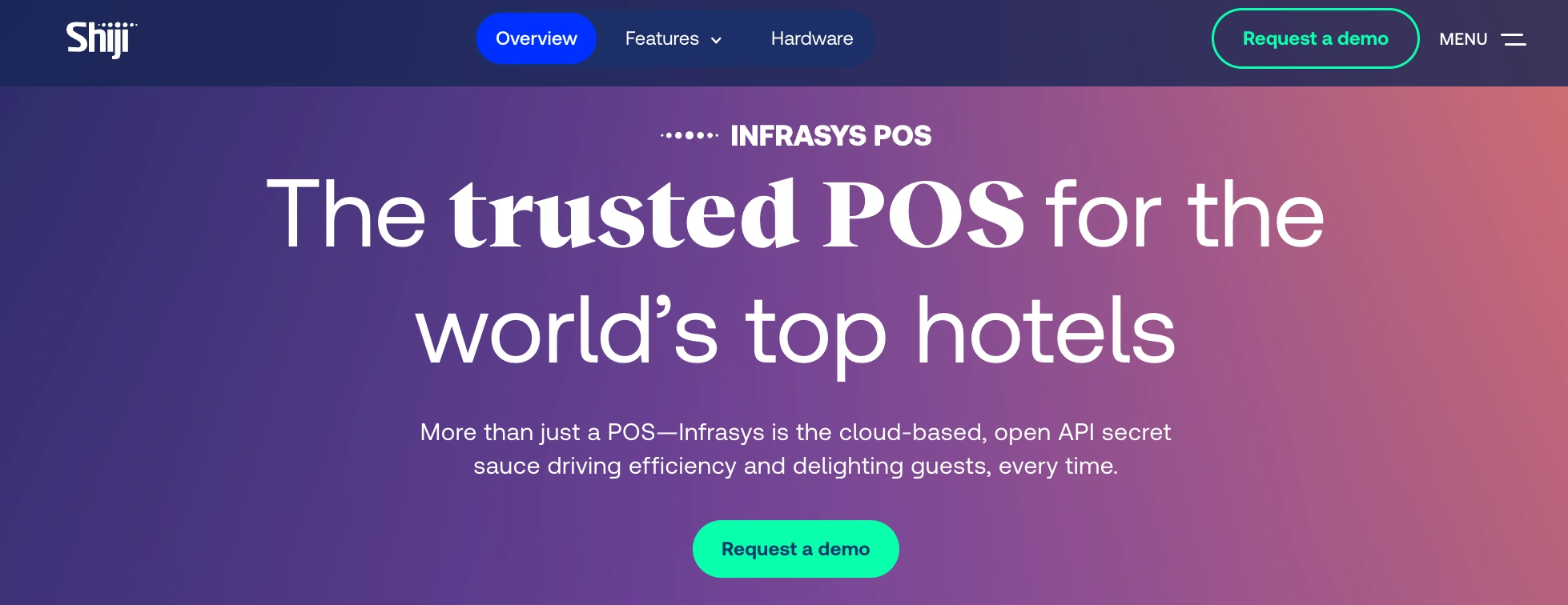
4. Shiji Infrasys: Best for global and luxury hotel groups
Shiji Infrasys is a cloud-native enterprise POS built specifically for international hotel groups and luxury properties with demanding operational standards. It is designed to standardize point of sale across many properties and countries, with multi-currency support and the multi-outlet control that a global portfolio needs, from fine dining to bars to in-room dining.
For a luxury or multinational group, the appeal is consistency and scale: one POS standard, centrally managed, that still supports the service nuances a high-end property expects, and integrates with leading hotel PMS platforms so charges post to the folio cleanly. Like other enterprise systems, it is a considered deployment rather than a quick setup, which fits the operators who choose it.
Key features: Cloud enterprise POS, multi-property and multi-currency support, luxury-grade service configuration, centralized management, deep PMS integration, mobile and tableside ordering.
What it solves: Standardize POS across a global or luxury hotel group while supporting high-end service, moving reporting consistency, brand standards, and multi-property control. Built for scale and sophistication.
Best for: International and luxury hotel groups and multi-property portfolios.
Pricing: Custom, based on portfolio size and modules; quoted directly.
Reviews: Holds an HT Score of around 79 on HotelTechReport and ranks as the #4 trending hotel POS system, with Shiji users valuing its user-friendliness, integrations, and support across 265+ verified reviews.
Small & Boutique Hotels (under about 30 rooms)
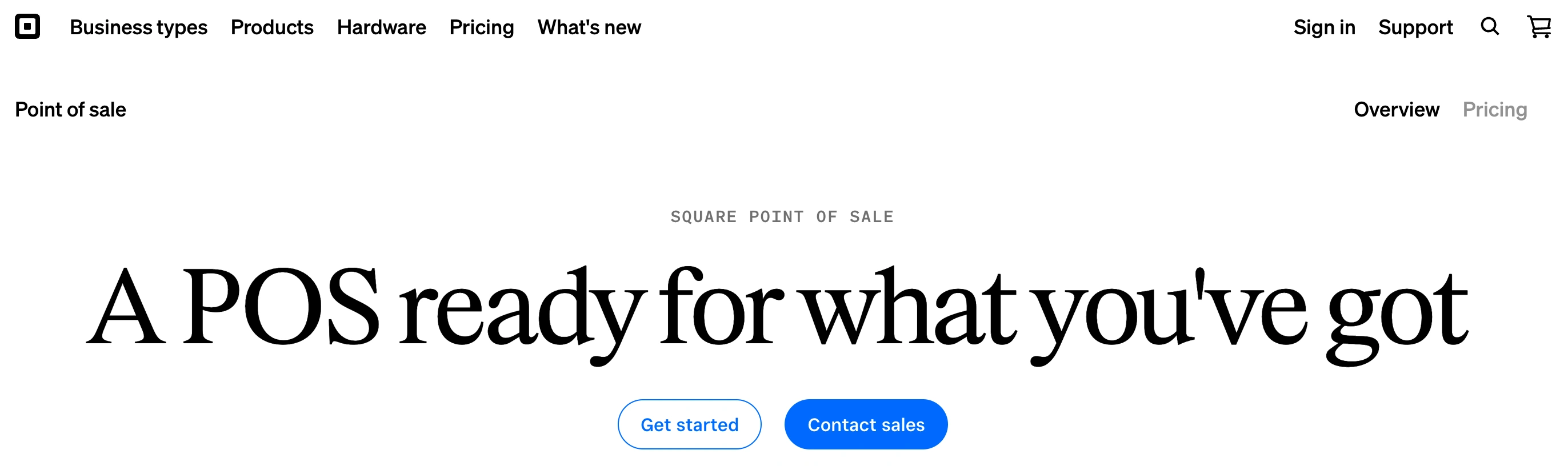
1. Square: Best for a simple, low-cost till across a small property
Square is the go-to for small and boutique hotels that need to take payments across a cafe, bar, or gift shop without a big system or a big bill. The core POS app is free, the mobile card readers are inexpensive, and setup takes hours rather than weeks, so an owner-operator can be ringing up sales the same day. For a lean team, that simplicity is the whole point.
Square handles basic inventory, sends digital receipts, and offers Square for Restaurants for properties with a small dining outlet. It is not a native hotel platform, so folio posting to a PMS depends on integrations, and very high-volume, multi-outlet operations will outgrow it. For a small property that mainly needs a reliable, affordable till, that trade-off is easy to accept.
Key features: Free POS app, affordable mobile and countertop card readers, simple inventory, digital receipts, Square for Restaurants, basic reporting.
What it solves: Take payments across a small cafe, bar, or gift shop with almost no setup cost or monthly fee, moving speed of service, setup time, and cost per month. Best where simplicity and low cost outweigh deep PMS integration.
Best for: Small and boutique hotels, inns, and B&Bs with one or two light revenue centers.
Pricing: Free POS plan with per-transaction processing; Square for Restaurants offers a free tier with paid plans commonly around $60 per month per location.
Reviews: Square for Restaurants is rated 4.5/5 on Capterra from 400+ reviews with an ease-of-use score of 4.6/5 on G2, praised for its free tier and simplicity, with processing fees and occasional fund holds the main complaints.
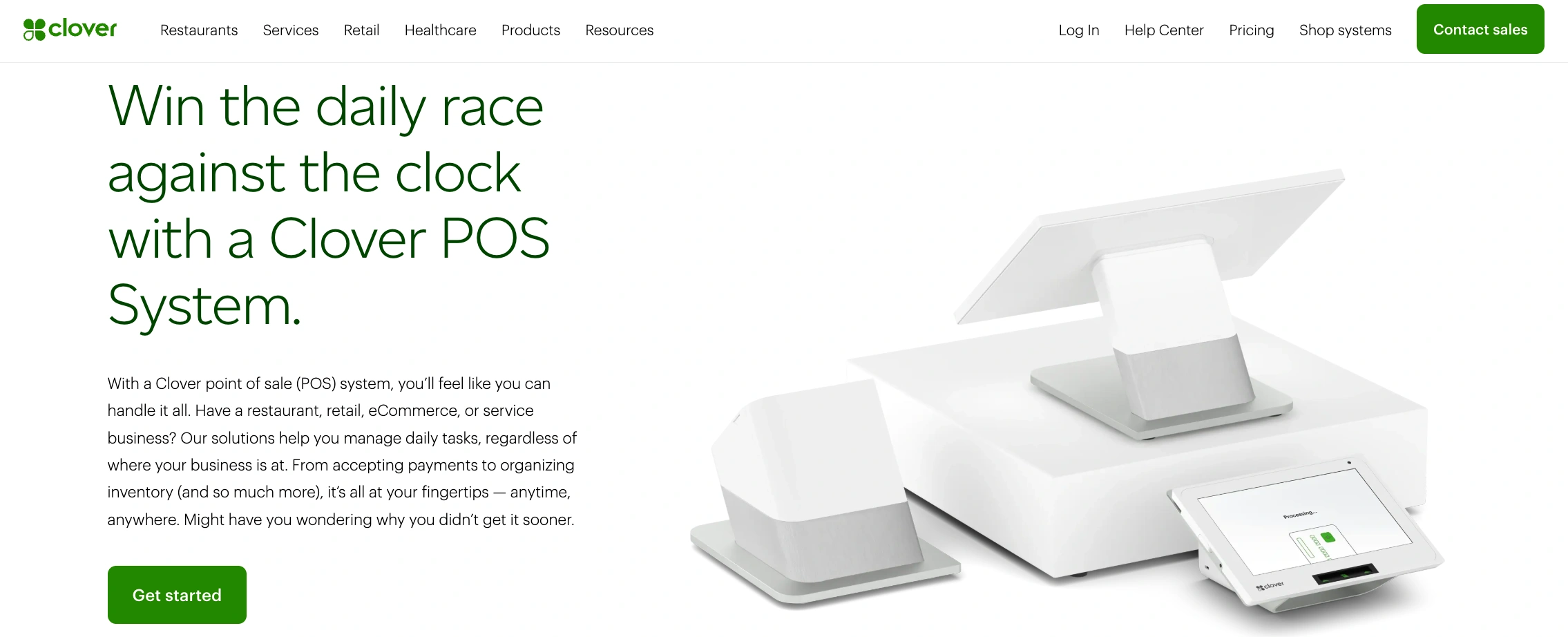
2. Clover: Best for all-in-one hardware in a small outlet
Clover is an all-in-one POS that pairs proprietary Android hardware with a cloud-based, app-driven software model, which makes it a tidy option for a small hotel running a cafe, bar, or gift shop. Because its features come from downloadable apps, an owner can start simple and add inventory, loyalty, or online ordering as the outlet grows, all on hardware that looks and feels polished at the counter.
For a boutique property, the draw is a self-contained till that handles payments, basic inventory, and reporting without a big IT lift. Clover is built for small businesses generally rather than hotels specifically, so posting charges to a room folio depends on PMS integration, which you should confirm if charge-to-room matters to your guests.
Key features: All-in-one Android POS hardware, cloud software with an app market, integrated payments, simple inventory, employee and reporting tools, quick-service and full-service plans.
What it solves: Run a small hotel cafe, bar, or shop on easy all-in-one hardware, moving setup time, transaction speed, and cost per month. Best where a self-contained till matters more than native hotel integration.
Best for: Small and boutique hotels with a light F&B or retail outlet.
Pricing: Software plans commonly range from about $59.95 per month for quick-service to $89.95 per month for full-service, plus hardware and processing; confirm current pricing directly.
Reviews: Rated 3.9/5 on both Capterra and G2, praised for its all-in-one hardware, multi-location dashboard, and app integrations, with billing and customer service the most common frustrations.
Key Features to Look For in the Best Hotel POS System
The best hotel POS software should handle the routine without fuss and connect cleanly to the systems you already run. Here is the feature checklist to tick off:
PMS integration: Automatically posts charges from different service areas to the correct guest room bill, with two-way sync and no re-keying. This is the single most important feature in any hotel POS, so verify it first.
Mobile POS (mPOS): Lets staff take orders and payments on tablets or phones anywhere on the property, tableside, poolside, or in the lobby.
Inventory control: Tracks stock levels for food, drinks, and retail items in real time, so you catch variance early and reorder on time.
Multi-outlet support: Manages different revenue centers, cafes, bars, spas, and gift shops, from one dashboard with centralized menus and reporting.
Integrated payments: Processes cards securely and reconciles cleanly, ideally through the same platform as your PMS.
Contactless and digital ordering: Lets guests order and pay from a phone for room service, poolside, or the restaurant.
{{cta-strip}}
Frequently Asked Questions
1. What is the best POS system for hotels?
For independent hotels and groups, roommaster POS leads because it is purpose-built for hotels and integrates natively with the PMS, so charges from restaurants, bars, room service, and spas post straight to the guest folio. Oracle MICROS Simphony, Agilysys InfoGenesis, and Shiji Infrasys are strong for large and enterprise properties, while Square and Clover suit small hotels.
2. What is a hotel POS system?
A hotel POS system is the hardware and software that processes payments across every revenue center and links on-property spending, from restaurants, bars, and spas, directly to a guest's room folio through the PMS, so everything settles in one checkout.
3. Does a hotel POS system integrate with my PMS?
The best hotel point of sale systems do. PMS integration is the most important feature to check, because it is what posts charges to the correct room bill automatically and keeps your night audit clean. Always confirm the specific integration during a demo.
4. How much does a hotel POS system cost?
It varies widely. Purpose-built hotel platforms like roommaster POS are quoted custom based on property size and outlets. Restaurant POS plans commonly start around $60 to $190 per month per outlet plus hardware and processing, and some vendors offer a free entry tier. Enterprise systems are quoted directly.
5. What are the types of POS systems used in hotels?
Common types include basic, enterprise, desktop, tablet, mobile (mPOS), and kiosk POS systems. Most hotels combine several, such as fixed terminals in the restaurant, tablets at the bar, and mobile POS for room service, all posting to one PMS.
6. Do I need a separate POS for each outlet?
No. The best hotel POS software offers multi-outlet support, so you manage restaurants, bars, spas, and gift shops from one dashboard with centralized menus and consolidated reporting, rather than running a separate system per outlet.
7. What is the difference between a hotel POS and a restaurant POS?
A restaurant POS is built around the table and the check. A hotel POS does that too, but it also connects to the PMS to post charges to the room folio across many outlets, which is what makes it a true hospitality point of sale system rather than a standalone till.
pms-two
Hotel Operations Made Simple and Effective with roommaster
Mayela Lozano is a content strategist with a passion for hospitality and technology. She collaborates with roommaster on content creation, highlighting how technology can streamline hotel operations and enhance guest satisfaction. When she’s not creating content, Mayela loves to travel and spend time with her two little ones, discovering new adventures and making memories along the way.
Join Thousands of Hotels Thriving with roommaster
The transition to roommaster is straightforward and efficient. Our implementation team handles data migration including reservations, guest profiles, and historical information.
The transition to roommaster is straightforward and efficient. Our implementation team handles data migration including reservations, guest profiles, and historical information.
How Hotel PMS Software Transforms Hospitality Management
September 23, 2026
Hotel Management
Marketing
Pet-Friendly Hotel Amenities & Package Ideas That Drive Revenue
September 22, 2026
Hotel Management
Hotel PMS
Hotel Food And Beverage (F&B): The Complete Guide
September 22, 2026
Hotel Management
Marketing
Hotel Pet Fees: How Much Should You Charge?
September 22, 2026
Hotel Management
Hotel PMS
Best Hotel Food and Beverage (F&B) Management Software In 2026
September 22, 2026
Hotel Management
Marketing
Pet-Friendly Hotel Guide: Policy, Fees & Amenities
September 22, 2026
Hospitality Technology
Best Hotel Metasearch Management Software In 2026
September 22, 2026
Hotel Management
Payment Processing
Best Practices For Hotels To Avoid Chargebacks Disputes
September 21, 2026
General
Hotel Management
Preventing Credit Card Fraud In Hotel Operations
September 21, 2026
Join Thousands of Hotels Thriving with roommaster
See how roommaster's unified platform can work for your property. Our team will walk you through features tailored to your specific needs and operations.


.png)
.png)
.png)