Every successful hotel event starts with a clear plan, and the BEO is that blueprint, detailing guest count, room layout, menu, AV, and staffing.
This helps every team member to understand their role, avoiding costly mistakes and improving guest satisfaction, with 85% of hotels seeing better outcomes using event tech.
As events evolve, a flexible BEO lets you update timelines, special requests, and seating arrangements without chaos.
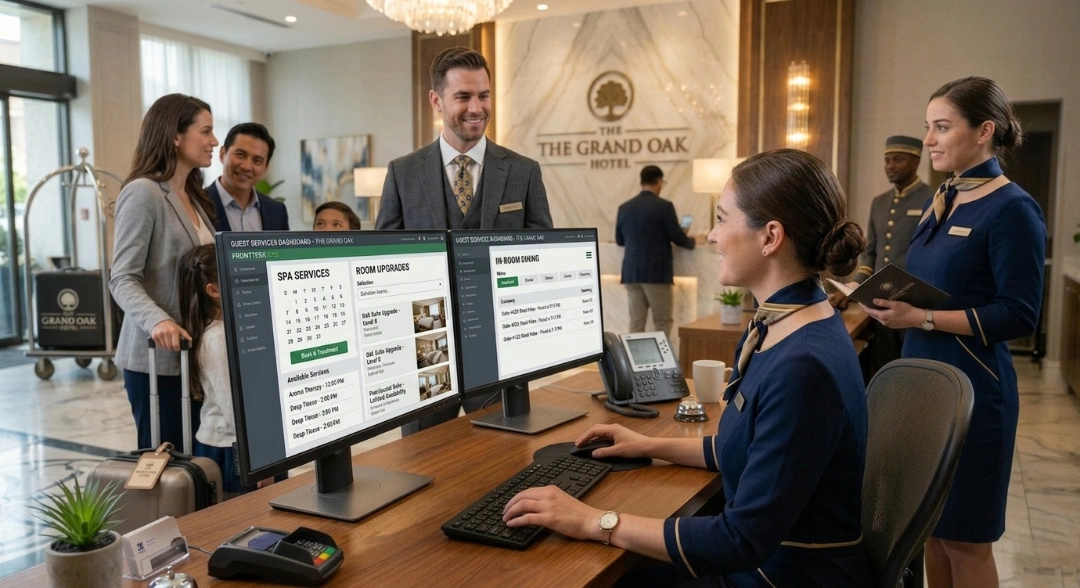
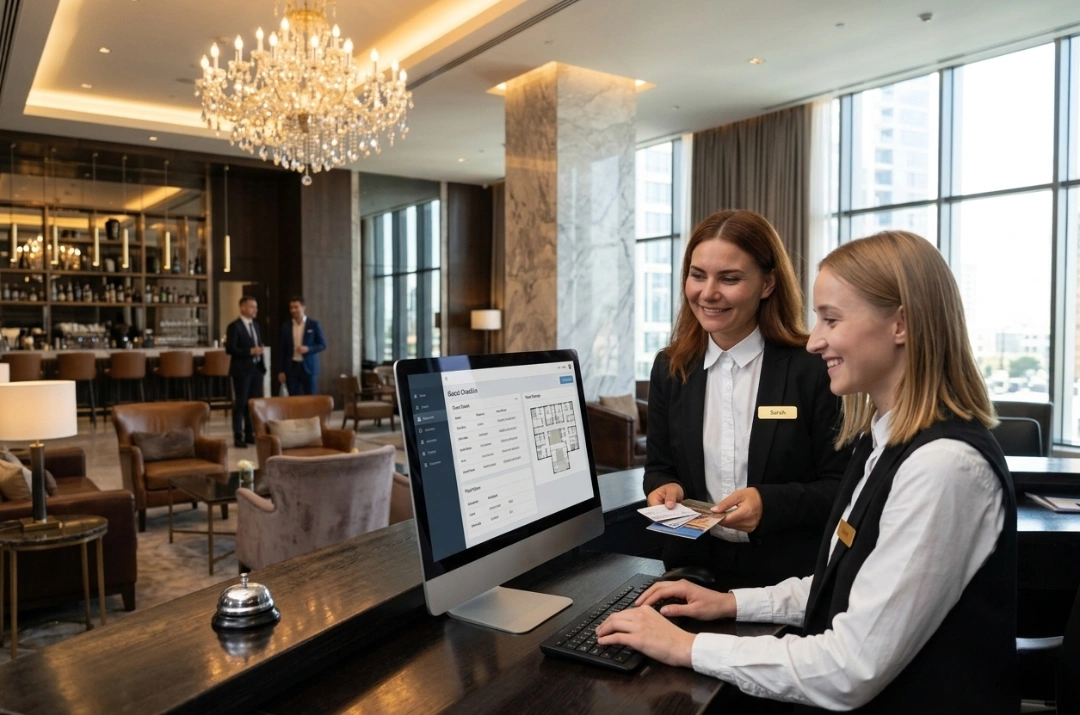
Integrating roommaster PMS centralizes reservations, housekeeping, and billing, so every BEO update is instantly shared across departments.
With automated notifications, revenue optimization, and real-time reporting, your team can manage multiple events smoothly and capture every booking opportunity.
If you’re someone who notices the little things and likes thinking through every detail, successful event planning might just be your calling.
Designing service orders for hotel events can actually be one of the most satisfying parts of the job, because every detail matters and every line you write shapes the guest experience. But when you’re coordinating catering, room setup, timing, staffing, and special requests, you quickly realize you need a single, clear document to keep everyone aligned.
That document is called a banquet event order, or simply, BEO.
So, what is a BEO, and why does everyone treat it like the backbone of an event?
In reality, a BEO does far more than list menu items. It aligns the entire team, protects revenue, supports billing accuracy, and drives guest satisfaction.
In this guide, you will learn what is BEO in hospitality, what it includes, how it differs from proposals and contracts, and how to use it to deliver flawless events with confidence.
BEO Overview
Put simply, BEO stands for banquet event order. In this context, “banquet” simply refers to an event, not just food and beverage service.
Let’s see what it means in the hospitality industry.
What is a BEO in hospitality?
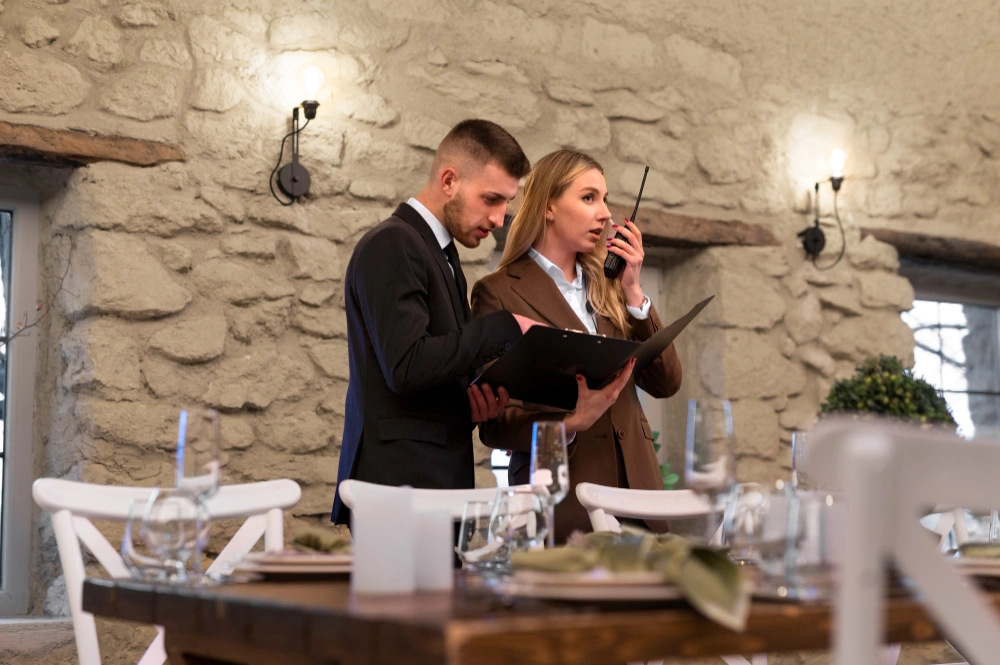
A banquet event order (BEO) is a detailed document that outlines all relevant aspects of an event held in a hotel or venue. It acts as a blueprint for multiple departments involved in the success of an event. It helps teams translate client expectations into clear operational tasks.
Well‑crafted BEOs support seamless execution and help avoid misunderstandings on the day of the event. Hotels that host many events, such as weddings, corporate meetings, social functions, and conferences, rely on BEOs to coordinate them efficiently.
A typical BEO includes:
Event name
Event planner and client information
Event date and times
Guest count
Event room or location
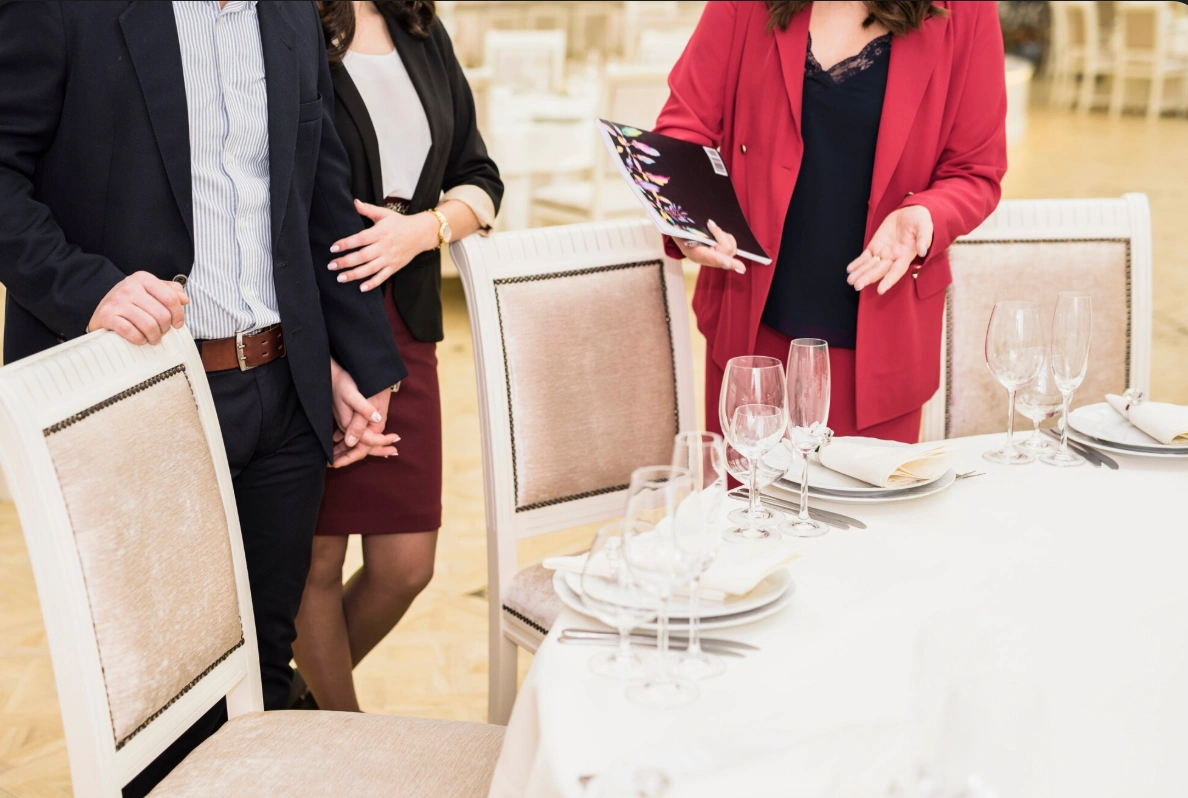
Room layout and setup
Seating arrangements and table arrangements
Seating arrangements and table arrangements
Menu details and dietary preferences
Meal service format
Audiovisual equipment and technical support
Staffing allocations
Pricing, taxes, and billing terms
Each section connects critical activities and responsibilities so that the entire team can meet client expectations and avoid costly day‑of‑event mistakes.
In fact, over 70% of event teams use digital automation tools because they improve accuracy and reduce reliance on paper and spreadsheets. Meanwhile, 68.9% of event organizers cite event software as a key driver of success, and post-pandemic, 90% of event professionals agree that technology improves overall outcomes.
These numbers highlight why a structured BEO combined with digital tools is essential for accurate, seamless, and successful events.
What a BEO Includes: A Complete Checklist
A BEO is the master document that brings an event to life behind the scenes. It outlines every operational detail, from the event schedule and room layout to catering selections and special requests, to keep alignment between planners, venue teams, and service staff.
Below is a structured breakdown of what a professional banquet event order template should include and how to format it effectively.
1. Event overview
Start with the essential event details:
Event Name
Date
Venue/Location/Room
Event Type (Wedding, Corporate Dinner, Conference, Gala, etc.)
Client Details
Contact Information
This section ensures everyone involved clearly understands who the client is and what the event entails.
2. Event details
Capture the operational timing and guest expectations:
Setup Time
Start Time
End Time
Expected Guest Count
Accurate timing is critical for staffing, catering preparation, and service flow.
3. Room setup
Define how the space should be arranged:
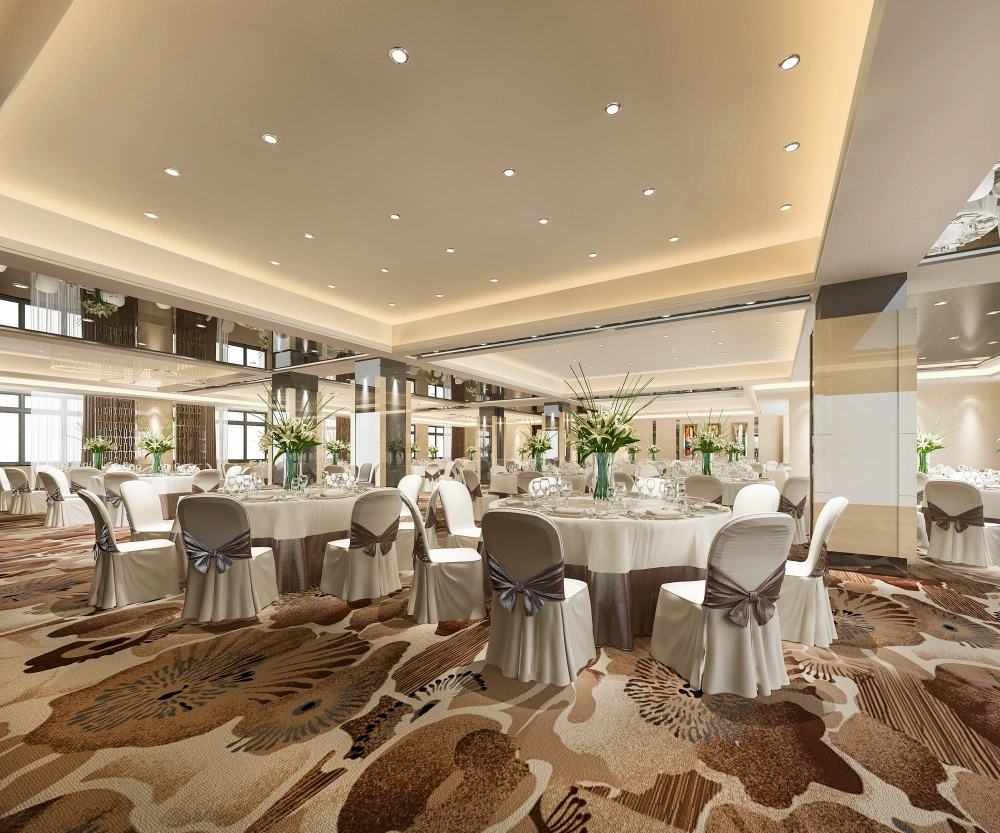
Layout Description (e.g., round tables with white linens, theater seating, classroom setup)
Clear setup instructions reduce miscommunication and the need for last-minute adjustments.
4. Food & beverage order
Detail all catering selections:
Appetizers
Main Courses
Desserts
Beverages
Also include:
Dietary Restrictions or Special Requests
Documenting allergies, vegetarian/vegan needs, or cultural food preferences is essential for guest satisfaction and safety.
5. Timeline & schedule
A structured event timeline ensures smooth execution:
Guest Arrival
Dinner Service Begins
Speeches/Presentations
Event Conclusion
List each milestone with specific times to keep all departments coordinated.
6. Special requests
Include any additional notes such as:
AV requirements
Stage setup
Entertainment needs
VIP seating
Branding or signage
This section prevents critical details from being overlooked.
7. Contact information (On-site team)
Clearly list responsible personnel:
Event Planner
Venue Coordinator
Catering Manager
Having direct points of contact avoids confusion during the event.
8. Signatures & approval
End the document with:
Client Signature & Date Signed
Venue Signature & Date Signed
Signatures confirm agreement on all specifications and protect both parties.
Banquet Event Order Template
Below is a flexible template you can use or adapt to your hotel’s needs.
Many teams develop custom BEO templates that reflect how they operate
and integrate with their planning tools.
I. Event Information
II. Venue Setup
III. Catering Services
IV. Audio visual
V. Staffing
VI. Pricing
Banquet Event Order Example: Filled Sample
The following example shows how real-world details appear in a BEO.
Event name: Corporate Leadership Summit Event planner: James Miller Event date: April 18, 2026 Guest count: 220
Event locations & setups:
- Morning & Afternoon Sessions
Room: Grand Ballroom A
Setup: Theatre style
Seating arrangement: 20 rows of 11 chairs
Purpose: Keynotes, panels, and learning sessions
- Lunch & Networking
Room: Grand Ballroom B
Setup: Rounds
Table arrangements: 18 round tables of 12
Purpose: Plated lunch and networking
- Menu details:
Breakfast buffet (served in pre-function area)
Plated lunch entrée with chicken and vegetarian options
Hors d'oeuvres during networking hour
Beverage packages
- Audiovisual equipment:
Three wireless microphones (Ballroom A)
Two projectors with screens (Ballroom A)
Dedicated technical support staff
- Staffing:
8 servers
2 bartenders
1 AV technician
Pricing:
Room rental: $2,100
Food and beverage: $7,500
Service charges and taxes: $2,000
Why room locations matter in a BEO
For large groups, using separate spaces for sessions and meals helps hotels avoid rapid room turnovers. Converting a room from theatre seating to banquet rounds (and back again) within a short window increases labor strain, delays service, and raises the risk of errors. Clearly specifying room usage in the BEO allows teams to plan staffing, timing, and equipment more efficiently.
This level of detail helps catering, AV, and banquet teams execute confidently while reducing operational friction.
BEO vs Proposal vs Contract vs Invoice
Now that we understand what a BEO is and why it’s essential, it’s helpful to see how it differs from other common event documents, such as proposals, contracts, and invoices.
While proposals, contracts, and invoices focus on securing the event and managing payments, the BEO is the operational guide that ensures everything actually happens as planned.
Document
Purpose
Timing
Key Features
Who Uses It
BEO (Banquet Event Order)
Operational blueprint for the event
Created after event details are confirmed, before the event
Terms and conditions, deposits, cancellation policies, liabilities
Legal, sales teams, and clients
Invoice
Billing document for payment
After the event or for deposits
Itemized charges, taxes, payment methods, and due date
Accounting team and clients
In simple words:
A proposal presents options and prices to secure a booking, while the BEO confirms the agreed details once the proposal becomes a commitment.
A contract is legally binding and defines payment terms, cancellation policies, and liabilities. The BEO complements it by outlining how the event will actually be executed.
An invoice requests payment for services provided, but the BEO guides service delivery before and during the event, making sure every detail is accounted for so the event runs smoothly.
{{pms-four}}
Best Practices for Writing a BEO
When you create a BEO, you are orchestrating a remarkable experience. Great BEOs help your team deliver with confidence and precision.
Follow these tips to turn standard planning into professional‑level event management:
1. Accuracy and setup
To begin with, be clear and thorough. A detailed BEO prevents confusion and gives your team a reliable reference. List the room layout, table placement, audiovisual setup, and any technical requirements in a way that people can visualise.
You can also include simple diagrams or sketches. Research shows that venues using automation tools reduce planning time by up to 30%, letting staff focus on execution rather than correcting mistakes.
2. Flexibility
Events change. In this case, a guest count might increase, a speaker might need extra time, and a vendor might arrive late.
To keep up with these shifts in demand, include clear steps in your BEO for updating the plan as details change. When your team knows how to quickly adjust the document, they stay productive and calm under pressure.
3. Communication
Keep communication open and consistent with your team, clients, and vendors. When you share all contact details and event updates in a central location, everyone has access to the same information.
Then use dedicated communication tools so every team member can see real‑time changes and respond quickly. When your team communicates through a shared system, you cut down delays and keep everyone aligned throughout the event process.
4. Pricing and billing
Be clear about costs from the start. Include accurate prices for food, equipment, staffing, and any additional client requests. Additionally, document taxes, payment terms, and billing details so no one has to guess later.
When your pricing is transparent, your team avoids disputes, your client feels confident, and post-event reconciliation happens faster and more smoothly.
5. Review and confirmation
Before you finalise the BEO, review it with all parties involved. This is your chance to catch errors, confirm agreements, and make sure expectations match reality.
Getting sign‑off early means fewer surprises on the day of the event.
6. Integrate technology
Most importantly, use software that ties your BEO directly into operations like reservations, catering, housekeeping, and billing. Event teams that adopt digital tools not only improve accuracy but also boost guest satisfaction.
A recent industry survey found that 85% of hospitality professionals reported better guest satisfaction after adopting event tech that supported real‑time updates and coordination. Integrated systems let departments share one source of truth and reduce redundant work, making execution smoother and faster.
As a modern, fully-upgraded, cloud-based, all-in-one hotel property management system (PMS), roommaster PMS centralizes reservations, housekeeping, channel management, booking engine, reporting and analytics, and billing in a single dashboard. Your team can update event details in real time, share information across departments instantly, and verify that every booking and guest-related detail is accurate and accessible.
How to Manage a BEO Effectively
Multiple events, last-minute changes, and cross-department workflows can overwhelm your team if you don’t have the right processes in place. When you leverage technology built for hospitality, such as roommaster PMS, you can turn that complexity into smooth operations and focus on delivering exceptional guest experiences.
Here’s a step-by-step guide to managing a BEO effectively:
A. Centralize documentation
Keep all reservations and guest information in a single system so every team has access to the latest details. roommaster hotel PMS centralizes reservations, group blocks, and guest data in a single platform. Teams see real-time updates to bookings, guest preferences, and room allocations, eliminating confusion over separate files.
Its advanced group and event management allows you to track master accounts, assign individual folios, and manage intelligent room allocation so all event guests stay together while optimizing occupancy.
B. Automate notifications
Send alerts when key elements like guest count or technical needs change. The roommaster Guest Communication & Engagement Software enables automated messaging for both staff and guests, triggered by reservation updates. Front desk, catering, and AV teams receive instant alerts about changes in guest counts, special requests, or scheduling updates.
The roommaster Hotel Guest App extends this to guests, allowing them to confirm requests or make adjustments directly from their phones. This keeps everyone aligned without extra phone calls or emails.
{{guest-app}}
C. Track version history
Once you have centralized all BEO and event information in a single system, the next step is to maintain a clear audit trail of modifications to protect against disputes. You can log every change in roommaster PMS, from reservation adjustments to group billing updates, with timestamps and user details. The system produces detailed reports showing who made changes and when, providing transparency for both operational teams and management.
Meanwhile, integrated roommaster Payments Software records deposits, pre-authorizations, and settlements accurately in the audit trail, giving finance teams confidence in every transaction.
D. Hold cross-team check-ins
Next, schedule operational meetings between venue managers, catering, AV, and sales teams so everyone stays aligned. With roommaster Reporting & Analytics, you can generate real-time reports on occupancy, event schedules, and revenue, allowing teams to review progress before the meeting.
The unified dashboard displays housekeeping status, room availability, and guest communications in one place. This enables every department to arrive prepared and avoid confusion or last-minute firefighting.
E. Leverage advanced distribution & guest insights
When managing multiple events and group bookings, knowing where guests come from and how to communicate matters. The roommaster Channel Manager synchronizes availability and rates across hundreds of OTAs and GDS platforms in real time, while the Revenue Optimization Suite suggests rate adjustments for high-demand periods or seasonal trends.
As a result, teams can confidently allocate rooms, manage inventory, and maximize revenue while maintaining a consistent guest experience. Detailed 360-degree guest profiles ensure personalized services for event attendees, from welcome messages to post-event follow-ups.
Streamline Event Operations and Maximize Revenue with roommaster PMS
Running multiple events doesn’t have to overwhelm your team. roommaster PMS centralizes reservations, group bookings, payments, and guest communications, giving you full visibility across all stays tied to an event.
You can optimize room allocation, automate dynamic pricing, and deliver personalized guest messaging to boost engagement and repeat bookings. Integrated workflows reduce errors and save staff hours, letting your team focus on creating seamless event experiences. With roommaster PMS, hotels streamline event operations, capture every revenue opportunity, and ensure every guest enjoys a smooth, well-coordinated stay.
BEO stands for banquet event order. It’s a detailed document that captures event specifics, including setup, service plans, technical needs, and pricing, helping teams execute the event accurately.
Who creates the banquet event order?
An event manager or sales manager typically creates the BEO after confirming client expectations. They collaborate with catering, AV, and housekeeping teams.
What is a BEO hotel?
A BEO hotel is a property that uses banquet event orders to manage events and banquet services. These hotels rely on BEOs to coordinate departments and deliver seamless events.
Does every event require a BEO?
Most hotel events require a BEO, especially those involving food, room setup, or AV equipment. Even smaller gatherings benefit from documented instructions.
Who needs to sign off on a BEO?
A BEO typically requires approval from the client and the hotel’s sales or event management team. Their signatures confirm agreement on all details. roommaster PMS provides a digital audit trail of approvals and modifications, ensuring transparency and reducing the risk of disputes.
Mayela Lozano is a content strategist with a passion for hospitality and technology. She collaborates with roommaster on content creation, highlighting how technology can streamline hotel operations and enhance guest satisfaction. When she’s not creating content, Mayela loves to travel and spend time with her two little ones, discovering new adventures and making memories along the way.
Join Thousands of Hotels Thriving with roommaster
The transition to roommaster is straightforward and efficient. Our implementation team handles data migration including reservations, guest profiles, and historical information.
The transition to roommaster is straightforward and efficient. Our implementation team handles data migration including reservations, guest profiles, and historical information.
Hotel Check-In Kiosk: Enhance the Guest Experience
October 5, 2026
Hospitality Technology
Hotel Management
Hospitality Trends
Hotel Self Check-In: How It Works, Types, Benefits And Setup
October 1, 2026
Hotel Management
Hospitality Trends
Hotel Check-In & Check-Out Times Explained
October 1, 2026
Hospitality Trends
Hotel Management
Cloud-Based Property Management System: Hotel PMS
October 1, 2026
Hotel Management
Cloud PMS
Hotel Management System (HMS): A Complete Guide
September 23, 2026
Hospitality Trends
Hospitality Technology
Hotel PMS
Hotel Management
Cloud PMS
How Hotel PMS Software Transforms Hospitality Management
September 23, 2026
Hotel Management
Marketing
Pet-Friendly Hotel Amenities & Package Ideas That Drive Revenue
September 22, 2026
Hotel Management
Hotel PMS
Hotel Food And Beverage (F&B): The Complete Guide
September 22, 2026
Hotel Management
Marketing
Hotel Pet Fees: How Much Should You Charge?
September 22, 2026
Hotel Management
Hotel PMS
Best Hotel Food and Beverage (F&B) Management Software In 2026
September 22, 2026
Join Thousands of Hotels Thriving with roommaster
See how roommaster's unified platform can work for your property. Our team will walk you through features tailored to your specific needs and operations.

.png)
.png)
.png)