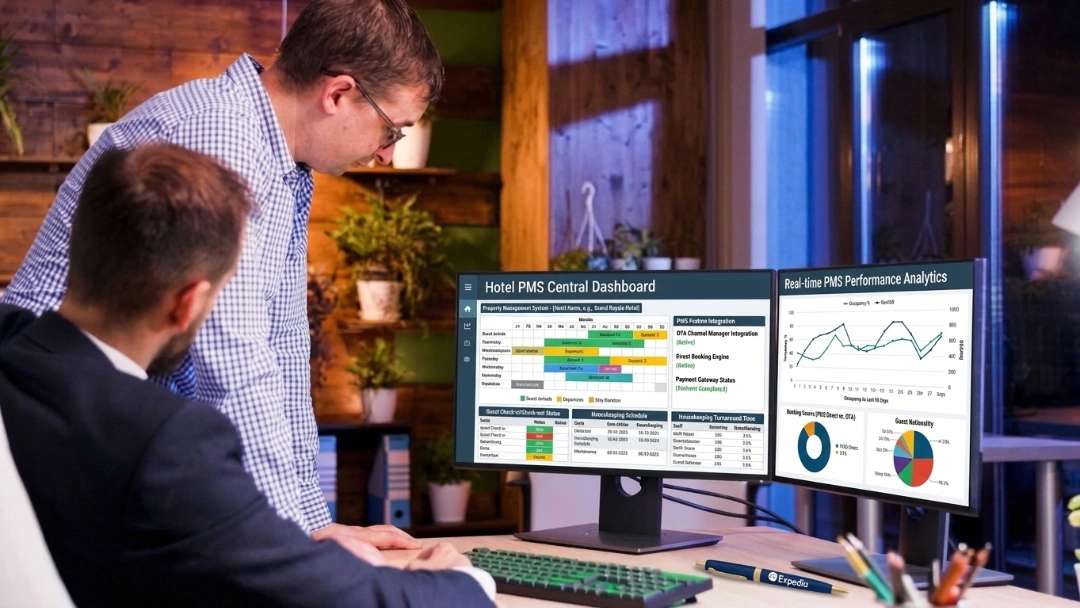
Why Hotels Move Away From RoomKeyPMS
Hotels leave RoomKeyPMS for four documented reasons: reporting that is hard to work with, group and travel-agent reporting that stays incomplete, rate visibility gaps on registration cards, and occasional system reliability issues.
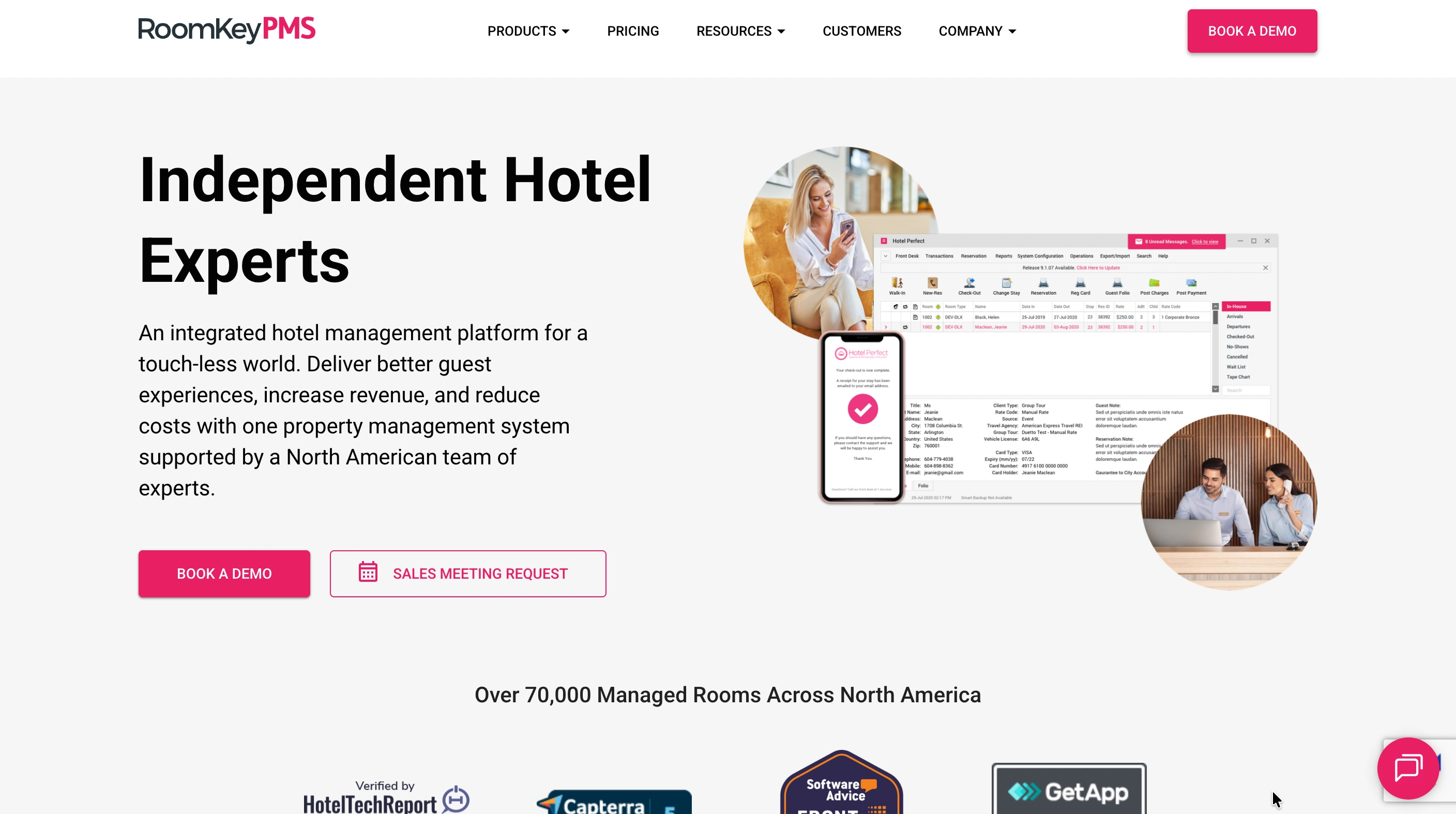
RoomKeyPMS is not a lightweight tool. It runs over 70,000 rooms across North America, connects with hundreds of third-party interfaces, and covers front desk, channel management, payments and revenue tools in one platform. Properties switching away from it are not outgrowing a basic system. They are solving specific, named friction points.
Reporting needs work. Users consistently cite reporting as an area needing improvement and describe it as less user-friendly than it should be. For a general manager who needs a clean answer on performance, wrestling with the reporting interface itself becomes its own task.
Group and travel-agent reporting stays incomplete. Specific features like group reporting and confirmations feel unfinished to users. A property running weddings, conferences or regular travel-agent volume feels this gap directly.
Registration cards hide rates from travel agents. This is a documented, specific complaint: hidden rates on registration cards prevent travel agents from seeing full totals. That is not a cosmetic issue, it affects a partner's ability to reconcile what they are owed.
The system is web-based only. That is a deliberate architecture choice, but reviewers flag it as a real operational risk when connectivity drops. Pre-authorized cards also do not always reflect as processed, which creates front-desk uncertainty at exactly the wrong moment.
If two or more of these sound familiar, you have specific, fixable friction to solve, not vague dissatisfaction. Multi-property groups and independents scaling group business are the most common switchers, a fit reflected in the roommaster hotel groups offering.
The Real Cost: Reporting Gaps and Manual Workarounds, Not the Subscription
RoomKeyPMS is already competitively priced, and it publishes its own efficiency claims: over 100 manual hours eliminated monthly through automation and a 99.5% uptime guarantee. This is not a "you are overpaying" argument. It is a "the gaps cost you time" argument.
Price the reporting workaround. If your team rebuilds reports in Excel because the native reporting does not answer the question cleanly, that is recurring hours every week, on top of the subscription you are already paying for.
Price the group reporting gap. Incomplete group reporting means someone is manually reconciling rooming lists, block pickup and group folios against a spreadsheet. For a property doing regular group or wedding business, that is a standing labor cost.
Price the travel-agent friction. If registration card rate visibility issues generate reconciliation disputes with travel agent partners, someone on your team spends time resolving those calls. That is not a software cost, but it is a real cost.
Price the connectivity risk. A web-based-only system going down during a busy check-in period has a cost in guest experience and staff stress that does not show up on an invoice but shows up in reviews and turnover.
Run these against your own operation before comparing subscription prices line for line. The roommaster ROI and pricing calculators model commission and efficiency impact against your actual occupancy and ADR, which is the more honest comparison than software fee against software fee.
Before You Jump: The Checks That Matter
RoomKeyPMS holds more operational complexity than a lightweight PMS, so the pre-migration checks go further than a basic reservation export.
What you can actually export, and in what format
Confirm your export includes: reservation reference, status, booking date, arrival and departure, room type, rate plan, occupancy, guest contact details, source channel, group affiliation, deposits, payments and remaining balance. Given the documented rate-visibility issue on registration cards, specifically verify that exported rate data is complete and accurate, not just what displayed on the printed card.
The spreadsheets and workarounds outside RoomKeyPMS
Look for the side systems your team built around the two documented gaps. A group reporting spreadsheet reconciling block pickup and rooming lists. A manual travel-agent commission tracker working around the registration card issue. Both are real data your new PMS should absorb, not leave behind.
What happens to your City Account and corporate balances
RoomKeyPMS runs a dedicated City Ledger Module. Groups, wholesalers and corporate accounts can be set up before checkout so that room and tax charges route to a City Ledger Account rather than a guest folio, using a specific city transaction code at checkout. City Ledger Accounts can also be attached directly to a Corporate Account, creating a standing link.
This is a materially different data type than a guest folio, and it needs its own migration path.
Before cutover, pull three things: every active City Ledger Account and its current outstanding balance, every Corporate Account with a City Ledger Account attached, and a list of upcoming reservations still linked to a City Ledger Account for direct billing. RoomKeyPMS's own "View Account Link Status" view exists precisely because unwinding these links without checking for in-flight reservations creates billing errors. Run that check before you export, not after.
If your property has active direct-bill relationships with corporate clients or travel agents, confirm with your new vendor exactly how city ledger balances and links transfer. A corporate client who gets billed incorrectly in month one of a new system is a relationship problem, not just a data problem.
Payment tokens and stored cards
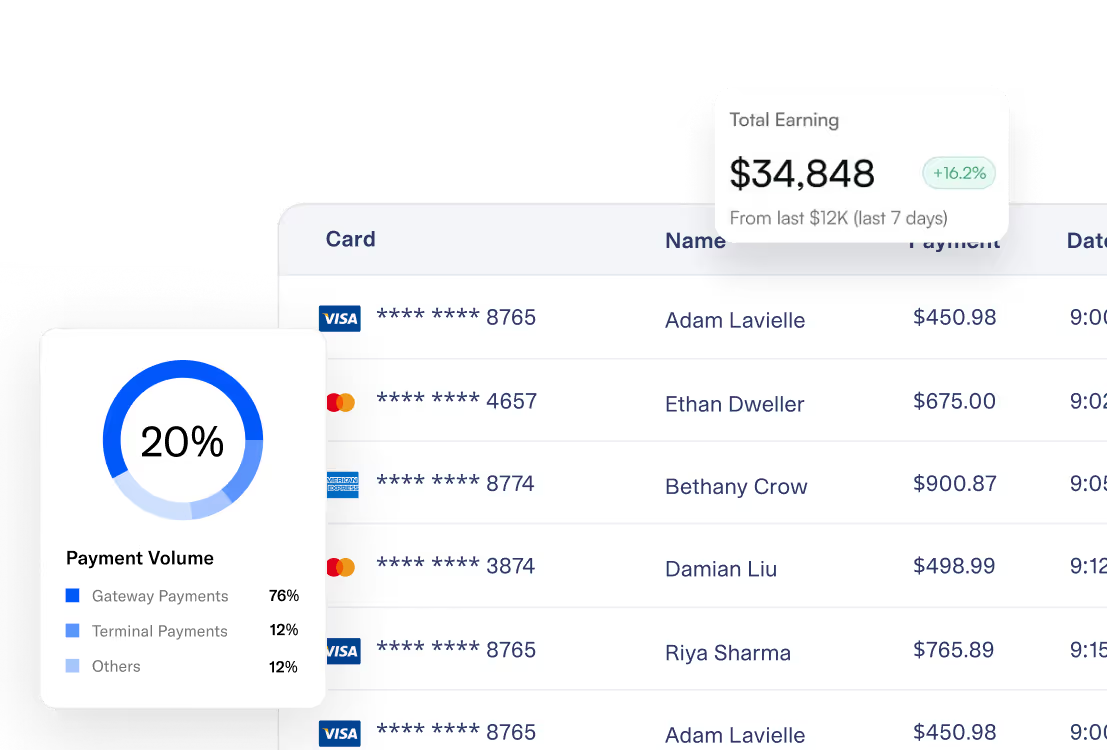
RoomKeyPMS centralizes PCI-compliant tokenization and works with EMV and PIN devices. Saved card tokens are tied to the gateway that issued them and do not transfer to a new PMS's gateway. Guests with stored cards, and especially corporate accounts with cards on file for recurring direct billing, need to be identified and communicated with before cutover.
If your property carries corporate accounts where cards are charged repeatedly outside the guest's presence, roommaster Payments processes deposits, pre-authorizations and settlements natively inside the PMS. That keeps city ledger billing and card processing in the same system rather than two systems you are reconciling by hand.
{{payments-cta}}
Auditing your integration list properly
RoomKeyPMS advertises that roughly 90% of the industry's top interfaces connect with it, and supports 400-plus operational integrations. That is a real asset, and it also means your re-connection list is longer than a lightweight PMS switcher's. A quick afternoon audit is not enough here.
List every connected system by name: channel manager, POS, door locks, accounting software, revenue tools, marketing and guest messaging platforms, and any custom REST API connections your team built. For each, confirm with your new vendor whether a native connection exists, what the workaround is if not, and how long re-connection takes. Do this before you commit to a cutover date, not during migration week.
Before You Leave RoomKeyPMS: A Hotelier's Checklist
Pull everything above into one working list.
- Export all reservation, rate and guest data, verifying rate fields are complete given the documented registration card issue.
- Pull every City Ledger Account balance and corporate account link, and run the account link status check for in-flight reservations before you export.
- List every group block and rooming list currently active or upcoming, separate from standard reservations.
- Confirm RateShopper competitor-rate history is in scope for export if your revenue manager relies on that historical data for pricing decisions.
- Identify stored cards on corporate accounts used for recurring direct billing, not just individual guest cards.
- Audit your full integration list by name, confirming native support or a workaround for each in the new system.
- Document your group and travel-agent reporting workaround, so that spreadsheet's logic gets absorbed into the new system rather than left running in parallel indefinitely.
- Note your Housekeeping (Web) Module setup: sections, attendants, inspectors and cleaning credits, so the new system's configuration starts from what already works.
- Pick a cutover date in a low-occupancy midweek window with no groups in-house, since group blocks are exactly what is hardest to migrate cleanly.
- Do not cancel RoomKeyPMS yet. Keep it live through training, cutover and verification.
Getting Your Data Out of RoomKeyPMS
Export in four passes, given the added complexity of city ledger and group data.
Pass one: reservations and rates. Every active and future reservation, with complete rate detail, not just what displayed on registration cards.
Pass two: guest and corporate profiles. Individual guest records plus corporate account profiles, including any City Ledger Accounts attached to them.
Pass three: group blocks and rooming lists. Every active and upcoming group block, its rooming list, custom group rate, and pickup data. This is a distinct export from standard reservations and is easy to miss if your migration plan only accounts for individual bookings.
Pass four: historical and RateShopper archive. Past reservations and financials for audit purposes, plus RateShopper's competitor-rate history if your revenue management relies on trend data rather than just current rates.
Store all four passes encrypted, with access restricted to the migration team, and never include full card numbers in any export file.
Managing the Housekeeping Web Module Transition
RoomKeyPMS's Housekeeping (Web) Module is a real, functional system: attendants and inspectors get assigned, sections get configured, cleaning credits get set, and daily schedules can be created or copied from the previous day, viewable on any tablet or desktop. This is not a gap in the sense that housekeeping scheduling does not exist.
The specific limitation is narrower: the module supports day-of scheduling and copying yesterday's schedule forward, but not true multi-day-ahead planning. A housekeeping manager who wants to build next Thursday's schedule today, ahead of a known group arrival, works around that by copying and manually adjusting rather than planning natively in advance.
Two things matter for your migration. First, export your current sections, attendant and inspector assignments, and cleaning credit structure, so your new system starts configured rather than from scratch. Second, if multi-day advance scheduling is one of your migration reasons, confirm the new system's specific capability in a live demo with your actual housekeeping manager present, not just a sales conversation. The person doing the daily scheduling should see the workflow directly before you commit.
Realistic Timeline: From Decision to Go-Live
Three to five weeks is realistic for a RoomKeyPMS migration, longer than a lightweight PMS switch because of group management, city ledger accounts and a deeper integration list.
Week 1: Assessment and account mapping. Your new vendor reviews room count, group booking volume, city ledger accounts and integration list. You run the account link status check and confirm export scope in writing.
Week 2: Data export. All four passes are exported from RoomKeyPMS. Field mapping begins with specific attention to rate data and group block structures.
Week 3: Configuration and integration re-connection. Your new PMS gets built out with your room types, rates, city ledger accounts and housekeeping structure. Integration re-connections proceed down your audited list.
Week 4: Training. Staff training runs on your real property setup. Front desk, housekeeping and anyone managing corporate accounts or group bookings need role-specific sessions, not a single generic walkthrough.
Week 5 (larger properties): Parallel testing and cutover. Independent properties with simpler group volume may cut over at the end of week four. Properties with active group business or complex corporate billing benefit from an extra week of parallel configuration testing before going live.
Choosing a cutover date
Pick a midweek night with no groups in-house and no corporate accounts mid-billing-cycle. Group blocks and city ledger accounts are exactly the data most likely to have loose ends at cutover, so avoid any week with active group business on the books.
Top 3 RoomKeyPMS Alternatives
1. roommaster
Best for: independent hotels and small groups that want RoomKeyPMS's operational depth without its documented reporting and group-reporting friction.
Reporting clarity. Real, usable reporting replaces the "needs improvement" complaint cited against RoomKeyPMS, without a side spreadsheet translating the data into something usable.
Complete group reporting. Group and travel-agent reporting ships as a complete feature rather than an incomplete one, closing the exact gap RoomKeyPMS users cite.
Rate visibility. Folio and registration rate data displays fully, so travel agent partners see accurate totals rather than working around hidden figures.
Migration ownership. The implementation team handles city ledger account mapping, group block transfer and integration re-connection directly, rather than leaving your team to reconstruct corporate billing relationships by hand.
Cutover support. 24/7 phone, chat and email support covers your first night audit and first group check-in on the new system.
Trade-off: pricing is quote-based, so benchmarking against RoomKeyPMS's published bundles takes a short conversation.
2. Cloudbeds
Best for: properties where OTA and metasearch reach matters more than group and corporate billing depth.
Broad channel connectivity carries most existing OTA relationships across without renegotiation, and PMS, channel manager and payments sit together in one subscription.
Trade-off: group and corporate billing tools are less specialized than RoomKeyPMS's City Ledger Module, so a property with heavy group or direct-bill business may find this a step back rather than forward.
3. RMS Cloud
Best for: hotel groups running several properties that want similar group management depth to RoomKeyPMS.
RMS Cloud offers multi-property functionality and group booking tools comparable in scope to what RoomKeyPMS users are used to.
Trade-off: integration breadth and North American support responsiveness should be verified directly, since RoomKeyPMS's own selling points center on exactly those two things.
For pricing context on the system you are leaving, see the RoomKeyPMS pricing breakdown.
Evaluation Criteria: Pain Points vs. Solutions
| Criteria | RoomKeyPMS pain point | roommaster solution |
|---|
| Reporting usability | Reporting cited as needing improvement, less user-friendly than expected | Real-time, usable reporting across ADR, RevPAR and occupancy without a translation layer |
| Group and travel-agent reporting | Group reporting and confirmations feel incomplete | Complete group and travel-agent reporting built into the platform |
| Rate visibility | Hidden rates on registration cards limit travel agent totals | Full rate transparency across folios and registration data |
| City ledger and corporate billing | Dedicated module exists but requires careful account-link handling during any transition | Native corporate billing handling with implementation-team-managed transfer of city ledger balances |
| Connectivity dependence | Web-based only, cited as a risk when internet drops | Built for reliability with support available around the clock during any outage |
| Housekeeping scheduling horizon | Day-of scheduling and copying yesterday's schedule, no true multi-day advance planning | Advance scheduling built into daily housekeeping workflows |
How to Move From RoomKeyPMS to roommaster in 3 Simple Steps
Step 1: Assess and map
A roommaster implementation specialist reviews your room count, group booking volume, city ledger accounts and full integration list. You run the account link status check together and agree exactly what transfers, including RateShopper history if relevant.
Step 2: Migrate and configure
Reservations, guest and corporate profiles, group blocks, and city ledger balances transfer using secure protocols. Your hotel property management system gets configured with your actual room types, rates and housekeeping structure while RoomKeyPMS keeps running live. Staff training runs in this window, with dedicated sessions for anyone managing corporate accounts or group bookings.
Step 3: Cut over and verify
On the agreed night, roommaster becomes your system of record. OTA connections switch across. Your team runs the first night audit and reconciles the five verification numbers below before sign-off.
If your property carries active corporate direct-bill relationships, the roommaster implementation team handles the city ledger transfer and account-link verification directly, so a corporate client's billing does not hit a gap during your first invoice cycle.
{{pms-one}}
What Happens to OTA Sync and Rate Parity During Cutover
Your OTA connections move from RoomKeyPMS to the new channel manager in sequence, so inventory stays accurate through the switch.
Before cutover, the new channel manager is configured with matching room types, rate plans and channel mappings. At cutover, connections disconnect and reconnect channel by channel, with a short gap per channel. Immediately after, a full inventory and rate push overwrites the last position RoomKeyPMS sent.
Freeze rate changes for 48 hours around cutover, and manually check your top three OTAs by volume on cutover morning to confirm rate, availability and minimum-stay rules match your PMS.
The roommaster channel manager syncs rates and availability across hundreds of OTAs in real time from one dashboard, keeping inventory consistent through the switch.
{{channel-manager-one}}
Handling Connectivity Dependence During Cutover
RoomKeyPMS runs web-based only, and reviewers cite that as a real risk when internet connectivity drops. Your cutover plan needs a connectivity contingency, not just a data contingency.
Confirm your property's internet redundancy before cutover night: a backup connection or hotspot capable of running front desk operations if your primary connection fails. Brief your team on a manual fallback process, paper registration and folio tracking for a short outage, so a connectivity issue during cutover does not become a guest-facing crisis.
This matters more during cutover week than any other week, because your team is already managing a system transition and has less slack to absorb a second, unrelated problem.
The Five Numbers That Prove Your Import Worked
Check all five before you decommission RoomKeyPMS.
1. Reservation count. Arrivals, in-house and future reservation counts must match your final RoomKeyPMS report exactly.
2. Revenue on the books. Total future room revenue must match. Given the documented rate-visibility issue, check this against your internal rate records, not just what displayed on registration cards.
3. Guest and corporate profile count. Totals must match, with corporate account details and City Ledger Account attachments intact.
4. Outstanding folio and city ledger balances. Both guest folio balances and City Ledger Account balances must reconcile to the cent against your RoomKeyPMS closing figures. Check these separately, they are different ledgers.
5. Group block and rooming list integrity. Every active and upcoming group block, its rooming list and custom rate must match RoomKeyPMS's records exactly. A rooming list error surfaces at group check-in, in front of the group organizer, which makes it the most visible failure point of any of the five.
If any of the five diverge, hold the cutover. Once live, your hotel reporting should reproduce prior-period figures within an explainable margin.
What to Monitor After Go-Live: Day 1, Week 1 and the First 30 Days
| Stage | What to check | Why it matters |
|---|
| Day 1 | Arrivals list matches RoomKeyPMS's final report; city ledger charges routing correctly at checkout; new OTA bookings landing in the new system; housekeeping assignments loading correctly for the day | Rate or ledger routing errors surface here, while the house is quiet |
| Week 1 | First night audit balances; group check-ins (if any) matching rooming lists exactly; corporate account charges reconciling to the correct city ledger account; rollback decision point | Night audit and any group arrival are the first real stress tests |
| First 30 days | Full booking cycle channel accuracy; first complete month-end close including city ledger reconciliation; RateShopper or revenue reporting compared against prior-period baseline; housekeeping scheduling workflow confirmed against staff feedback | Ledger and group errors that only surface across a full billing cycle appear here |
Bottom Line
Migrating from RoomKeyPMS means handling more than reservations: city ledger accounts, group blocks and a deep integration list all need explicit attention. Audit your account links first, export in four passes, confirm your housekeeping structure, and verify five numbers, not four, before you go live.
If your property runs active corporate billing or group business and needs that handled correctly during a switch, the roommaster implementation team can scope the city ledger and group block transfer directly. Book a demo and bring your current City Ledger Account list to the call.
{{cta-strip}}
Frequently Asked Questions
1. How long does it take to migrate from RoomKeyPMS?
Three to five weeks from decision to go-live, depending on group booking volume and integration count. Larger properties with active group business should plan for the longer end.
2. What happens to my City Ledger Accounts and corporate balances?
They transfer as a distinct data type from guest folios. Run RoomKeyPMS's account link status check before export to catch any reservations still tied to a City Ledger Account, then verify balances reconcile to the cent after cutover.
3. Will housekeeping scheduling work the same way after I switch?
Your sections, attendants and cleaning structure carry over. If multi-day advance scheduling was a reason you are switching, confirm the new system's specific capability with your housekeeping manager in a live demo before committing.
4. Do saved payment cards transfer from RoomKeyPMS?
No. Tokens are tied to the originating gateway. This applies to individual guest cards and to cards on file for recurring corporate direct billing, so identify both before cutover.
5. What is the biggest risk during cutover?
Group blocks and city ledger accounts, because they carry more relational data than a standard reservation. Verify both explicitly rather than assuming a standard reservation export covers them.


.png)
.png)
.png)