What Is Google Business Profile Optimization for Hotels?
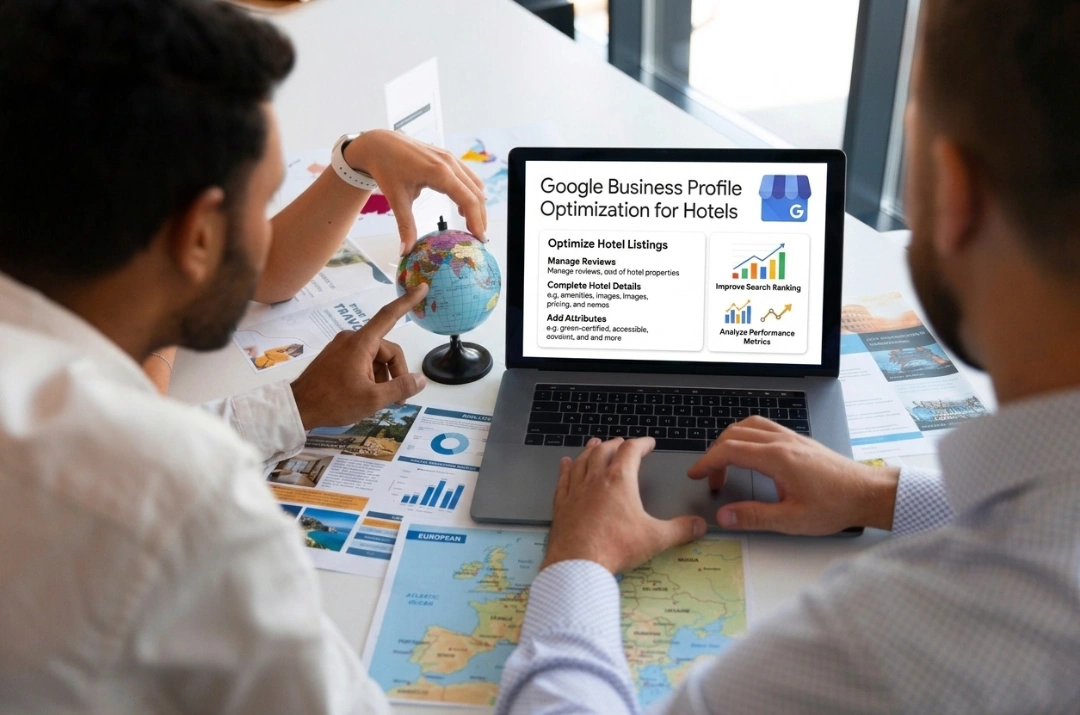
Google Business Profile optimization for hotels refers to completing every profile field and photo.
For an independent hotel, a Google Business Profile often forms the first impression, and might be the only impression a traveler gets before booking. Optimizing it means more than adding a phone number. It means every field, photo, and guest interaction stays current.
The stakes are higher for an independent property than for a branded chain. A traveler comparing a chain hotel already trusts the brand before they search. An independent property has to earn that trust inside the search results page, through a complete profile, current photos, and fast review responses. Every section below is a lever a hotel owner controls directly, no agency or corporate marketing team needs to get involved.
Essential Profile Setup: Get the Foundation Right
Essential profile setup means claiming your listing and keeping every attribute and NAP detail accurate.
This section covers the mechanical, unglamorous work Google checks first. Skipping it undermines everything covered later. Google weighs foundational accuracy before it rewards good photos or fast replies.
Claim and Verify Your Listing First
Every step below assumes the listing is already claimed and verified. If it is not, none of the rest matters. Ownership verification usually happens by postcard, phone, or email.
Getting listed correctly is a separate, more mechanical process. roommaster covers those exact steps separately, see the walkthrough on Google Hotel Finder. This section assumes that groundwork is already done and focuses on optimizing what is already live.
Keep Your Name, Address, and Phone Number Identical Everywhere
Google cross-checks a hotel's name, address, and phone number, known as NAP, against every other place that data appears online. Mismatched formatting on a website, OTA listing, or directory page weakens Google's confidence.
A property might use "The Harborview Inn" on its own website, while an old directory entry lists it as "Harborview Inn LLC." That mismatch is exactly the problem. Fix inconsistencies wherever they surface: the website footer, OTA property pages, local directories, and the chamber of commerce site. Small formatting differences, like a suite number written two different ways, still count.
Fill In Every Hotel Attribute Google Offers
Google built a specific attribute set just for hotels, an option other business types do not get. Pool access, pet policy, free wifi, breakfast inclusion, and parking availability all have dedicated fields. Leaving them blank hides a hotel from filtered searches.
Attributes worth prioritizing first:
- Pool, hot tub, or beach access
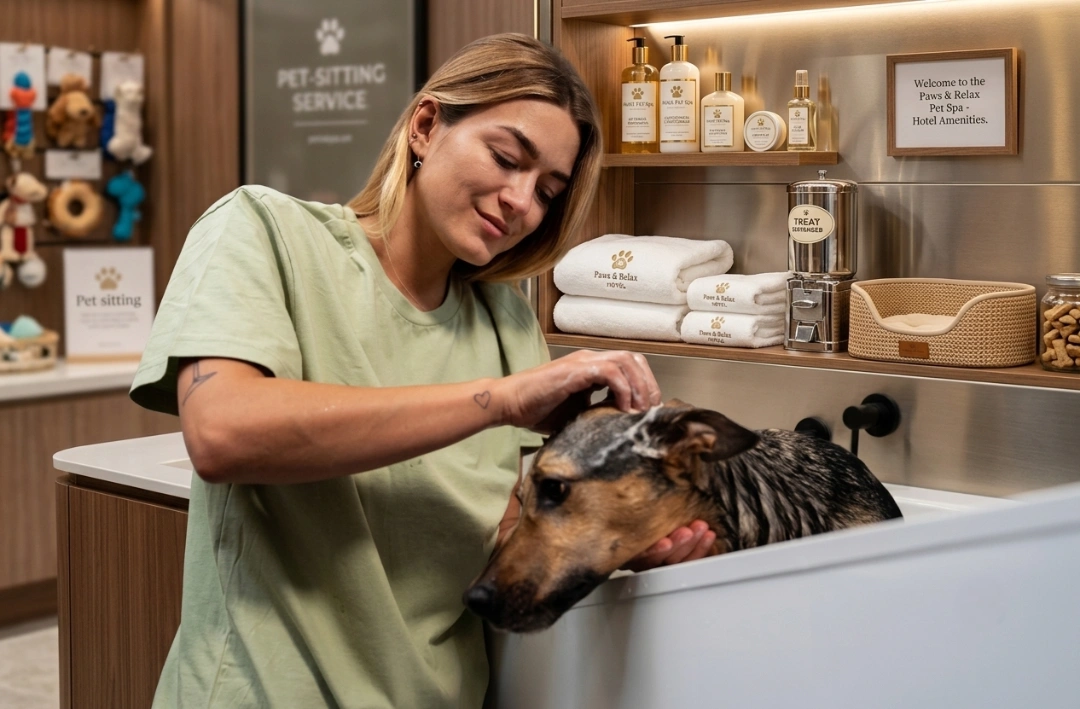
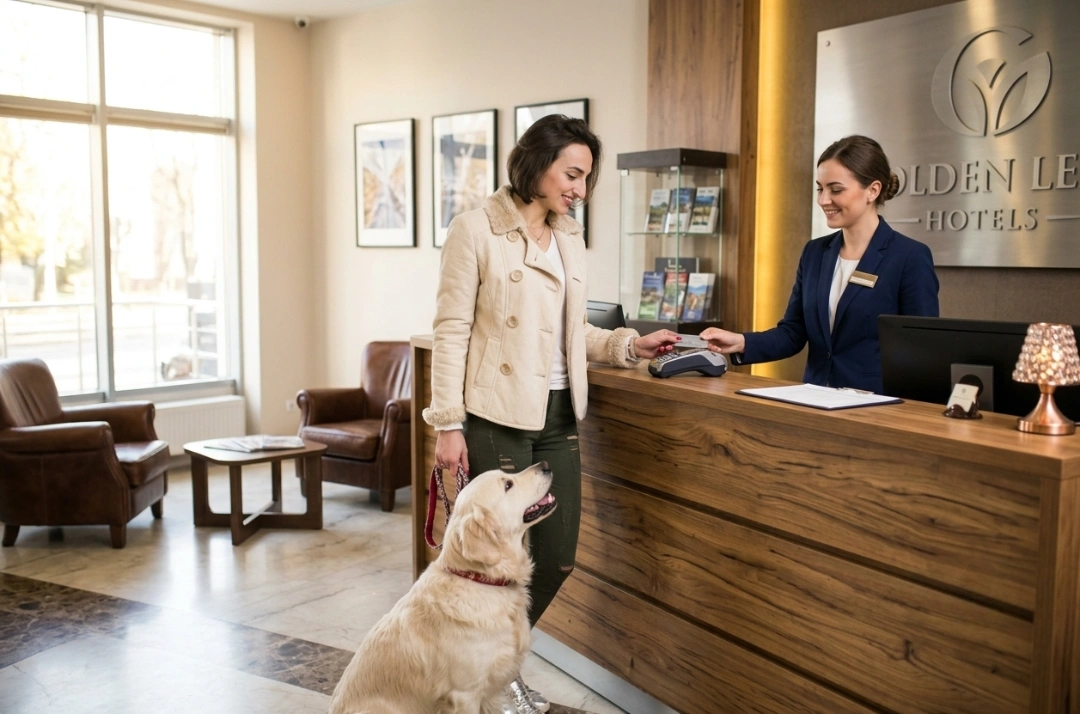
- Pet policy, including size or breed limits
- Wifi availability and whether it is free
- Breakfast inclusion and style, continental or full service
- Parking type and whether it is free or paid
A traveler filtering results for "pet friendly hotels near me" sees only properties that filled in that attribute. An empty field reads as a no to Google's filters, even when the real answer is yes. A quick pass through the full attributes list catches anything left blank.
Visual and Content Strategy: Photos and Descriptions That Convert
A strong profile strategy keeps photos seasonal and writes a description guests actually search for.
Photos and written copy get compared side by side against every competing listing. This is where a profile earns the click, or loses it. A searcher scanning several nearby properties spends only a few seconds per listing, and dated photos or a vague description cost a hotel that window, even when the property is well maintained.
Update Photos as the Seasons Change
Stock-style photos taken once at launch age quickly. A snow-covered entrance shown in July signals a neglected listing, even when the property looks great in person.
Seasonal refreshes matter most for exterior shots, pool areas, and outdoor amenities. A pool photo in December, when the pool might be closed, undercuts trust more than having no pool photo at all. Rotate photos every quarter where the property's look changes with weather, and add fresh room photos after any renovation.
Write a Description That Matches How Guests Actually Search
The business description field is prime, and often wasted, space. Many hotels default to generic language about hospitality and comfort, language that could describe any property in any city.
A stronger description names the neighborhood and the closest landmark, then adds two or three concrete amenities a guest would search for, like free parking or a pet friendly policy. It reads like an answer to a real question. Independent hotels compete with chains on exactly this kind of local detail. A franchise template cannot replicate it.
Use Google Posts for Seasonal Promotions
Google Posts sit directly on the profile. They let a hotel highlight a weekday rate, a local event, or a seasonal package. Posts expire after seven days, so they need a light, ongoing rhythm rather than a one time setup.
A hotel near a college town might post about parents weekend rates. A beach property might post about a shoulder season discount. These posts give a search visitor a reason to click through, one that can beat comparing straight to an OTA listing.
Reputation and Engagement: Reviews and Q&A
Reputation and engagement means fast review replies and regular Q&A monitoring for wrong answers.
Reviews and guest questions are parts of a profile a hotel does not fully control. Managing them well still sends a direct signal to Google and to future guests. A guest reads reviews before rooms, photos, or price, and fast, thoughtful replies change how a guest weighs everything else on the page. Neither task needs a large team, a front desk manager checking both once a day covers most of this section.
Reply to Every Review Within 24 to 48 Hours
Response speed signals that a property is actively managed. Google's own guidance points to a 24 to 48 hour window, one that applies to responses, positive or negative.
A short, specific reply beats a generic one. Thanking a guest by name and mentioning one detail from their stay does more than a copied "thank you for your feedback." Negative reviews deserve the fastest response of all, since delay reads as indifference to anyone comparing properties.
Check the Q&A Section Before a Guest Gives the Wrong Answer
The Questions and Answers section is open to anyone, not the hotel alone. A past guest, a competitor, or a random user can answer incorrectly, and that wrong answer can sit there for months unnoticed.
Hotels that check this section weekly catch bad answers early, covering things like parking cost, pet fees, or check in time. Seeding a handful of common questions directly also helps, lowering the odds a stranger answers first, like whether early check in is available.
How Live Rate Sync Powers Free Booking Links
Free booking links only convert when the booking engine sends Google live, real time rates.
Google's AI Overview for this topic lists free booking links as one setup step. What it does not explain is the mechanical requirement behind that step. A hotel can add booking links without generating a single reservation, whenever the data feeding those links is not live.
Google Hotel Center is the interface behind free booking links. It pulls rate and availability data from a connected source, typically a hotel's booking engine or a channel manager integration, and displays that data to searchers deciding where to book.
Most articles covering this topic stop at "add free booking links," treating it as a single checkbox inside the profile settings. The reality involves an ongoing data feed, one that has to stay accurate around the clock, well past setup day.
What a Guest Actually Sees When They Click a Free Booking Link
A traveler sees a rate and a "Book" button inside the Google listing, often before they ever reach the hotel's own website. That button routes to whichever source feeds Google the live data.
If the rate shown does not match checkout, the guest reacts badly, either abandoning the booking or booking through an OTA instead. The mechanism only works when the number on Google matches the number one click later.
Why a Static Feed Breaks the Free Booking Links Promise
Some booking engines push rates to Google on a schedule, once a day or a few times a week, rather than instantly. That gap sounds small until a room sells out or a rate changes mid-day.
A guest who clicks through to a sold out room blames the hotel. The sync delay stays invisible to them, and the same happens with a rate that jumped since the last refresh. Google also deprioritizes listings with a pattern of booking failures, so a static feed can quietly reduce how often Google surfaces the listing at all. The hotel never sees this happening, no error message appears, just fewer bookings over time.
What Has to Sync in Real Time Between the PMS and Google
Three things need to move in real time for free booking links to convert: room availability, current rate, and stay restrictions, things like minimum stay or closed to arrival dates. All three live inside a property's PMS and booking engine, not inside the Google listing.
A booking engine connected to the PMS through a live integration updates Google instantly, the moment a room sells anywhere, whether at the front desk, by phone, or through an OTA. A booking engine that only syncs periodically leaves a gap, and during that gap, Google shows inventory that no longer exists. This operational piece decides the outcome: whether a "free booking links" setup step turns into a reservation or a guest complaint.
Where Paid Placement Fits Alongside the Free Listing
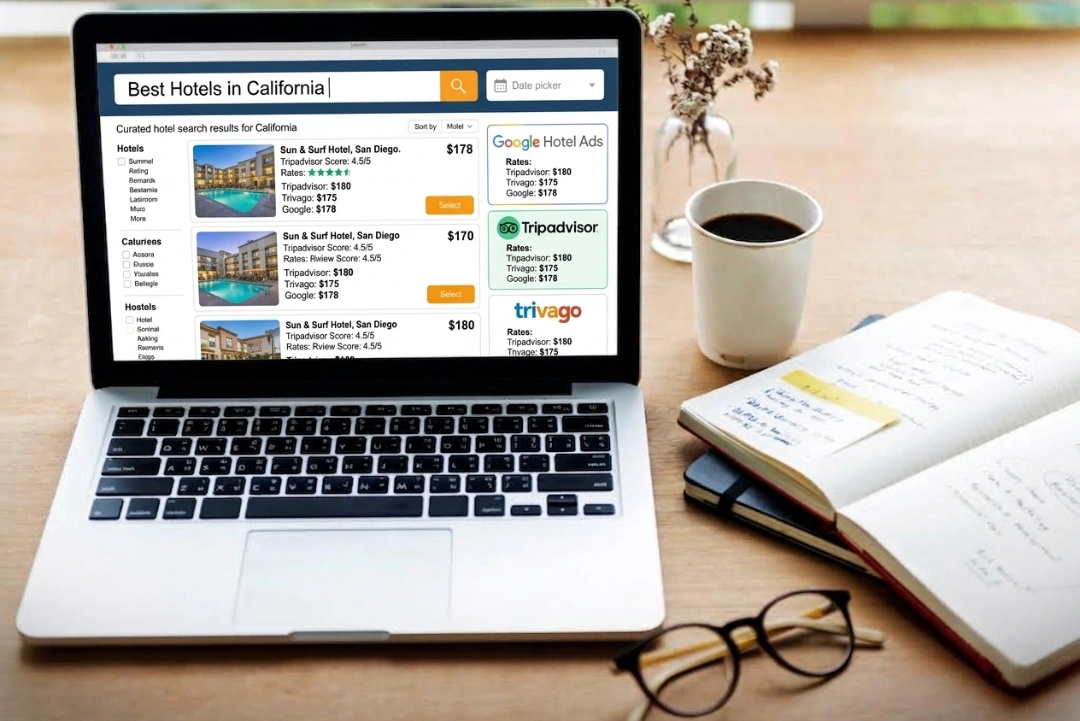
Free booking links sit alongside paid placements in the same Google Hotel Ads auction. A hotel can run both at once. The free listing acts as a baseline, and paid bids add visibility during high demand periods.
roommaster has covered the bidding side of this separately, including how the auction ranks paid placements. See a dedicated look at Google Hotel Ads. The free and paid sides share the same underlying rate and availability feed, and the live sync requirement above applies to both.
Turn Your Google Business Profile Into a Direct Booking Channel
A Google Business Profile turns into a booking channel with a live synced booking engine.
Everything above depends on one thing: a booking engine has to actually hold up its end of the live sync requirement. roommaster's metasearch offering was built around that exact problem, from a team with decades of hands-on hotel management experience.
roommaster connects a property to top hotel metasearch platforms, including Google Hotel Ads, TripAdvisor, Trivago, and more. Rates and availability shown to a searcher come directly from the property's own booking engine, and that data stays automatically current. Manually updated feeds tend to drift out of sync within days.
That live connection matters at the moment of truth. A guest who clicks a free booking link, or a paid ad, lands on a booking flow that matches the rate they saw on Google, with no gap between the two. Properties running this setup also become eligible for the "Official Site" tag, which visually separates a hotel's booking page from resellers and OTAs that might list the same room.
Hotels evaluating a PMS or booking engine renewal have a natural opening here, to fix the sync issue while working through this checklist. See how roommaster's hotel metasearch connection works. Book a demo to check the current setup, and find out whether it sends Google live data or a static feed.
{{cta-strip}}
Frequently Asked Questions
1. What is Google Business Profile Optimization for hotels?
Google Business Profile optimization for hotels means filling out every attribute, photo, and review response.
2. How often should a hotel update Google Business Profile photos?
Refresh seasonal photos, like pools, every quarter. Add new room photos after any renovation.
3. How fast should hotels respond to Google reviews?
Google's guidance points to a 24 to 48 hour window for review responses.
4. What are free booking links on Google?
Free booking links let a searcher check rates and book directly from the Google listing. Google charges no fee per click, but the connected booking engine must send live data.
5. Do hotel attributes affect Google ranking?
Filled attributes, like pool access or pet policy, help hotels appear in filtered local searches.
6. What is the difference between Google Business Profile and Google Hotel Ads?
Google Business Profile is the free local listing. Google Hotel Ads adds a paid and free booking auction on top of it.
.png)
.png)
.png)