.png)


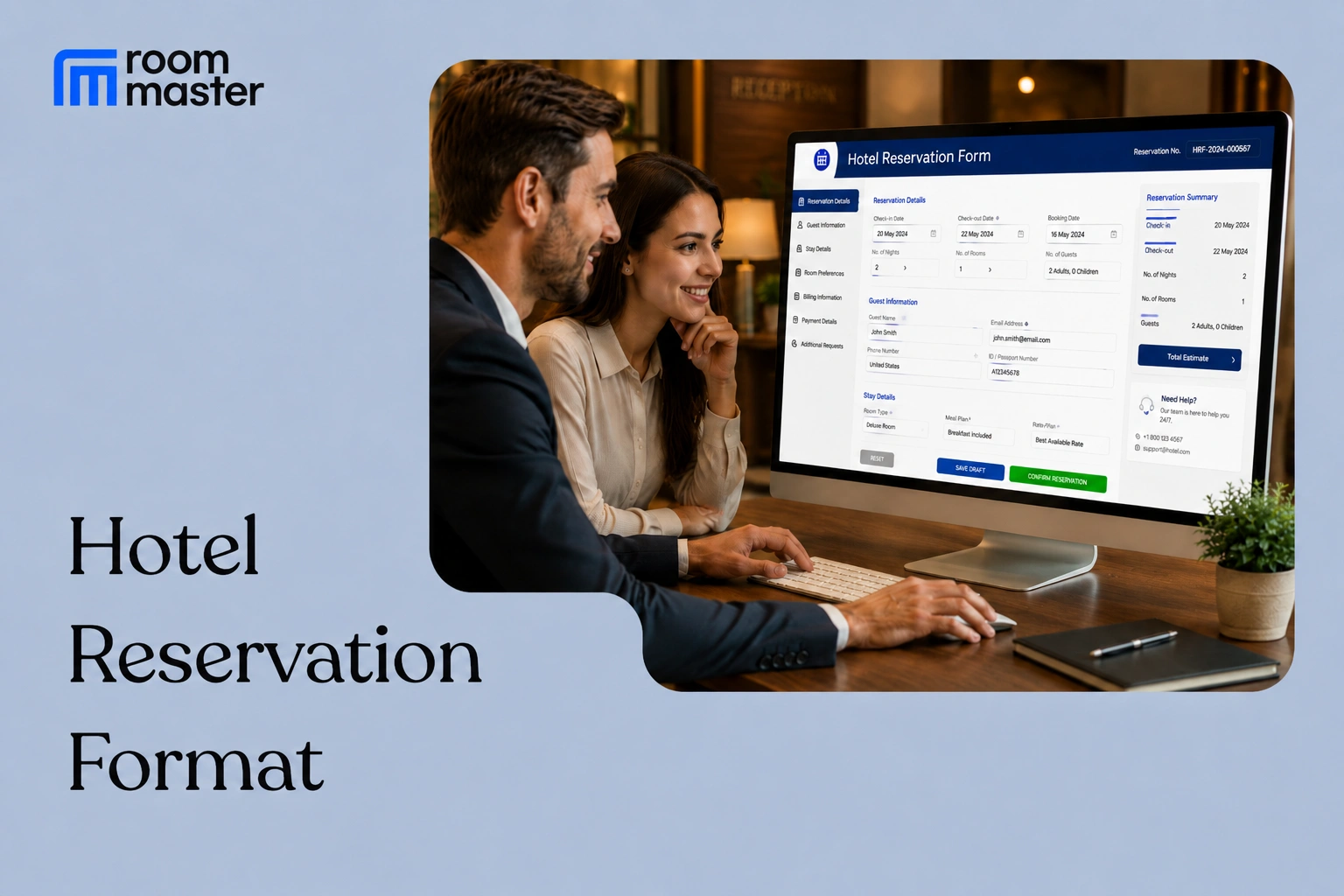
Who this is for: front desk and reservations staff at independent hotels, hotel groups, motels, resorts, B&Bs, parks, and hostels who need a standard format to capture guest booking details by phone, email, or walk-in.
A hotel reservation format is the single document reservations teams use to record every detail of a booking before it is confirmed: who the guest is, when they are staying, what room they want, and how they are paying. Unlike receipts or event orders, this is not a document with multiple real-world variants. It is one format, filled out the same way whether the request comes by phone, email, or walk-in.
What's Included in This Format
- Guest full name, contact details, and home address
- Company or organization name for corporate travel bookings
- Check-in and check-out dates, plus estimated arrival and departure times
- Occupancy: number of adults and children
- Room type and quoted rate
- Payment method and card details (masked) or guarantee information
- Airport shuttle or pickup details, including flight number
- Special requests: dietary needs, quiet room, high floor, extra bed
- Cancellation policy summary
- Name of the agent who booked the reservation
The Hotel Reservation Format
Use this format for phone, email, or walk-in bookings before they are entered into your system.
How Do You Fill Out a Hotel Reservation Format?
Capture guest and stay details first, then confirm payment and policy details last, so nothing is entered before it is verified.
- Record the guest's full name, phone number, and email exactly as given, so confirmation emails and calls reach the right person.
- Confirm check-in and check-out dates against your availability before quoting a rate.
- Note occupancy (adults and children) accurately; it affects room type eligibility and any extra-person charges.
- Log special requests as they are stated, without assuming a room type can accommodate them until you check.
- Take payment or guarantee details last, once the guest confirms they want to proceed with the booking.
- Read back the cancellation policy before ending the call or sending the confirmation.
Common Mistakes to Avoid
- Quoting a rate before confirming room availability for the requested dates
- Leaving contact details incomplete, which delays sending a confirmation
- Not logging special requests in writing, so they get lost between booking and check-in
- Skipping the cancellation policy summary, leading to disputes later
- Recording occupancy incorrectly, which causes rate or room-type mismatches at check-in
Example
A guest calls to book two adults for three nights starting next Friday. The agent records the guest's name, phone number, and email, confirms a double room is available at $145 per night, and notes a special request for a high floor. The guest pays a deposit by card to guarantee the room, and the agent reads back the cancellation policy: full refund if cancelled 48 hours before arrival.
Hotel Reservation Formats by Property Type
All seven roommaster property types take reservations, and each adjusts the same core format to its own terminology and booking details. Independent Hotels use the format above as-is. The other six are below.
Hotel Groups Reservation
Adds the specific property name and location so a central reservations team can route the booking to the right property in the group.
Motel Reservation
Keeps the format lean for single-building, roadside properties, dropping fields like package add-ons that do not apply.
Resort Reservation
Adds package and amenity add-ons (spa, activities), a mandatory resort fee line, and airport shuttle details, since resort bookings are more likely to include add-ons booked in advance.
Bed & Breakfast Reservation
Notes whether breakfast is included in the rate and uses room or suite names instead of numbers, matching how most B&Bs identify rooms.
Parks (RV & Campground) Reservation
Replaces room type with site type and adds a utility or hookup fee line for RV and campground bookings.
Hostel Reservation
Tracks beds booked instead of rooms, since hostel reservations are usually made per bed in a shared dorm, not per room.
Bottom Line
A consistent reservation format keeps phone, email, and walk-in bookings accurate before they ever reach your system. If your front desk is still writing these down by hand and re-entering them, roommaster reservation management captures guest details, dates, room type, and payment directly in the PMS the moment a booking is made. No separate paper format, no re-entry.
Frequently Asked Questions
1. How do you make a hotel reservation?
Confirm the guest's stay dates and occupancy against availability, quote a room type and rate, then take payment or guarantee details to hold the booking.
2. How do you create a hotel reservation form?
Use the fields in the format above: guest contact details, stay dates, occupancy, room type, payment method, and special requests, arranged in the order you will actually collect them.
3. What is an example of a reservation?
A guest booking two adults into a double room for three nights, with a card on file to guarantee the room and a noted request for a high floor, is a standard reservation example.
4. How do I write a reservation request?
State your name, contact details, requested dates, occupancy, and room type preference, then ask the property to confirm availability and rate before you provide payment details.


