.png)


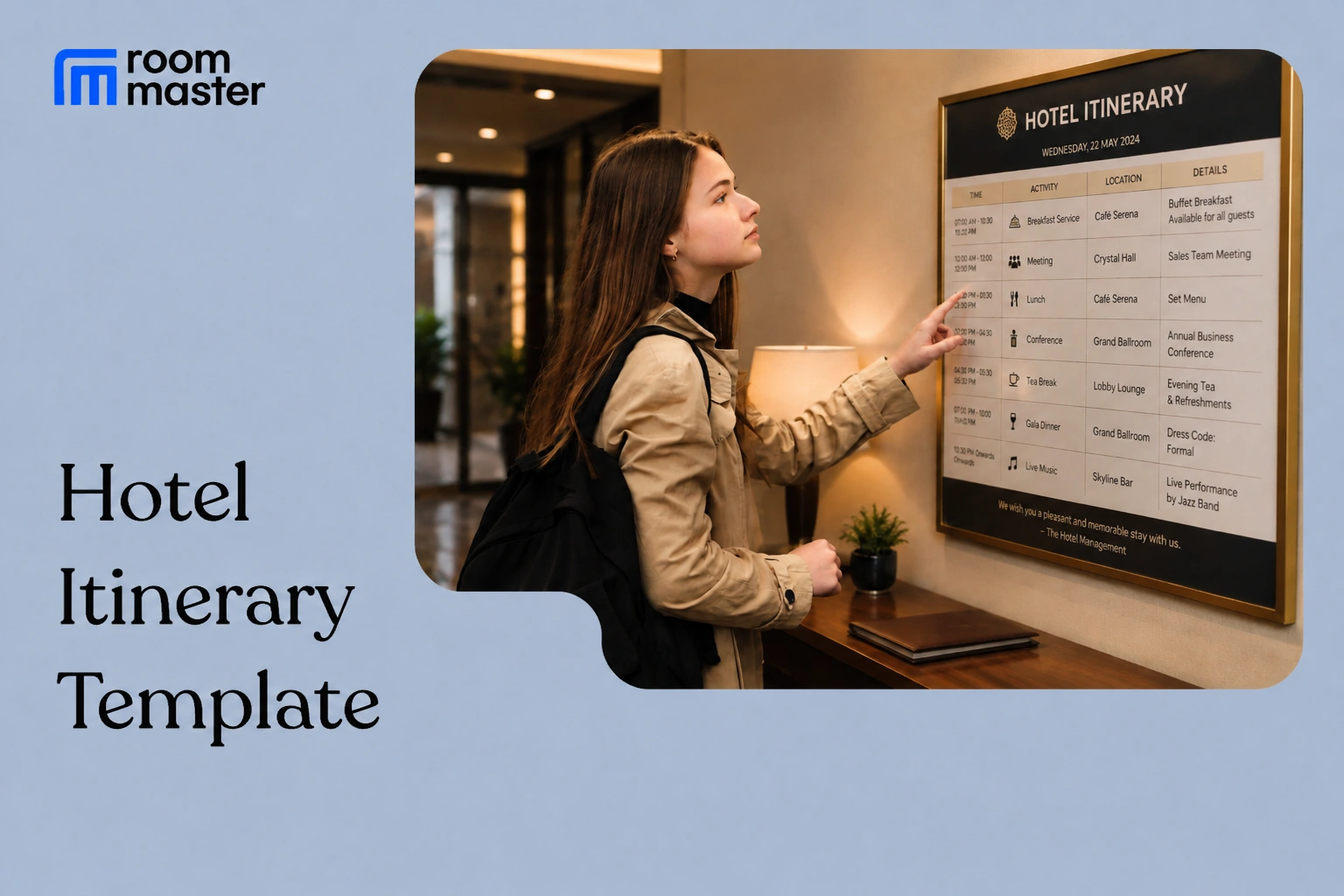
Who this is for: Made for front desk, concierge, and group sales teams at properties that send guests more than a booking confirmation, packages, resort schedules, and group or event blocks where a single reservation line is not enough.
A hotel itinerary confirms the stay details and lays out what is scheduled during it, so the guest (or group coordinator) has one document instead of a stack of separate confirmations. This page covers the two formats hotels actually use: one for an individual guest's stay and one for a group or multi-room block.
What a Hotel Itinerary Needs to Include
- Header details: guest or group name, confirmation number, and stay dates
- Property details: name, address, and front desk or concierge contact
- Logistics: check-in and check-out times, room or room block assignment, payment/billing method, and cancellation policy
- Daily schedule: any dining, spa, activity, or meeting reservations tied to the stay, by day and time
- Notes: special requests, headcounts, or anything the front desk needs to reference without pulling the full folio
Individual Guest Itinerary
For a single reservation with add-on reservations, most common for packages and multi-night stays.
Group / Multi-Room Itinerary
For weddings, retreats, and corporate blocks covering multiple rooms and a shared schedule.
A Filled-In Example
A couple books a three-night anniversary package. Their itinerary shows check-in at 3pm on Day 1, a 7pm dinner reservation at the property restaurant, a Day 2 spa appointment at 11am, a sunset tour at 5pm, and check-out at 11am on Day 3. Every reservation lists its own confirmation number, so the guest does not need to call the front desk to verify a booking they made weeks earlier.
Hotel Itinerary Templates by Property Type
An itinerary this detailed is mostly a full-service practice, so it applies to four of roommaster's seven property types beyond the individual and group formats above. Independent Hotels use the Individual Guest Itinerary as-is. Motels and Hostels are left out here since a personalized itinerary is not typical practice at either.
Hotel Groups Itinerary
Adds the specific property name and location, plus a loyalty or corporate account field, so guests staying across properties in the same group can be tracked correctly.
Resort Itinerary
Leads with the resort fee and package inclusions, since resort stays are built around an all-inclusive schedule rather than a single room charge.
Bed & Breakfast Itinerary
Scaled to a smaller, more personal stay, noting whether breakfast is included and leaving room for the innkeeper's own local recommendations.
Parks (RV & Campground) Itinerary
Replaces room fields with site fields and schedules guided activities like hikes or campfire programs instead of hotel-style reservations.
Building and Sending the Itinerary
- Pull the confirmed reservation or room block details first. Do not estimate dates, rates, or room counts
- Add any add-on reservations (dining, spa, activities, meeting space) as they are confirmed, not before
- Send it to the guest or group coordinator at least a few days before arrival, and again at check-in if anything changed
- For group blocks, confirm the billing method up front so the master account and individual folios do not get mixed up at checkout
What to Avoid
- Sending the itinerary before add-on reservations are actually confirmed, which creates mismatches the front desk has to fix later
- Leaving off confirmation numbers, so the guest has to call to verify a booking that is already confirmed
- Using the individual guest format for a group block, which hides the room count and billing method the coordinator actually needs
- Not updating the itinerary after a late change (room move, cancelled activity) before the guest arrives
Bottom Line
A hotel itinerary only works if it reflects what is actually confirmed, not what is estimated. If your team is copying reservation and add-on details from separate systems into a document by hand for every package or group stay, roommaster keeps the reservation, room, and folio details in one PMS, so building that itinerary is a matter of pulling confirmed information, not re-entering it.
Frequently Asked Questions
1. Is there a hotel itinerary template in Word?
Yes. Build one from the field tables on this page in Word, or use the downloadable Word version of this template directly.
2. What does a good hotel itinerary look like?
It states the guest or group name, confirmation number, room details, check-in/check-out, and every add-on reservation by day and time, not just the stay dates.
3. Can a hotel itinerary template be built in Excel or Google Sheets?
Yes. Use the details and schedule tables above as separate sheets, or export directly from your PMS if reservation and folio data are already there.
4. Does Google Docs have a hotel itinerary template?
Google Docs has generic travel itinerary templates, but none built for hotel-specific fields like confirmation numbers or room blocks, so most properties build their own from a table like the ones above.
5. How far in advance should a hotel itinerary be sent?
A few days before arrival is standard, with an updated copy at check-in if any reservation or schedule detail changed since it was first sent.


